 SHENDZO
Audio recording
How to add timestamps to an audio recording on iPhone
Leave a marker when the topic changes or when someone mentions a number you’ll want to check.
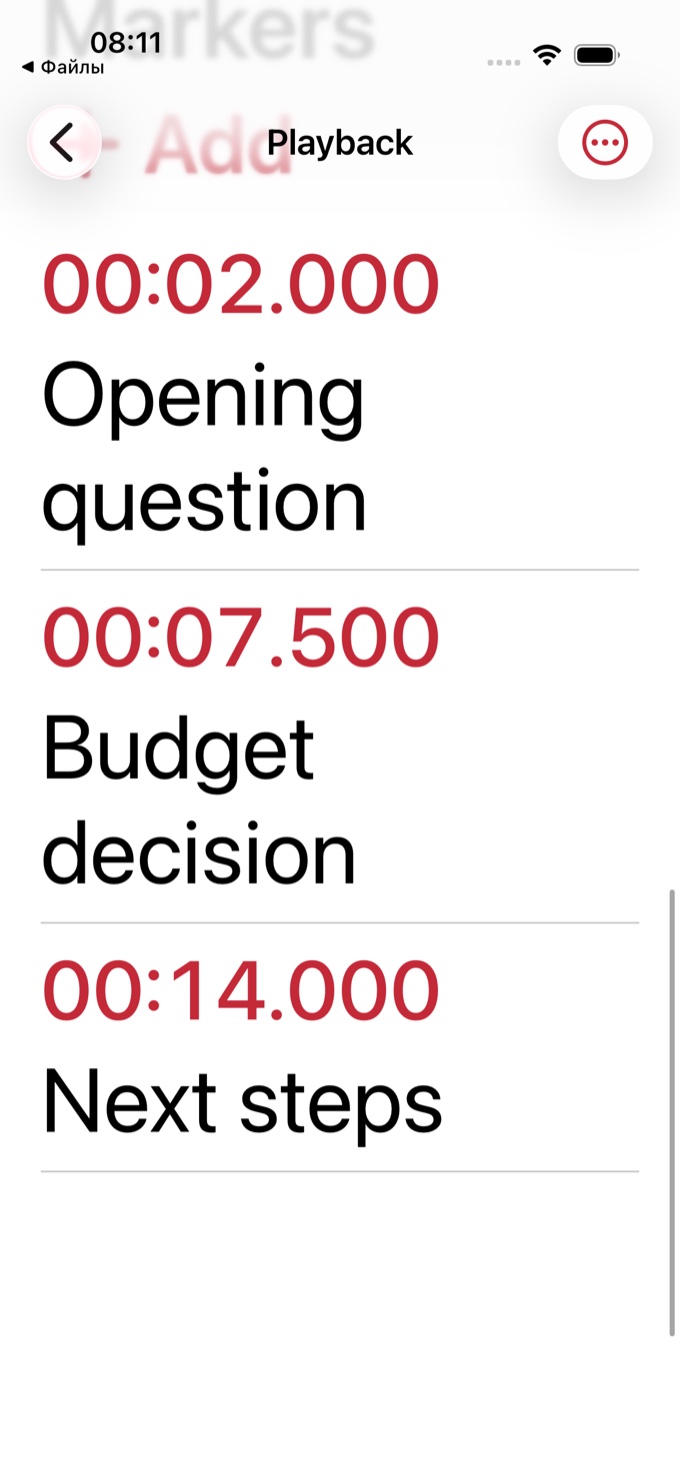
The part you need in a twenty-minute conversation may last only seconds. Mark it while recording or during the first listen. Use a short name such as “Budget estimate” that you’ll recognize in a list.
Leave a little context
If the speaker started a few seconds earlier, move the marker back. Check that it lands where you can hear the question or the lead-in. Give neighboring markers names that are easy to tell apart.
Our app Voice Marks records audio and lets you name and adjust markers. During playback, you can jump directly to a marked moment.
Voice Marks

