 SHENDZO
Articles
Daily Ledger · Personal finance
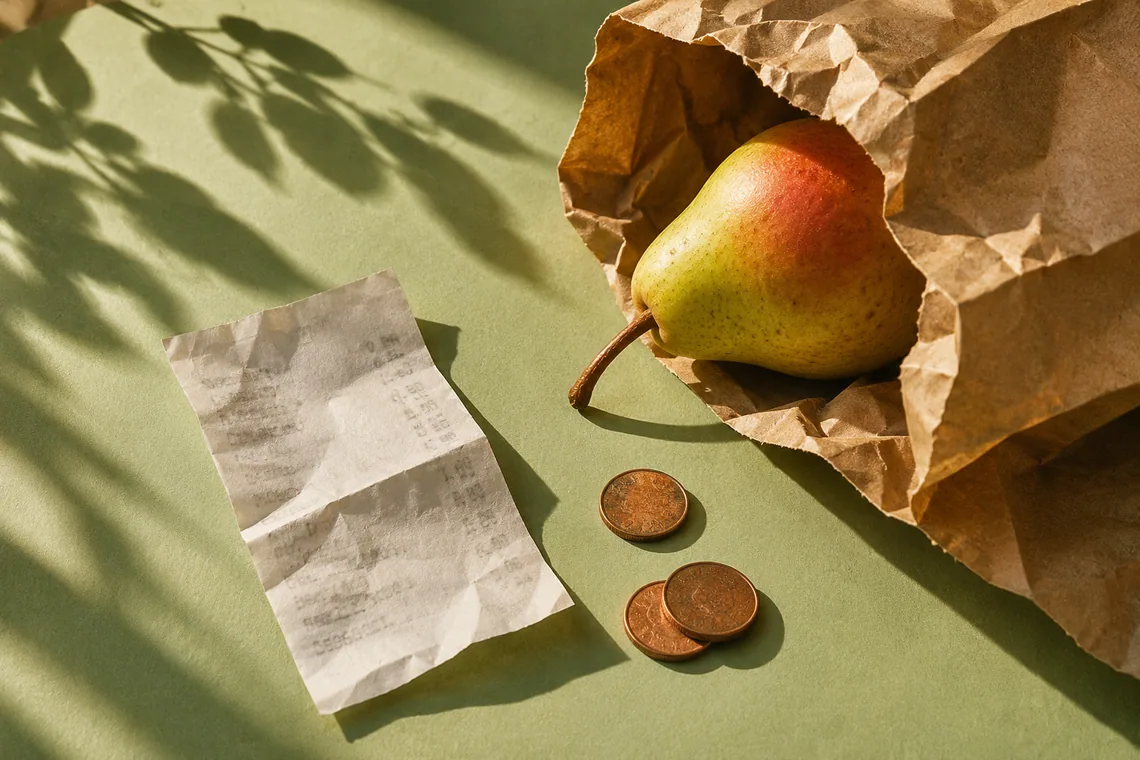
How to make your first monthly budget
After rent and bills, one $3,000 paycheck leaves $1,300. Some of that is going toward a trip. How much is left for groceries, bus fare and a Friday night out?
Daily Ledger · Personal finance
Where does your money go between paydays?
You probably remember the big bills. Groceries, rides and lunches are harder to add up after two weeks without a record.

Dual Camera · Mobile video
Can the iPhone 13 film with both cameras at once?
In a birthday video, you can usually tell who held the phone by the singing. Could the front camera get the singer into the shot too? We tested dual-camera recording on an iPhone 13.
Paper Desk · Documents
What to check before you email a scanned contract
A three-page lease can still produce a three-page PDF when you scan the middle sheet twice. The easiest time to catch that is while the signed copy is still on the table.
Daily Ledger · Personal finance
How long would your savings last without a paycheck?
With $4,800 in savings, one household can cover four months of essentials if its insurance comes due in May. Move that same bill to January and the money runs short in April.
Daily Ledger · Personal finance
How much are your subscriptions costing you?
Music, cloud storage, streaming and a few other services can each look affordable. Add them together and the picture may change.
Daily Ledger · Personal finance
How to budget for annual and irregular expenses
Insurance might be due once a year and gifts around the holidays. Here is how to work backward from the payment date.
Daily Ledger · Personal finance
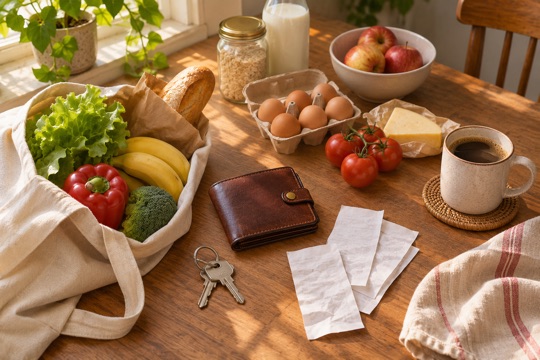
How to work out your monthly grocery spending
The big weekly shop is easy to remember. The extra trips for milk and bread can disappear from memory. Add both together.
Paper Desk · Documents
How to scan multiple pages into one PDF on an iPhone
A contract and its attachments can easily end up as separate files. One PDF keeps the pages together and gives the recipient a clear reading order.
Paper Desk · Documents
How to get a clear document scan on your iPhone
When the small print is blurry or your phone casts a shadow across the page, the fix often starts with the light and your distance from the paper.
Paper Desk · Documents
PDF too large to email? How to make it smaller on iPhone
A smaller file is easier to send, but heavy compression can make fine print unreadable. Compare the copies before sharing.
Paper Desk · Documents
How to keep receipts for warranty claims on your iPhone
A year after a purchase, you may need the date, item and amount in a hurry. Capture the receipt while it is still readable.
Paper Desk · Documents
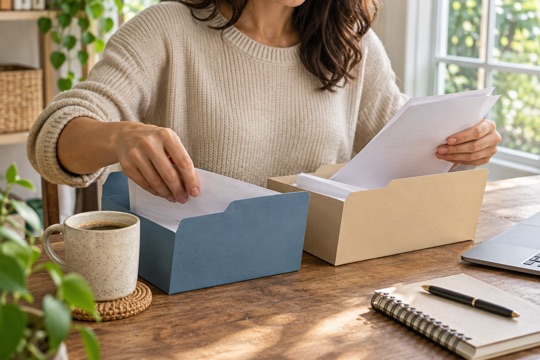
How to organize paper documents on your iPhone
Start with the papers you actually need to find again: contracts, receipts and payment confirmations. A clear file name will help later.

Dual Camera · Mobile video
How to film a travel vlog and get yourself in the shot
The street market is in your video, but your reaction is behind the camera. Two views can keep both parts of the moment.
Dual Camera · Mobile video
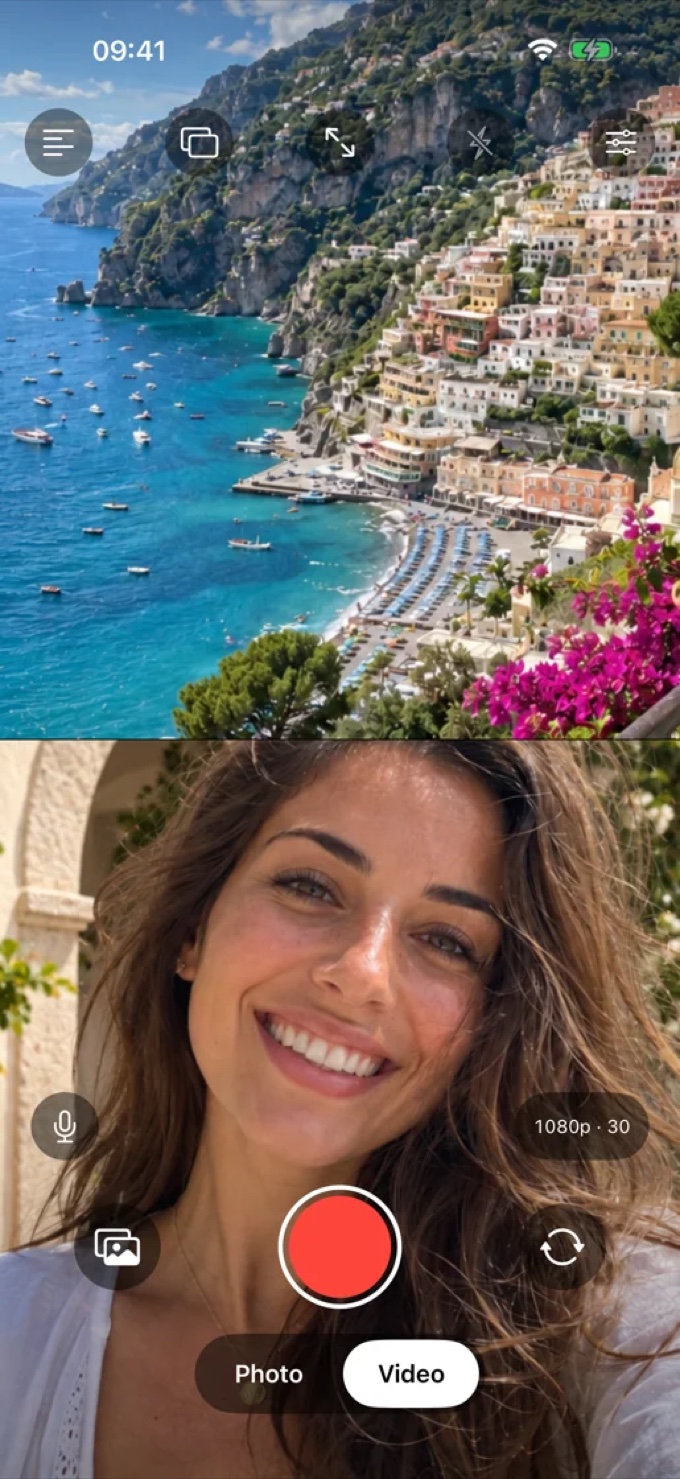
Split screen or picture-in-picture: how to show two camera views
A reaction and a conversation call for different layouts. Here is how to choose the space each camera gets before you record.
Dual Camera · Mobile video
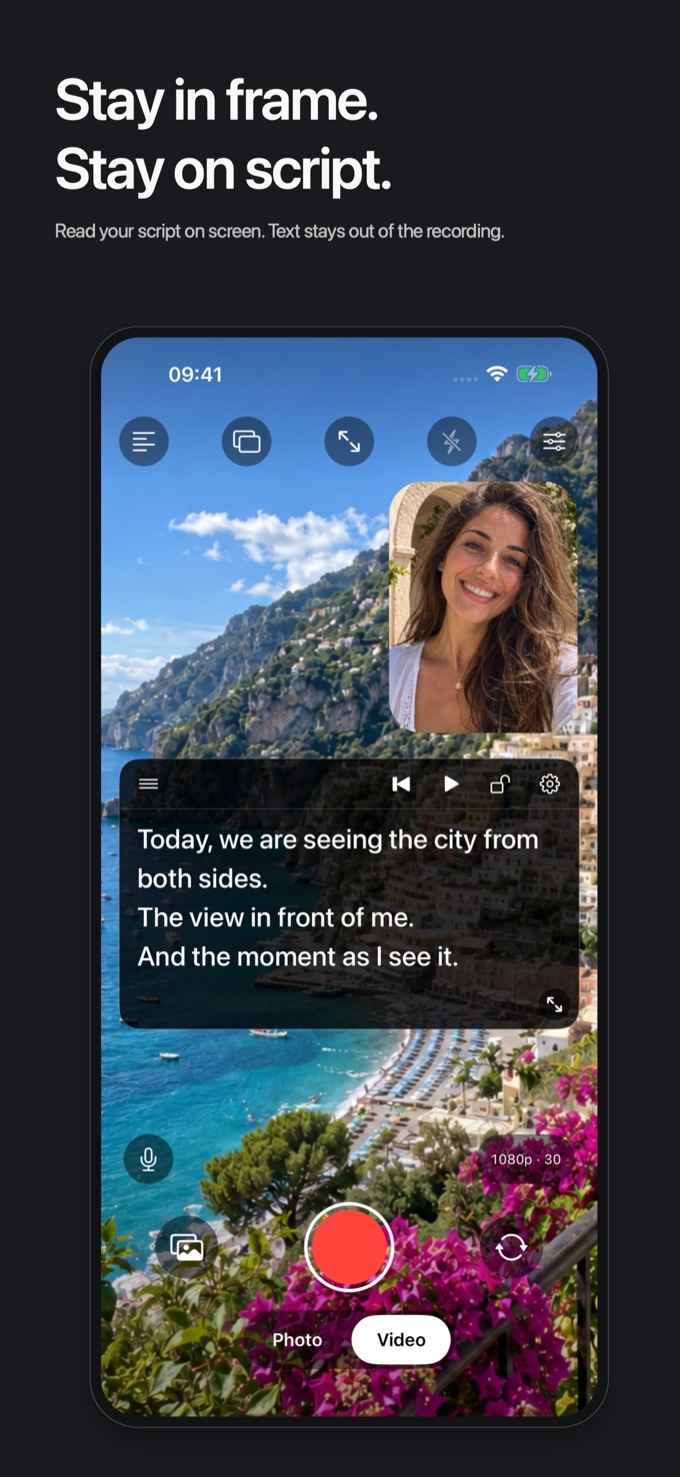
How to record a video with a teleprompter on iPhone
A short script and a comfortable scrolling speed can help you keep your place. Start with a test take.
Dual Camera · Mobile video
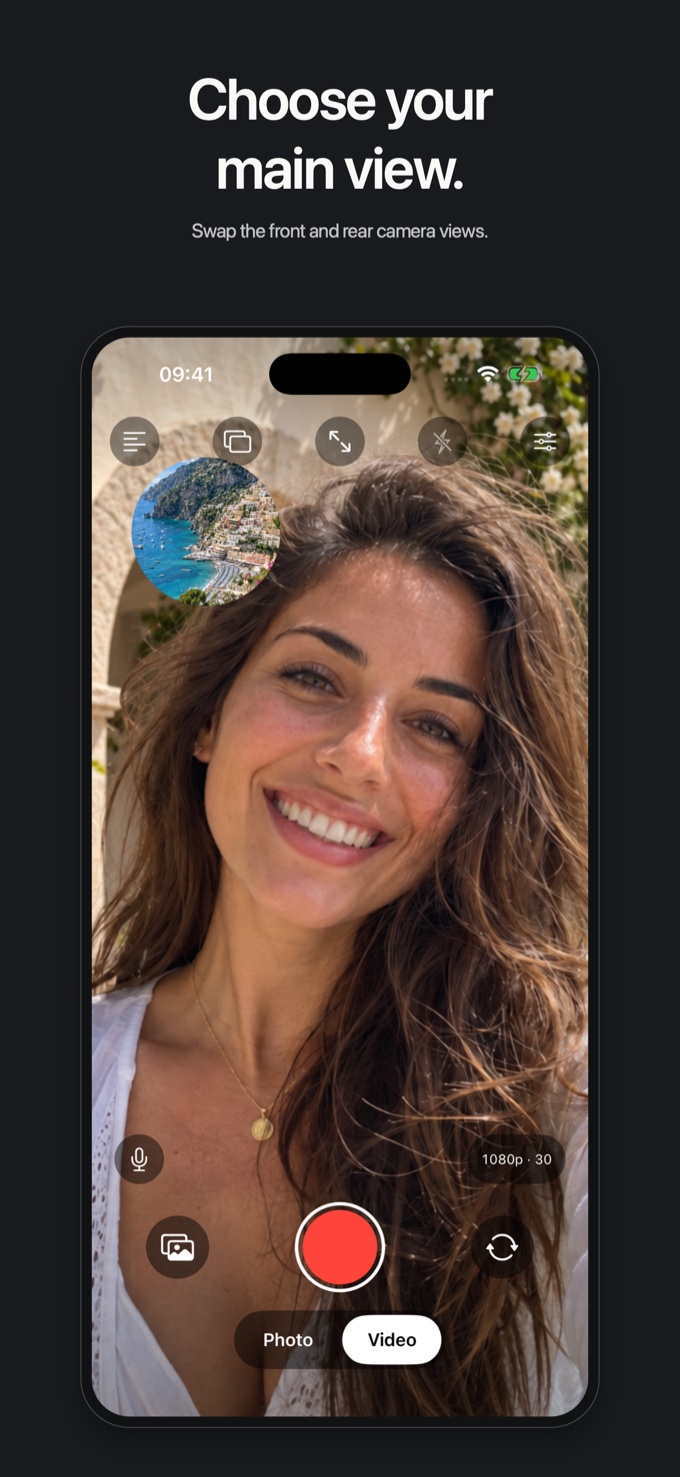
How to save both iPhone camera views for editing later
A combined clip is ready to share. Separate camera views give you room to change the edit later.
Dual Camera · Mobile video
How to check audio before recording video on iPhone
A few seconds of test footage can reveal wind, music or a quiet voice before an important moment.
Prism Stack · Games
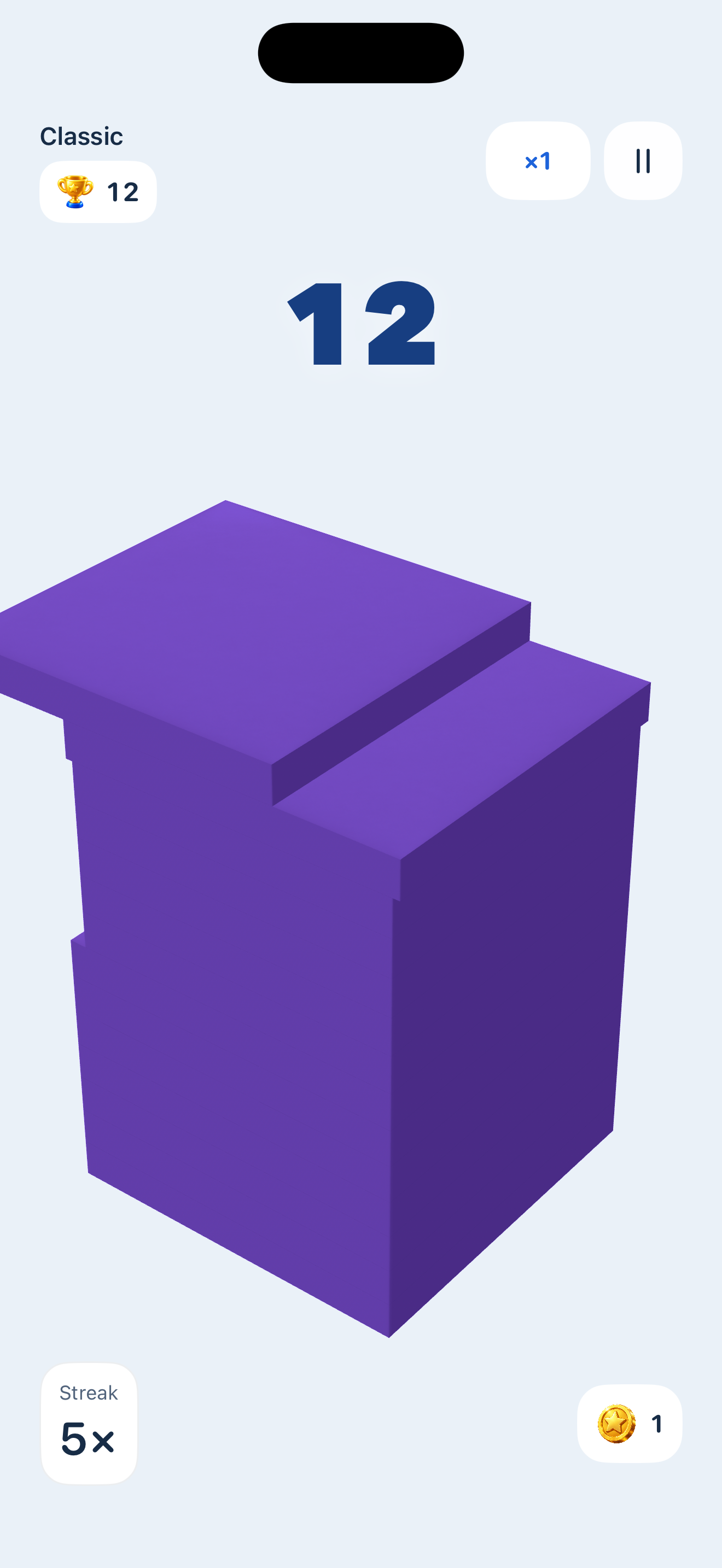
An iPhone game where you stack moving blocks into a tower
A block moves above the tower and one tap decides where it lands. Here’s what makes each floor harder.
Prism Stack · Games
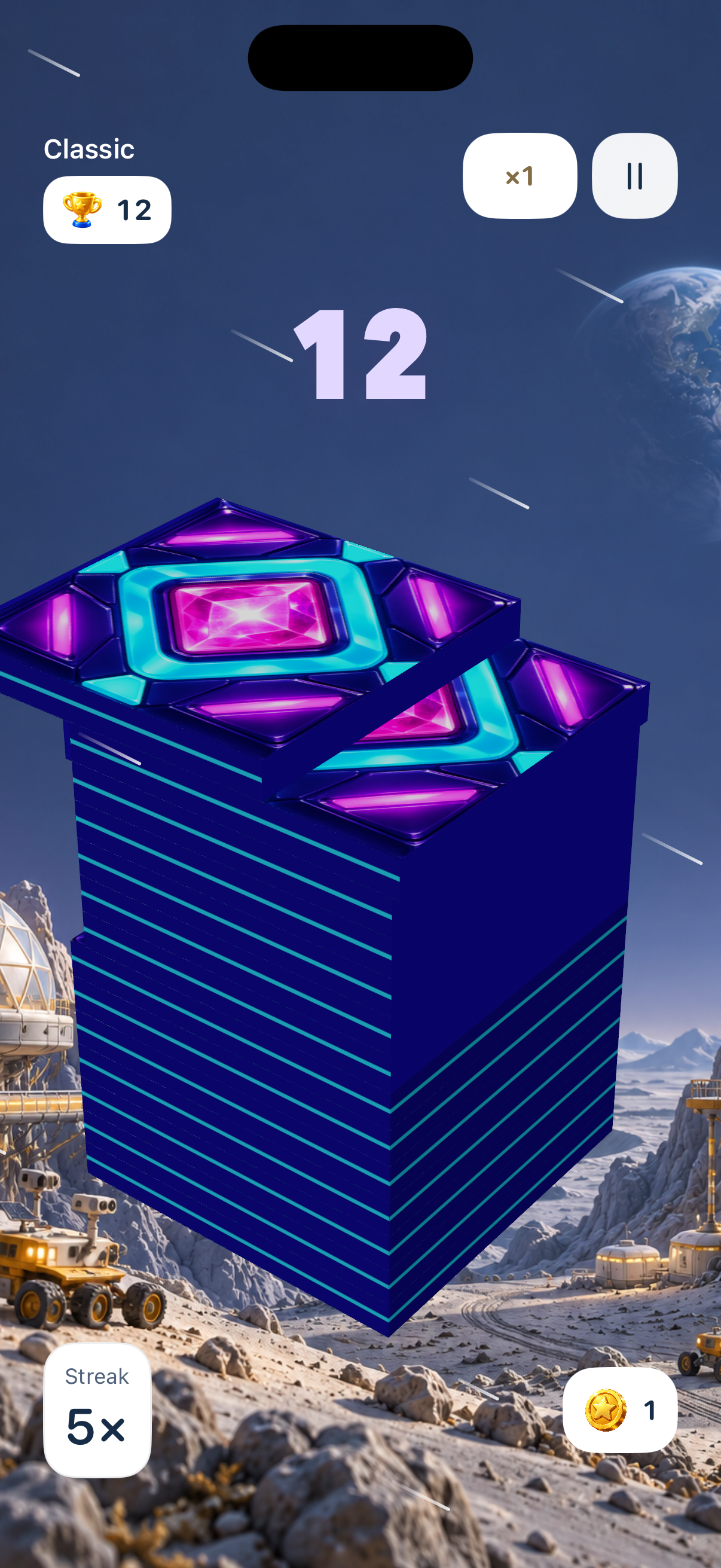
A game like Stack: build a block tower in four modes
If you enjoy stacking blocks in Stack by Ketchapp, here is another iPhone game built around timing your taps.
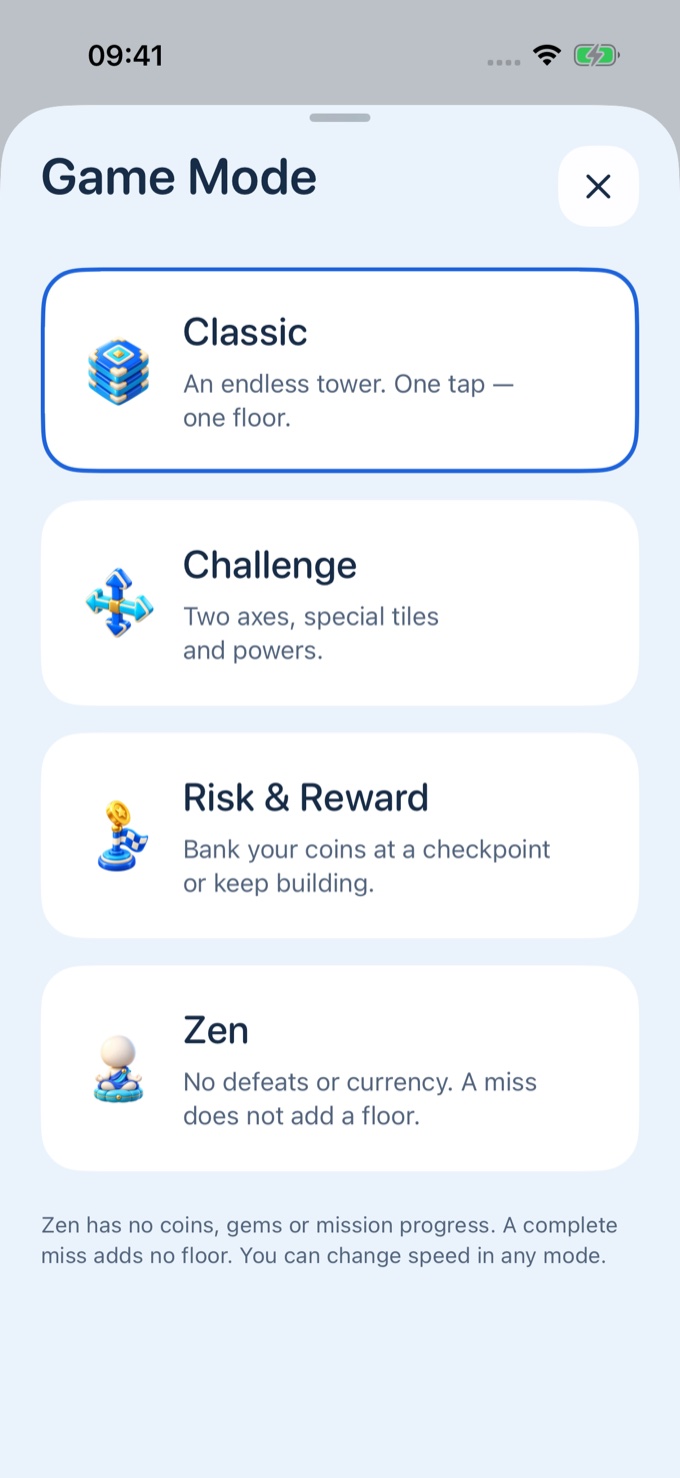
Prism Stack · Games
A relaxing block-stacking game for iPhone
Want to keep building after a missed tap? A retry mode lets you practise the same floor.
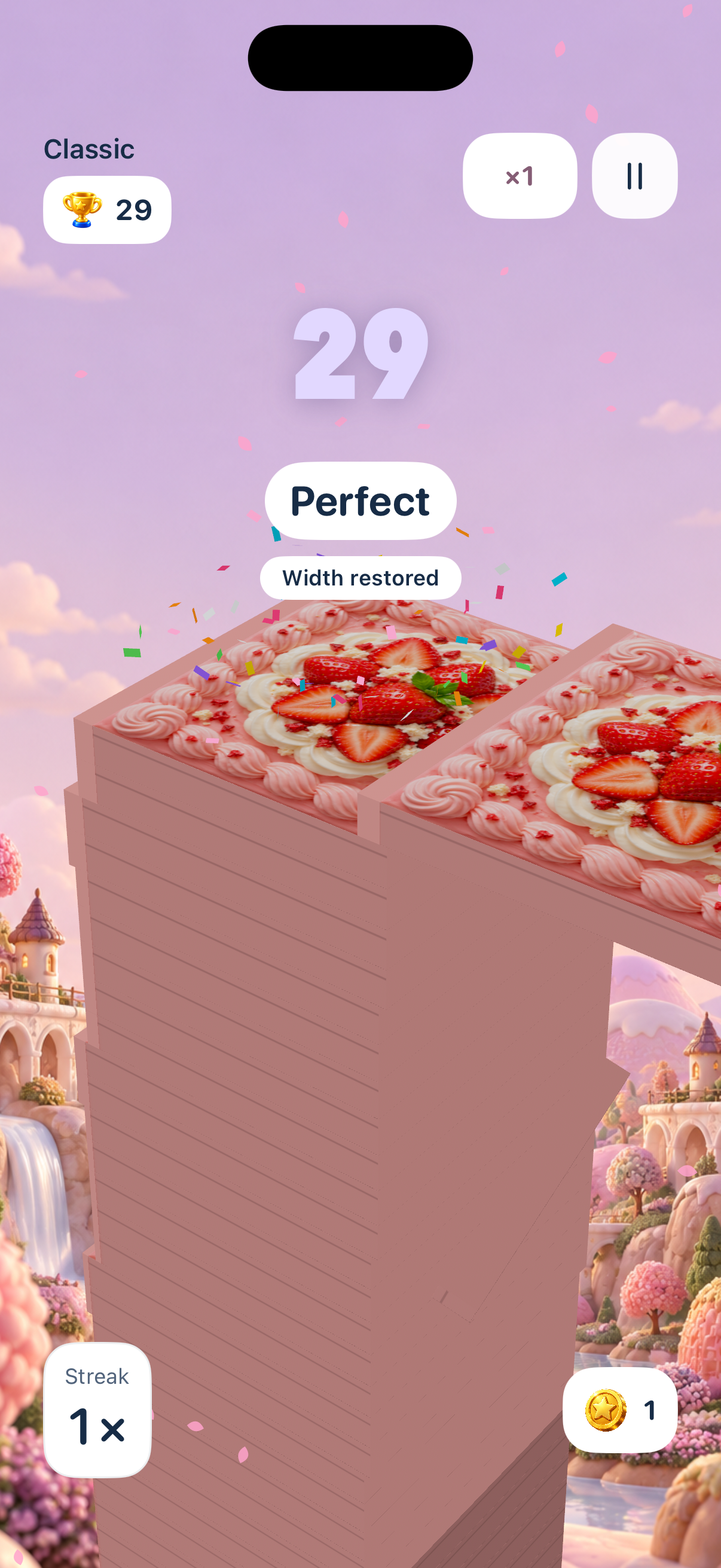
Prism Stack · Games
How to build a higher tower in a block-stacking game
Keeping the platform wide gives the next tile more room. Here is what to watch before you tap.
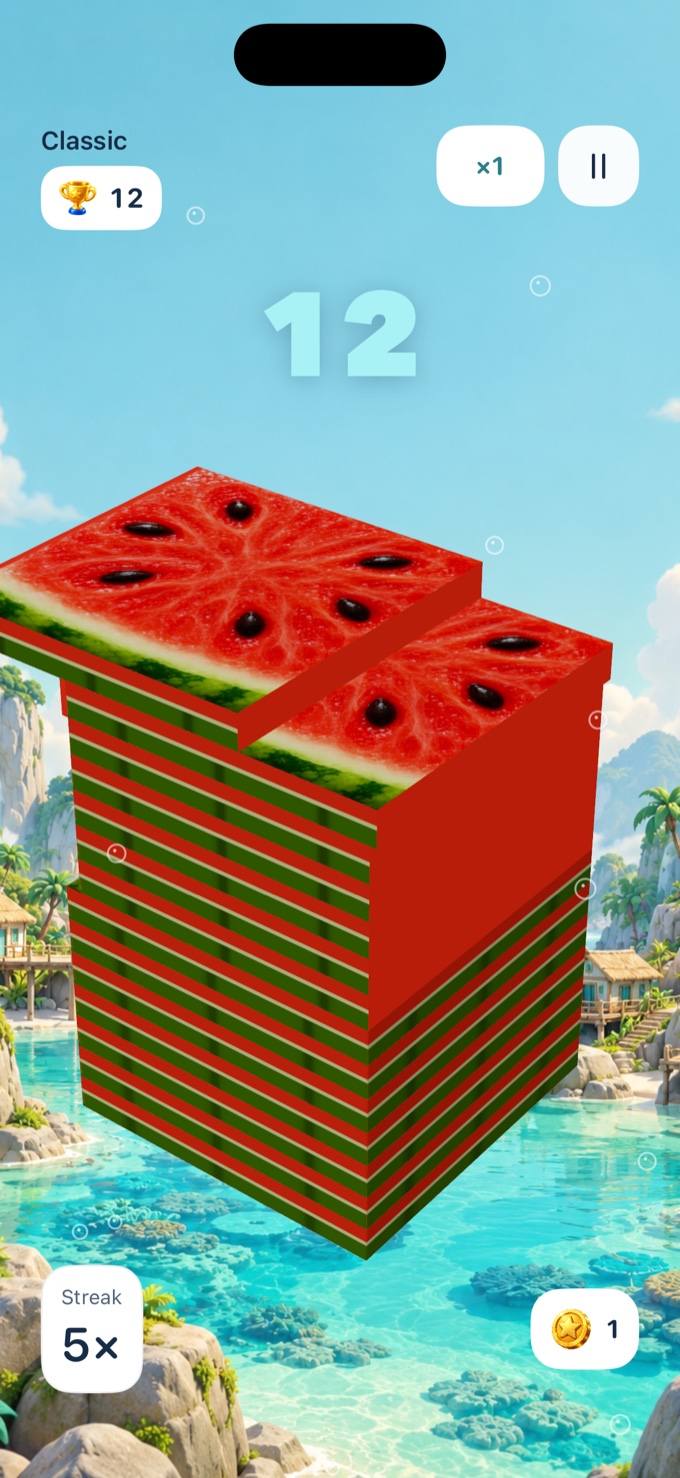
Prism Stack · Games
An offline block-stacking tower game for iPhone
Build a tower on a train or flight without a connection. Here is what works offline and when you will need the internet.
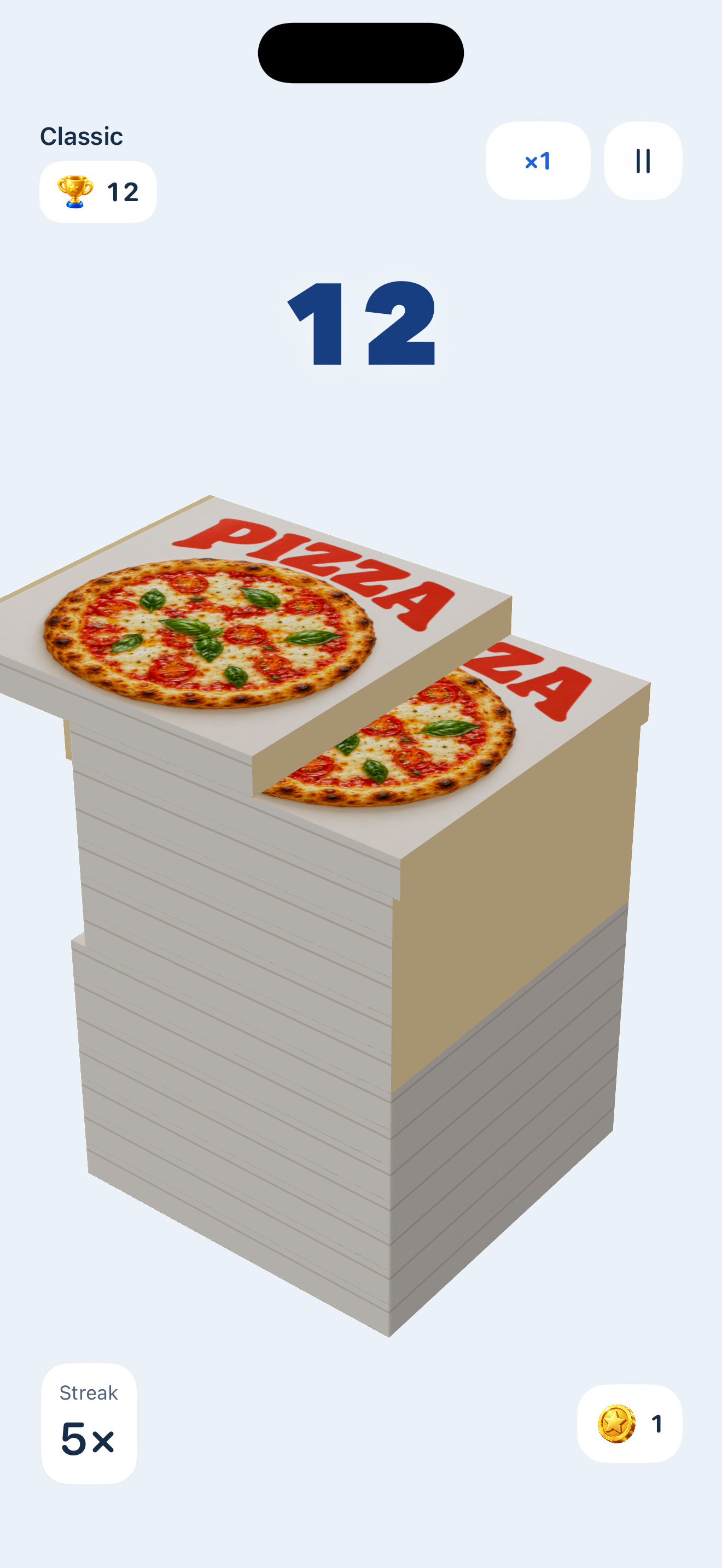
Prism Stack · Games
A tower game with pizza boxes, books and other block skins
Build with playful tile designs and choose a backdrop and music for your tower.
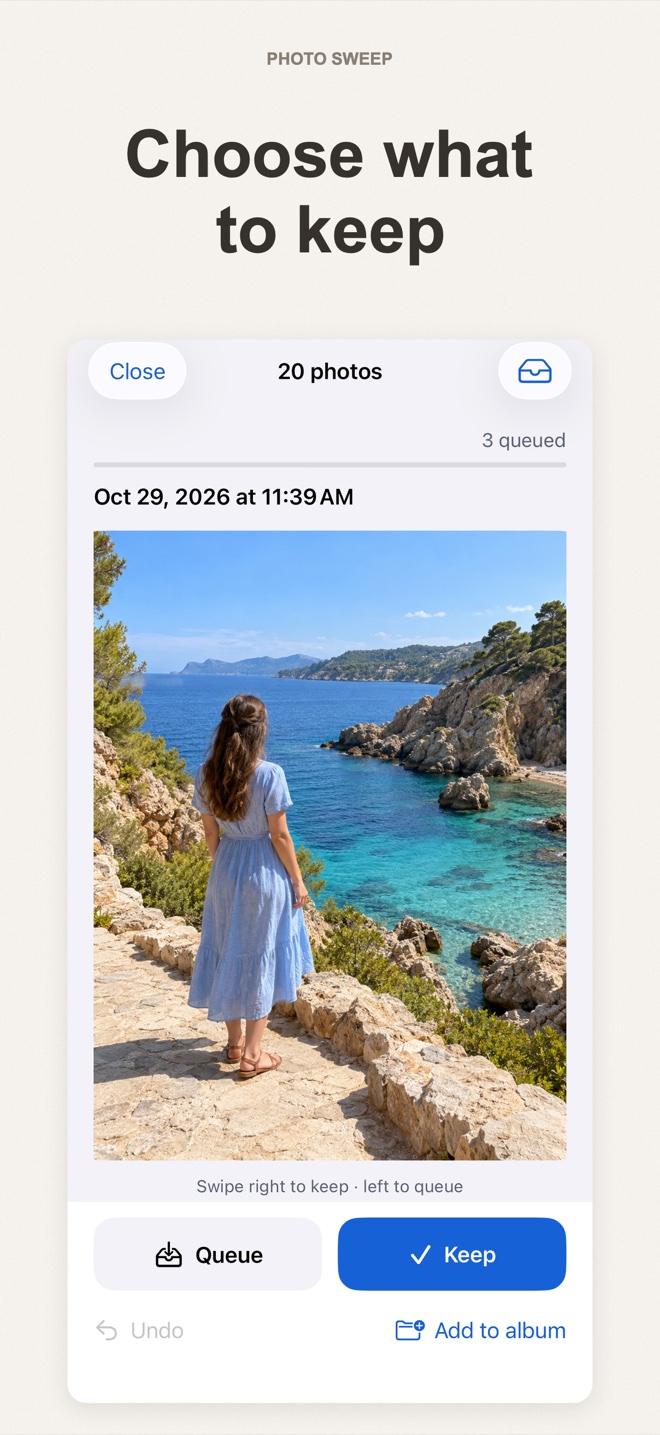
How to choose the best shot from similar photos on iPhone
Compare two shots at the size you plan to view or print them. A thumbnail can hide motion blur or a blink.
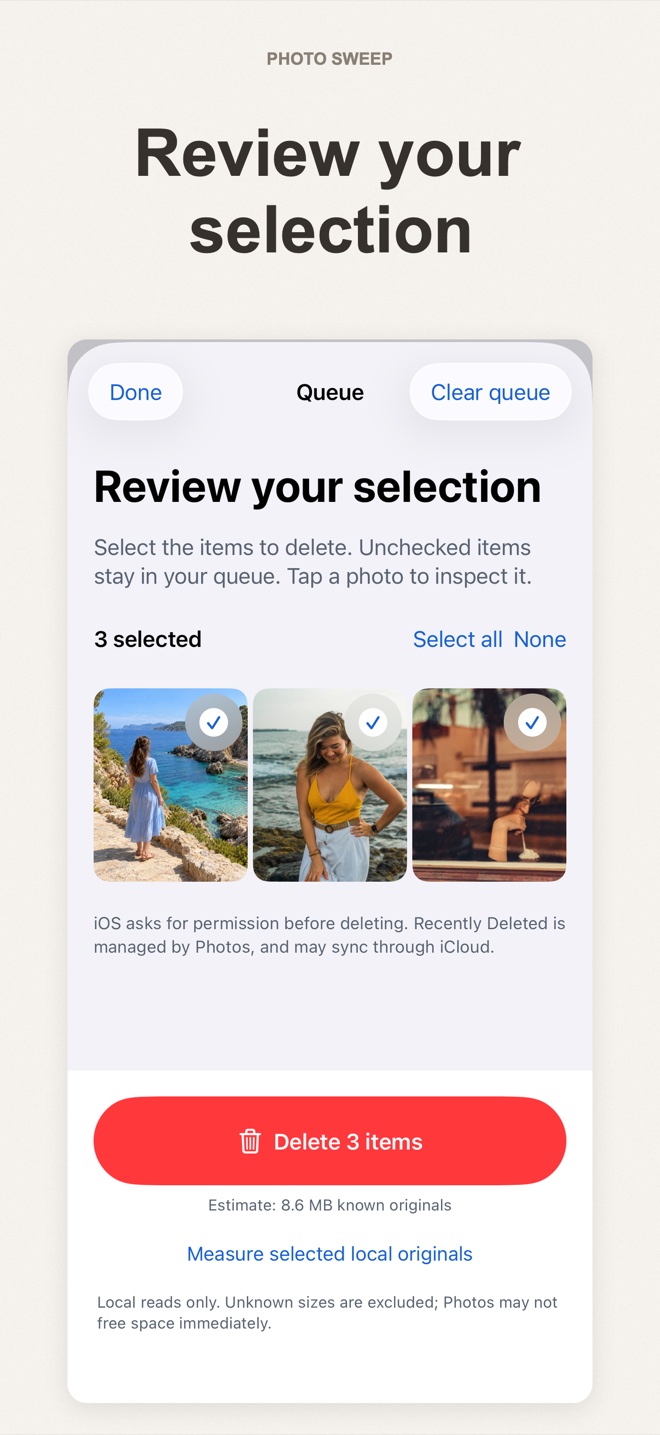
How to clean up screenshots on iPhone
Temporary screenshots are easy to forget. Start with one group and see which details you still need.
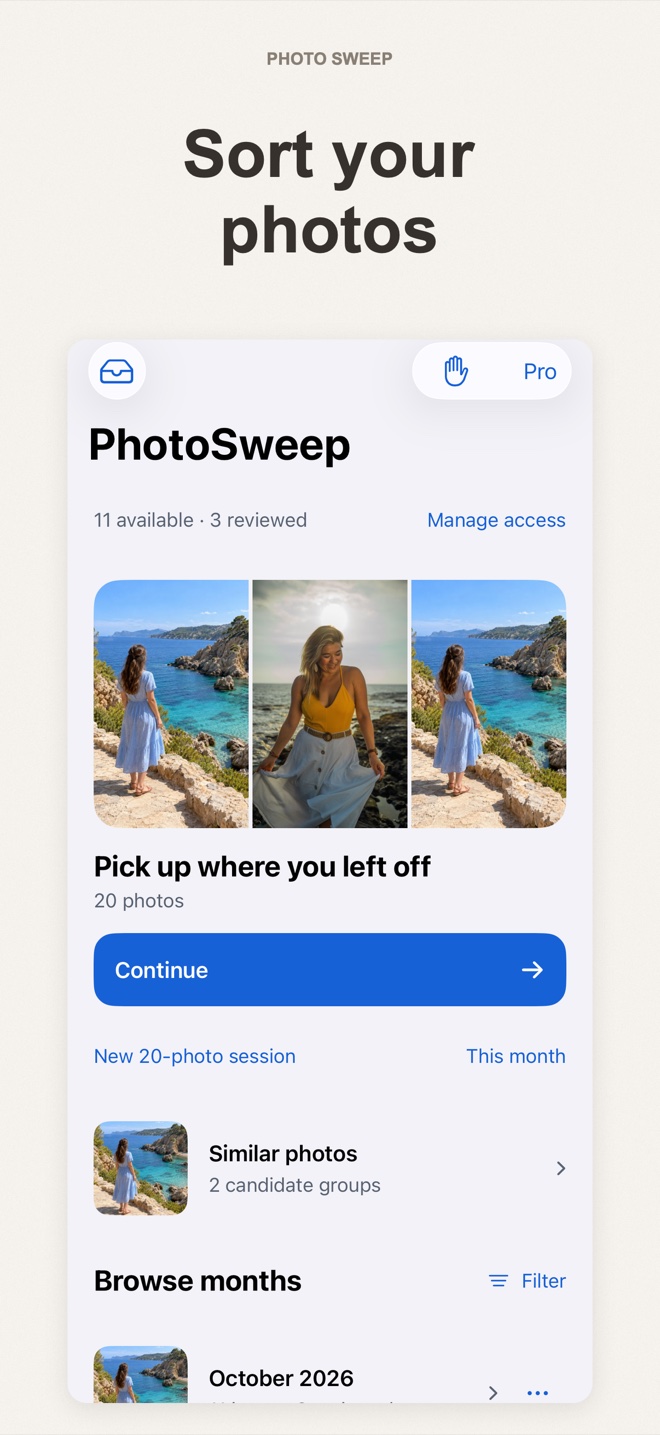
How to organize your iPhone photos by month
Pick one finished month and work through it. Trips and bursts of similar shots are easier to make sense of in context.
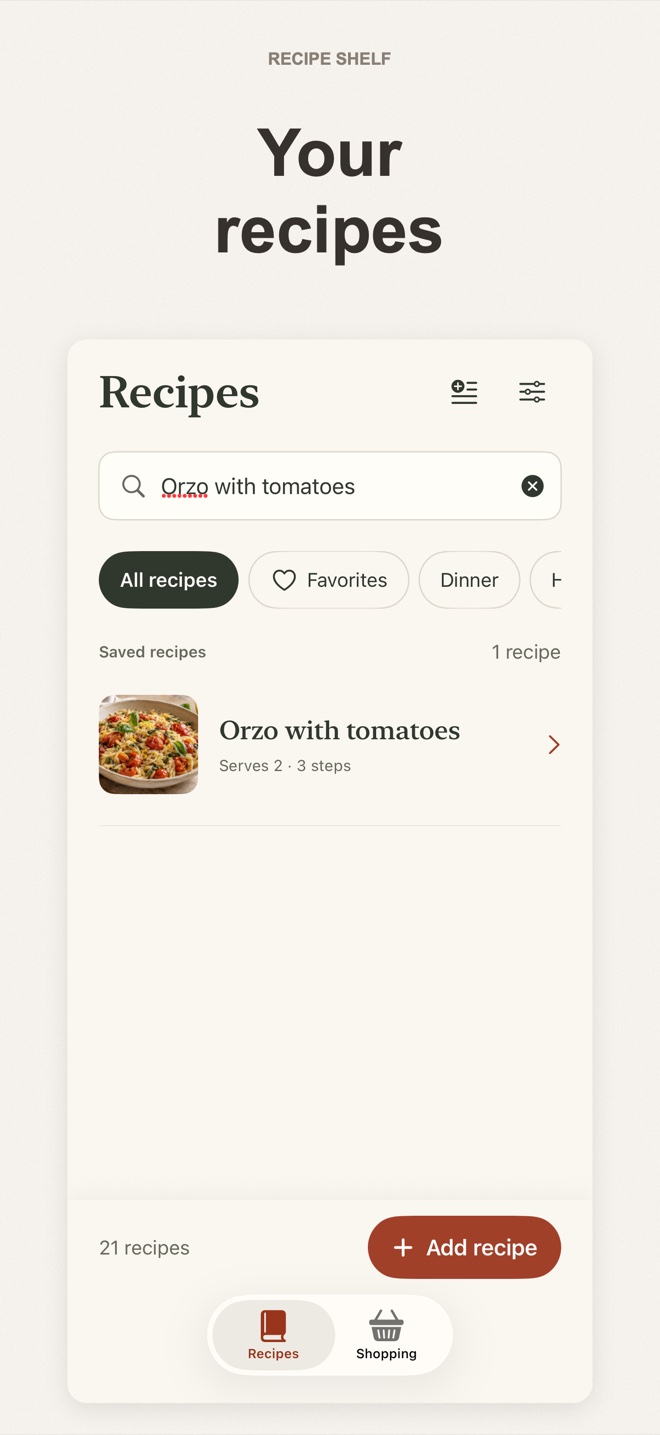
How to keep your favorite recipes in one place on iPhone
Start with dishes you cook again. Name them the way you’d search for them and keep your own adjustments nearby.
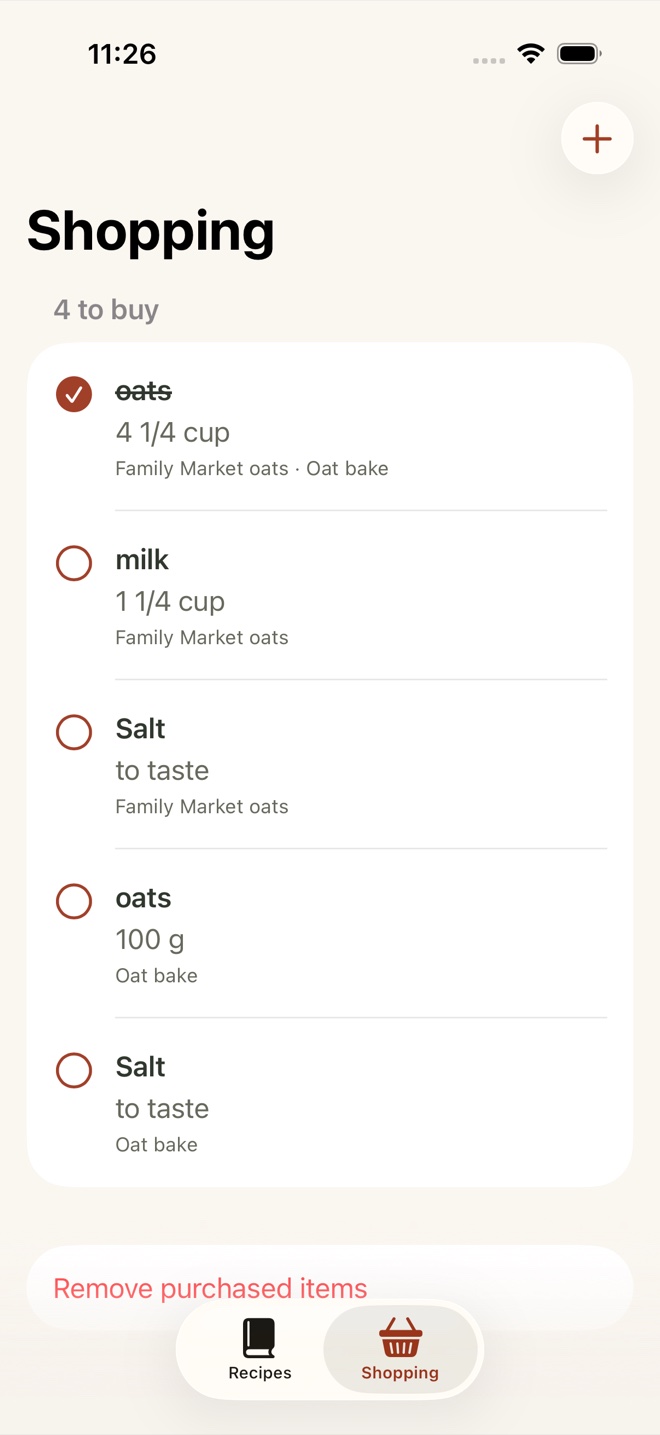
How to make a grocery list from your recipes
Check portions, combine repeat ingredients and look in the pantry before you leave.
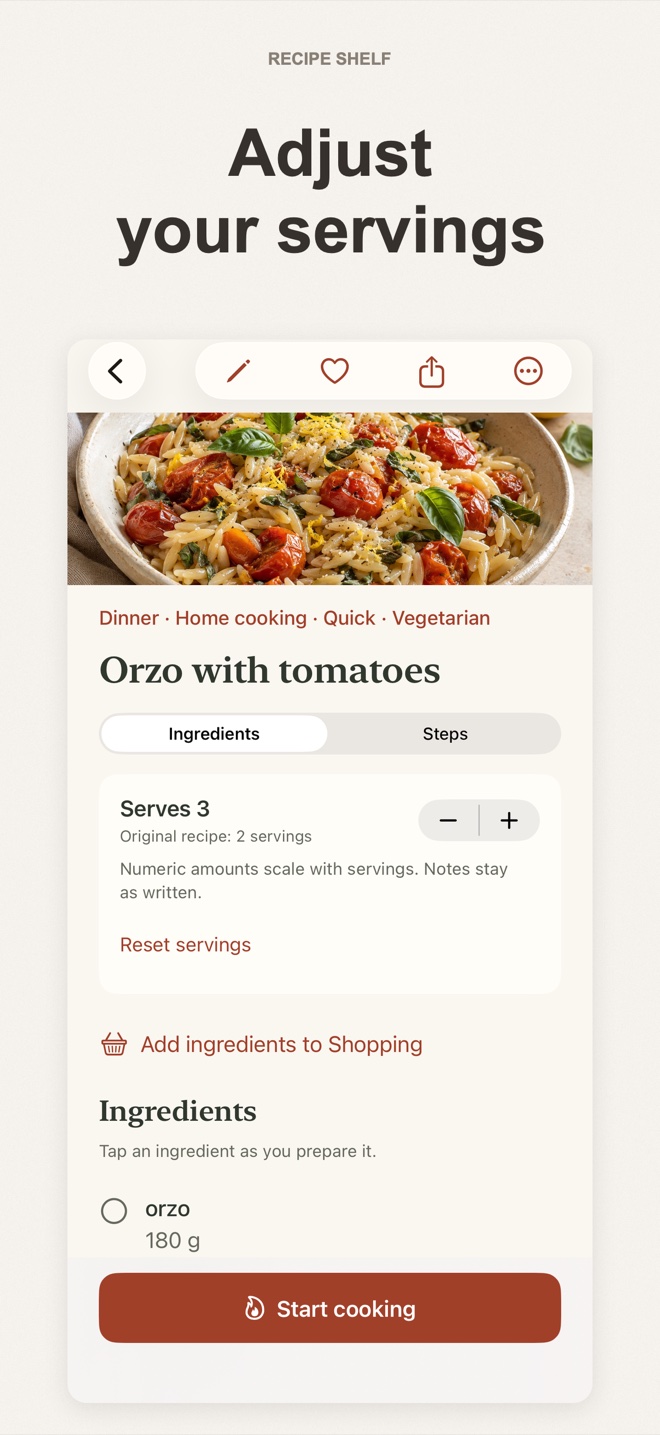
How to scale a recipe for a different number of servings
Scale ingredients you can measure. Check seasoning, pan size and cooking time separately.
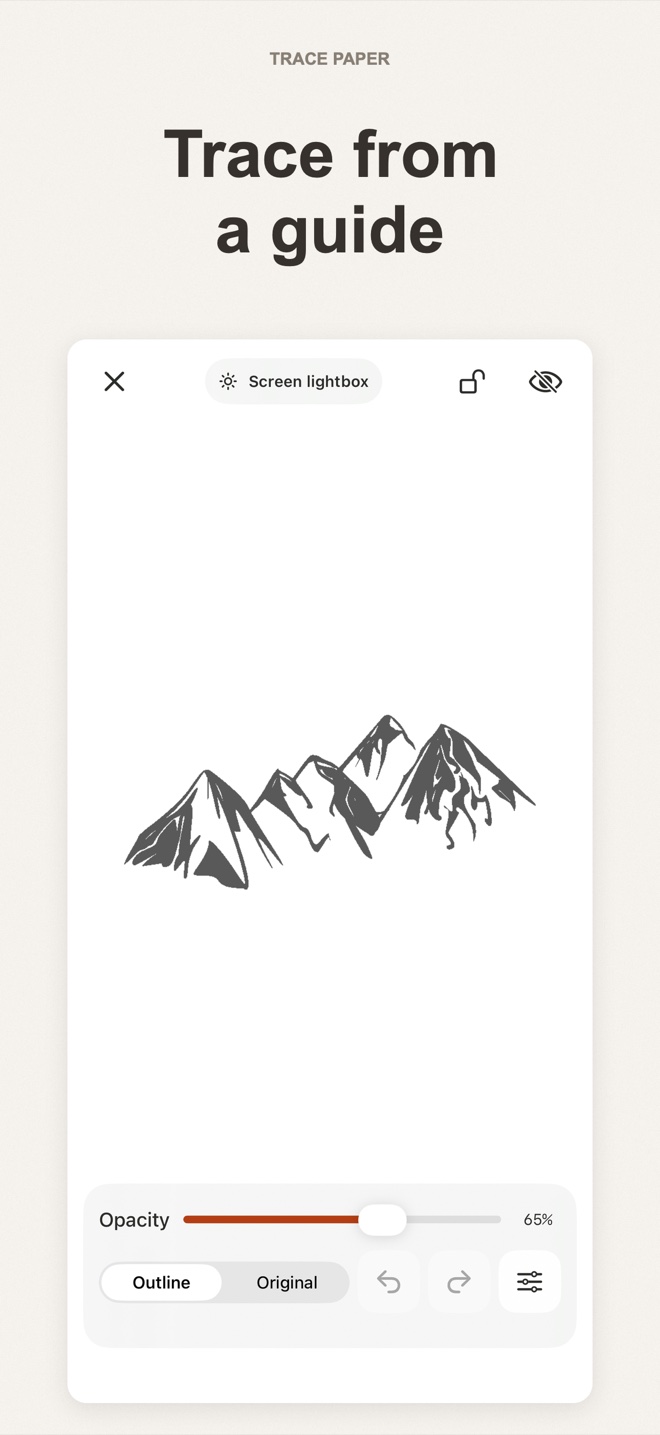
How to trace a drawing from your iPhone onto paper
Start with a simple outline and steady your phone above the page. Check proportions before drawing the small details.
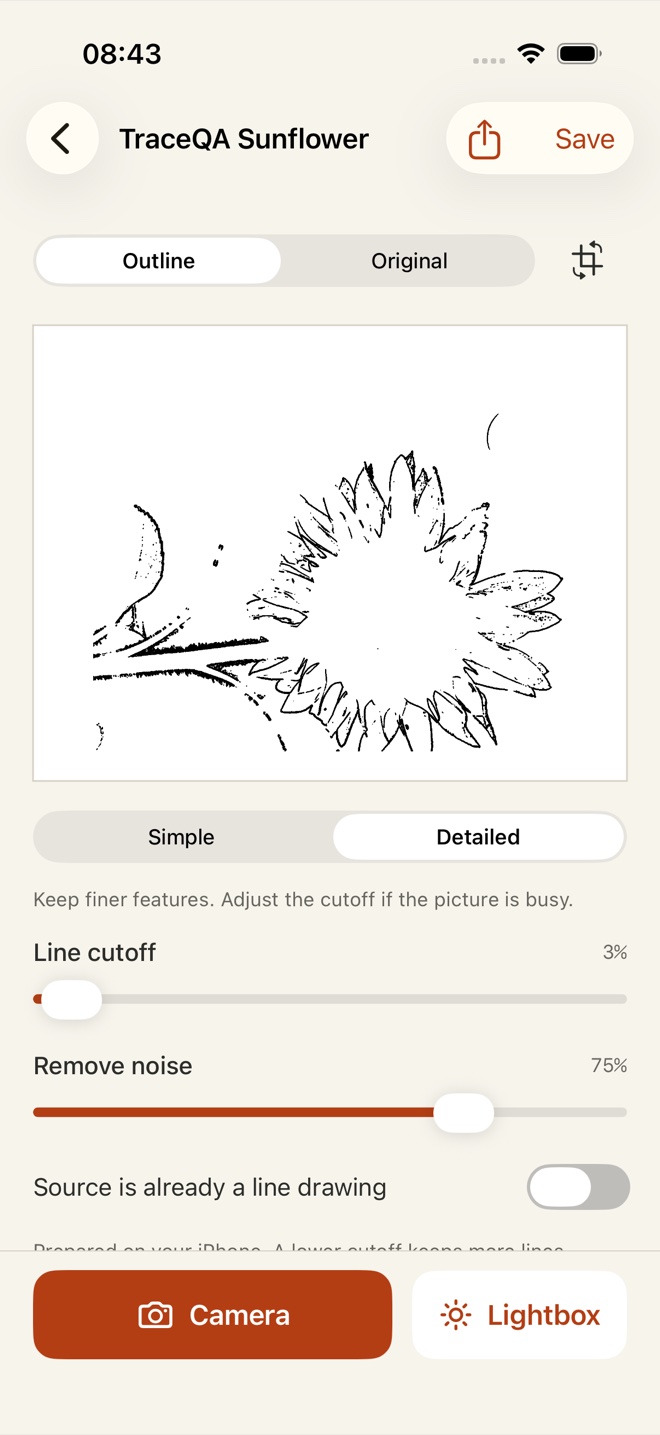
How to turn a photo into an outline for tracing
Choose a clear silhouette, trim the background and check whether the outline makes sense without the photo.
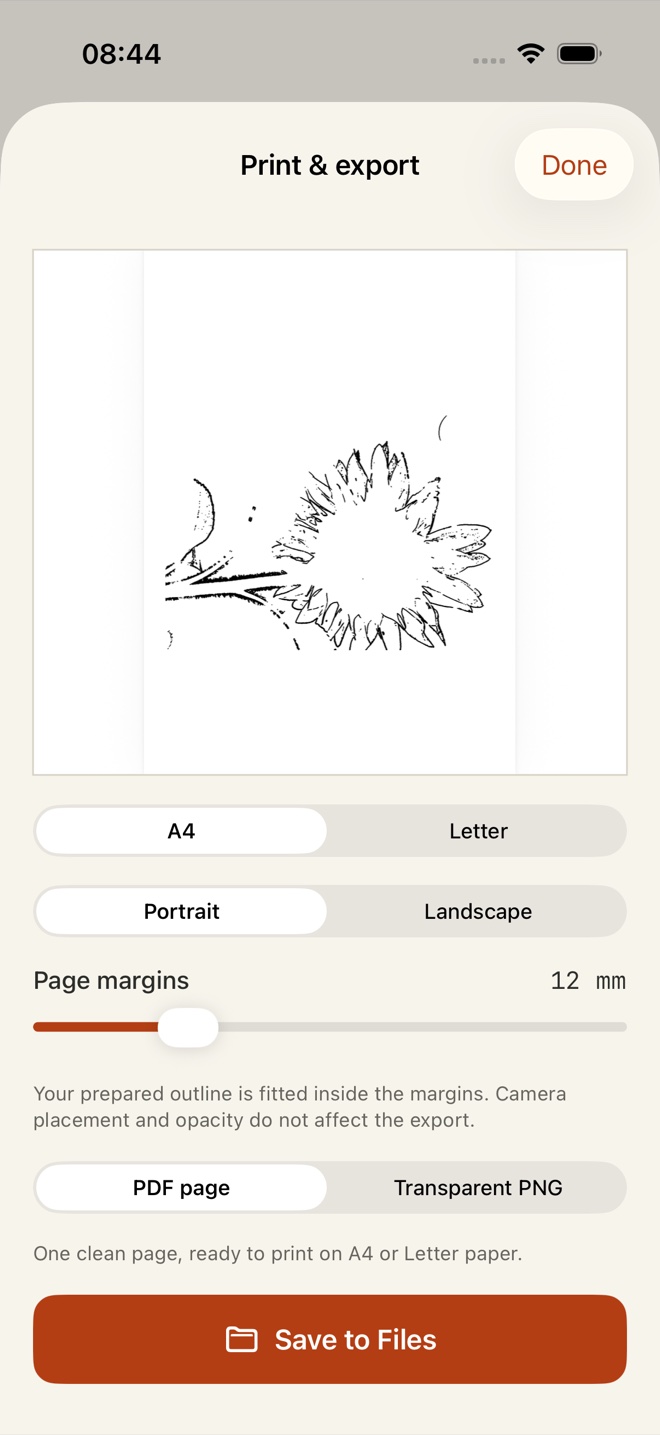
How to print a tracing template at the right size
Measure the space you have, check the scale settings and print a test before you start tracing.
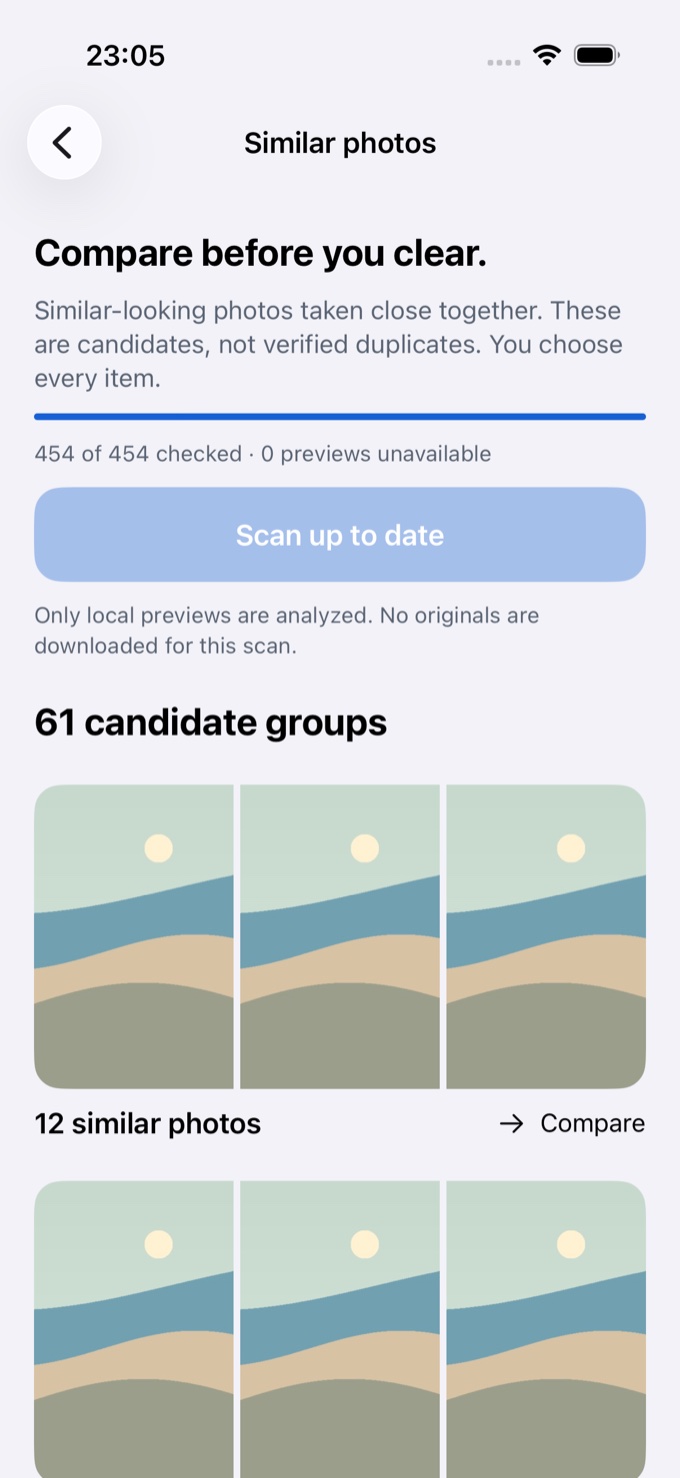
Similar photos and duplicates on iPhone. How to tell them apart
Two copies and two neighboring frames can look alike in the grid, but call for different decisions.
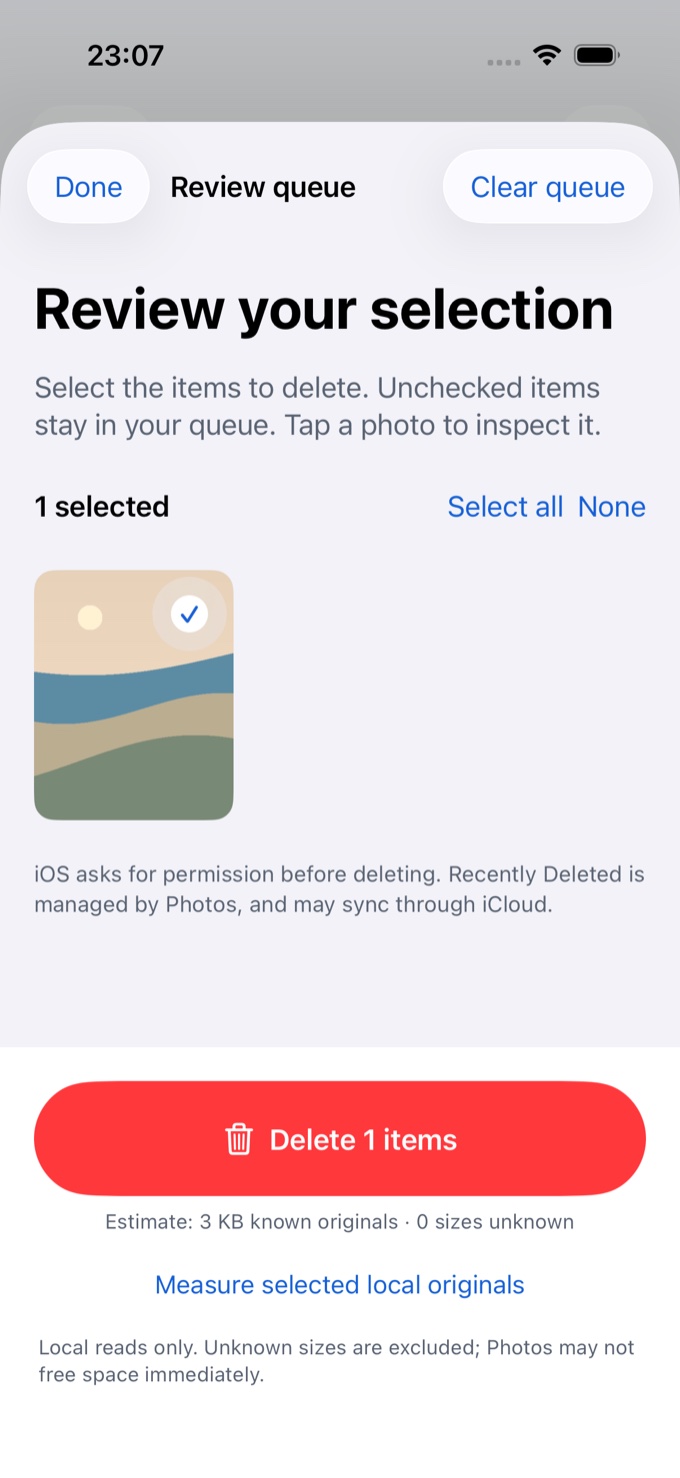
How to review iPhone photos before bulk deleting them
Keep a photo when it has a job or would be hard to take again. Apply that rule once more before confirming.
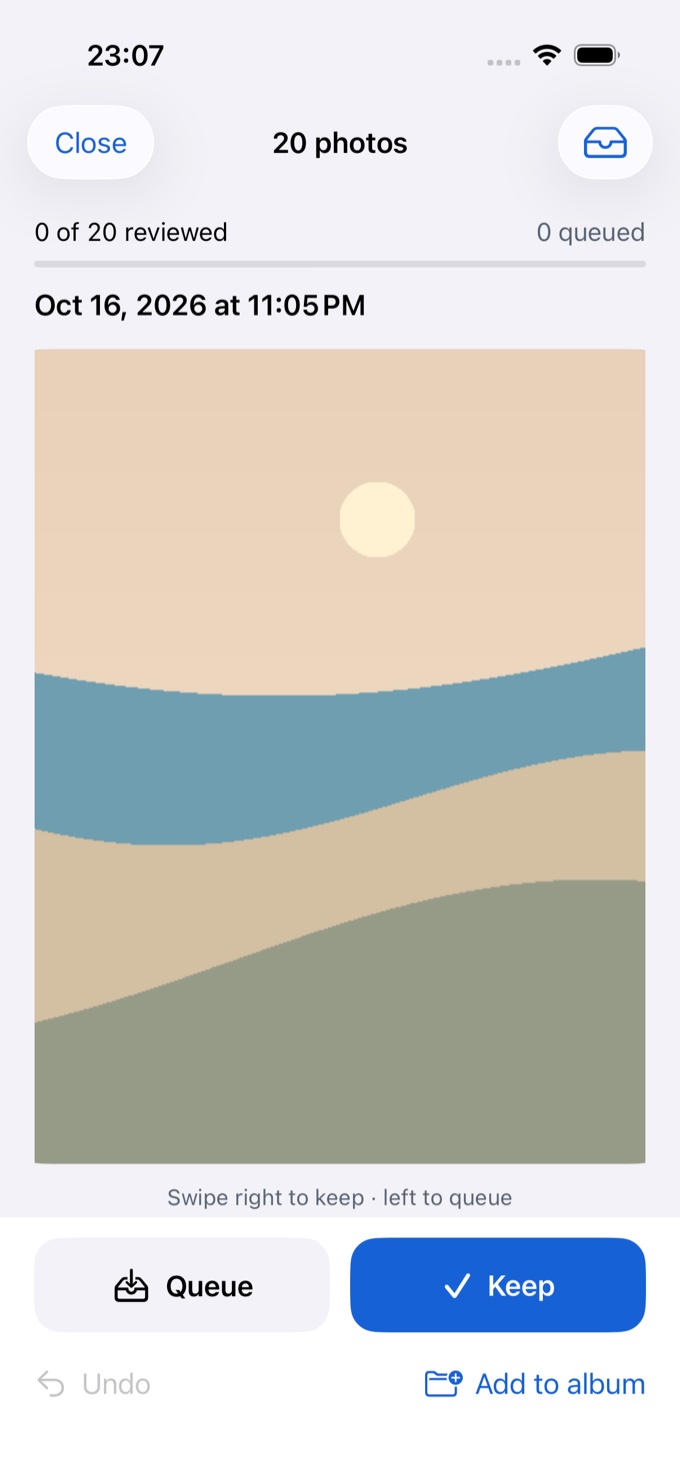
How to sort your iPhone photos after a trip
Start with one walk or one day. Open photos of people and important places at full size.
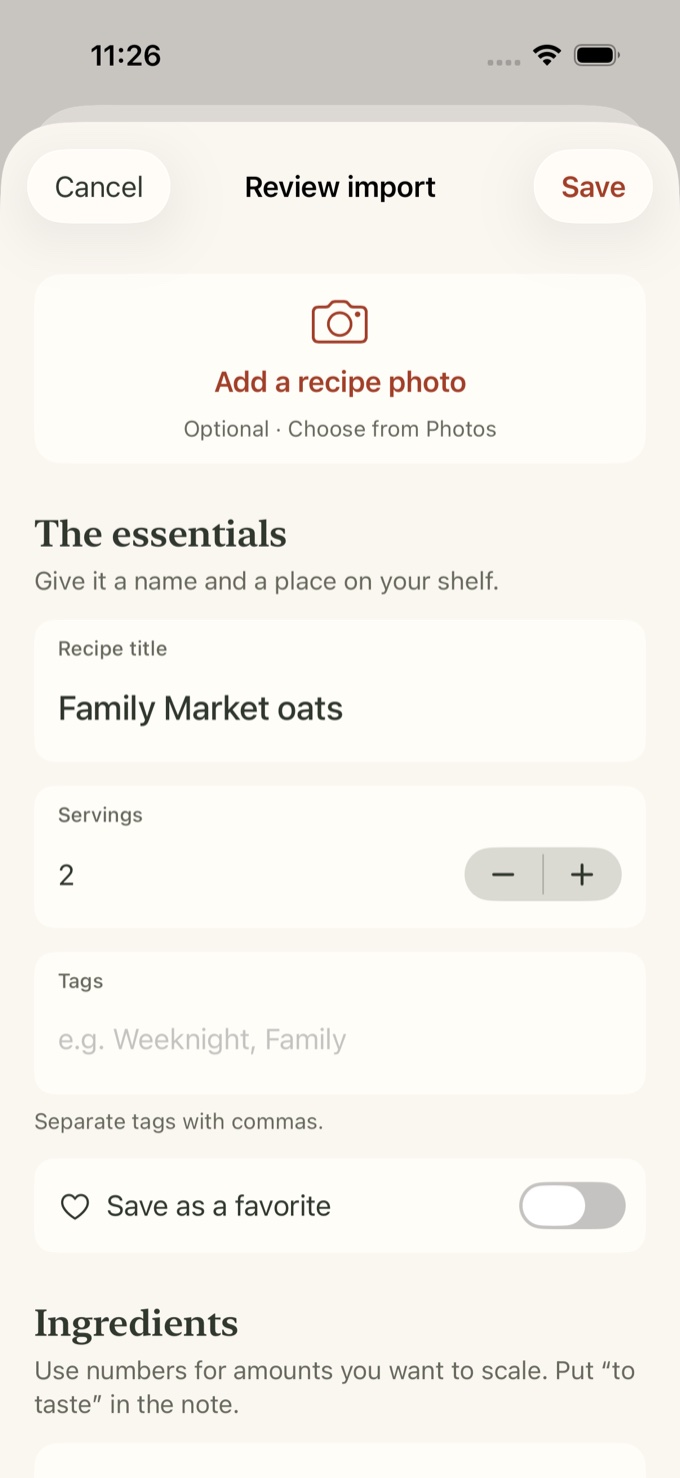
How to save a recipe from a text message on iPhone
Save the recipe itself and check the ingredients and steps. The best tip often comes in a follow-up message.
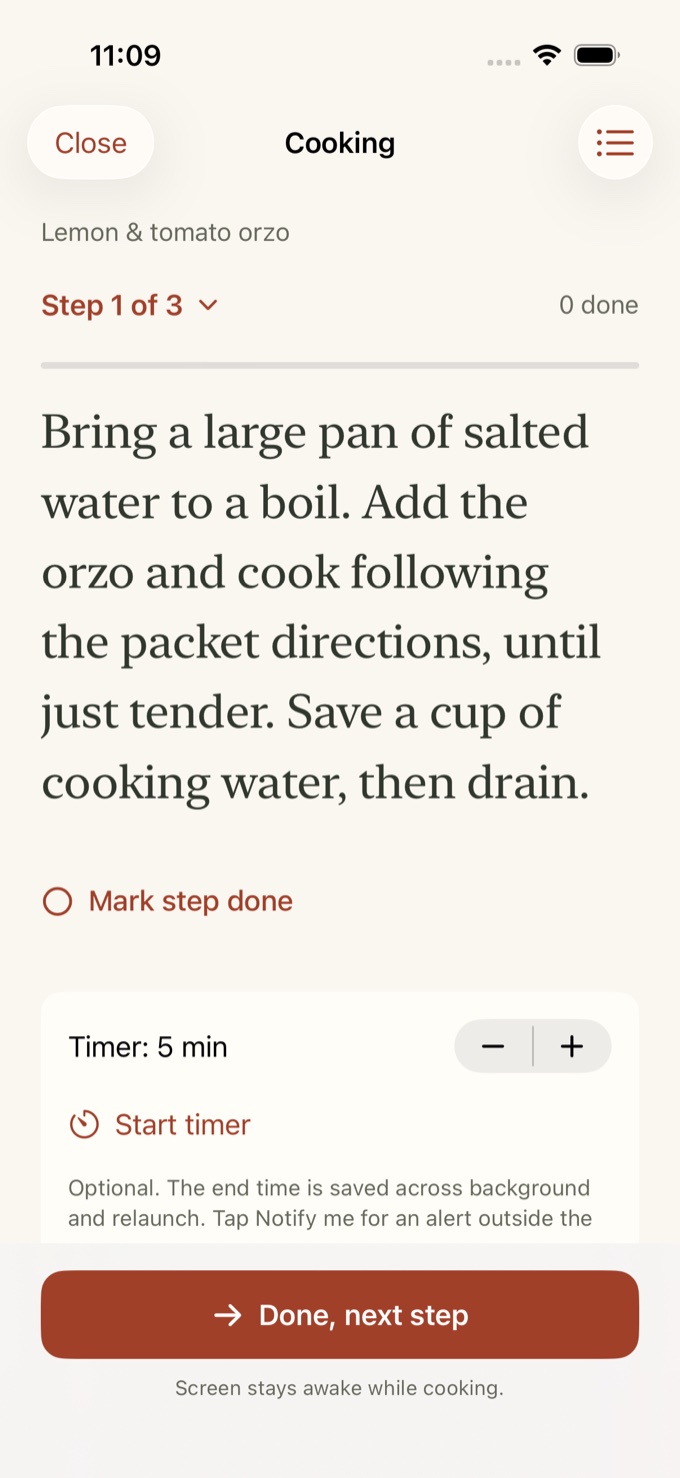
How to follow a recipe on your phone without losing your place
Pick out the steps that will tie up your hands or need a timer before you turn on the heat.
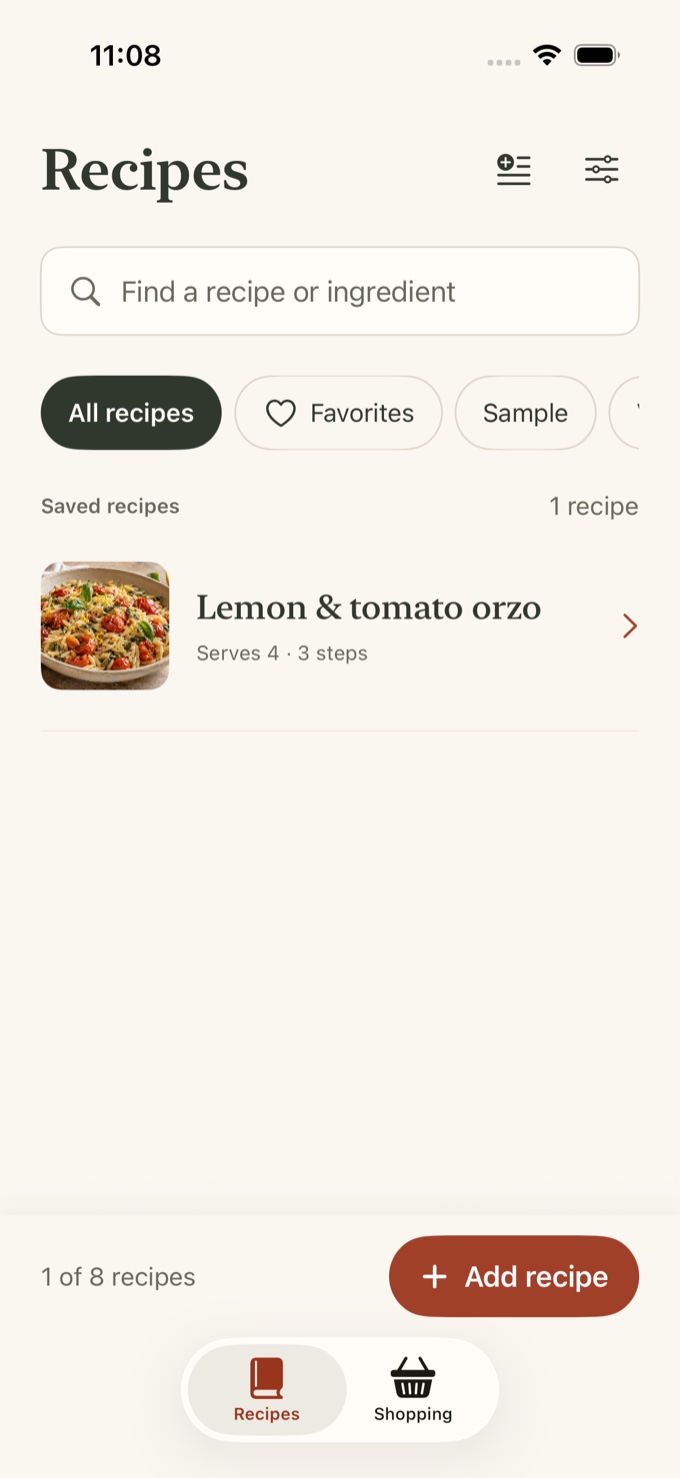
How to back up your recipe collection on iPhone
Check what the archive contains. Recipe text and photos can live in different formats.
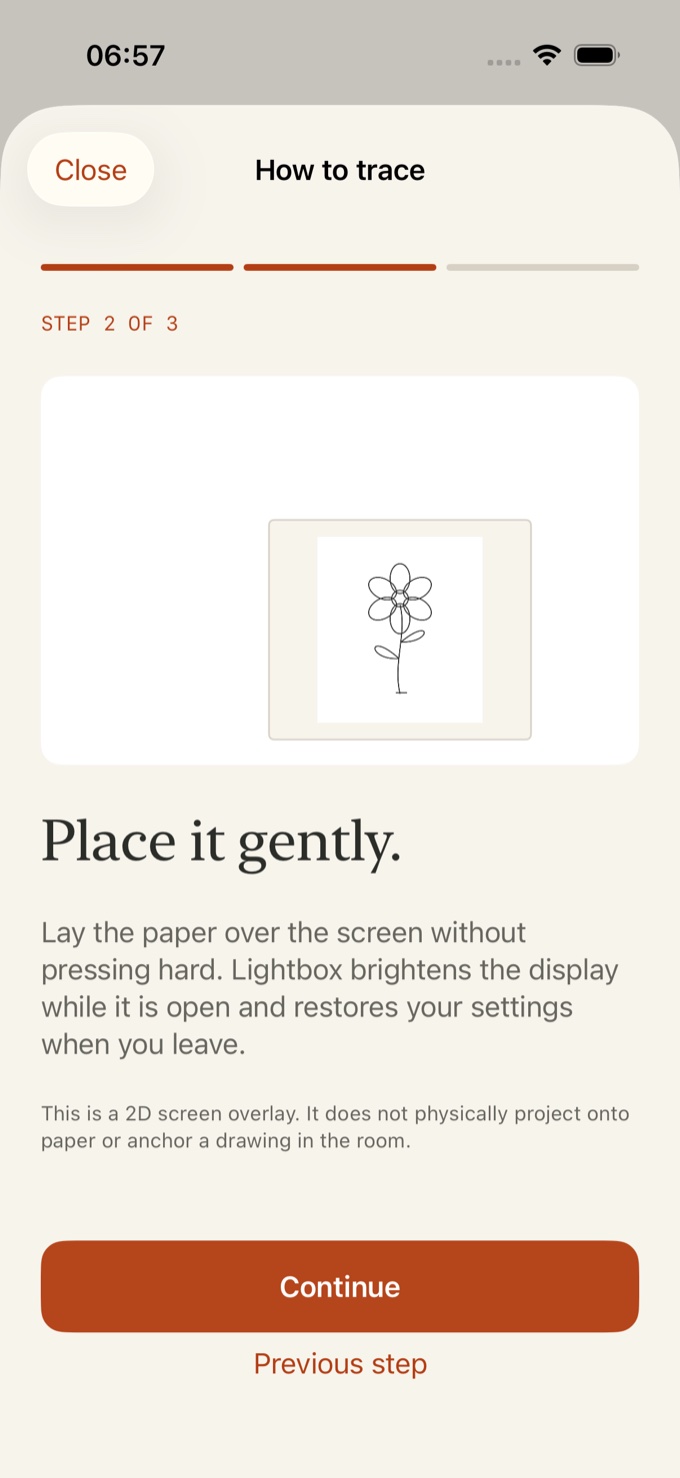
Lightbox or camera overlay? How to trace with your iPhone
See whether the outline shows through your paper. Heavy paper may call for a camera view and a steady mount.
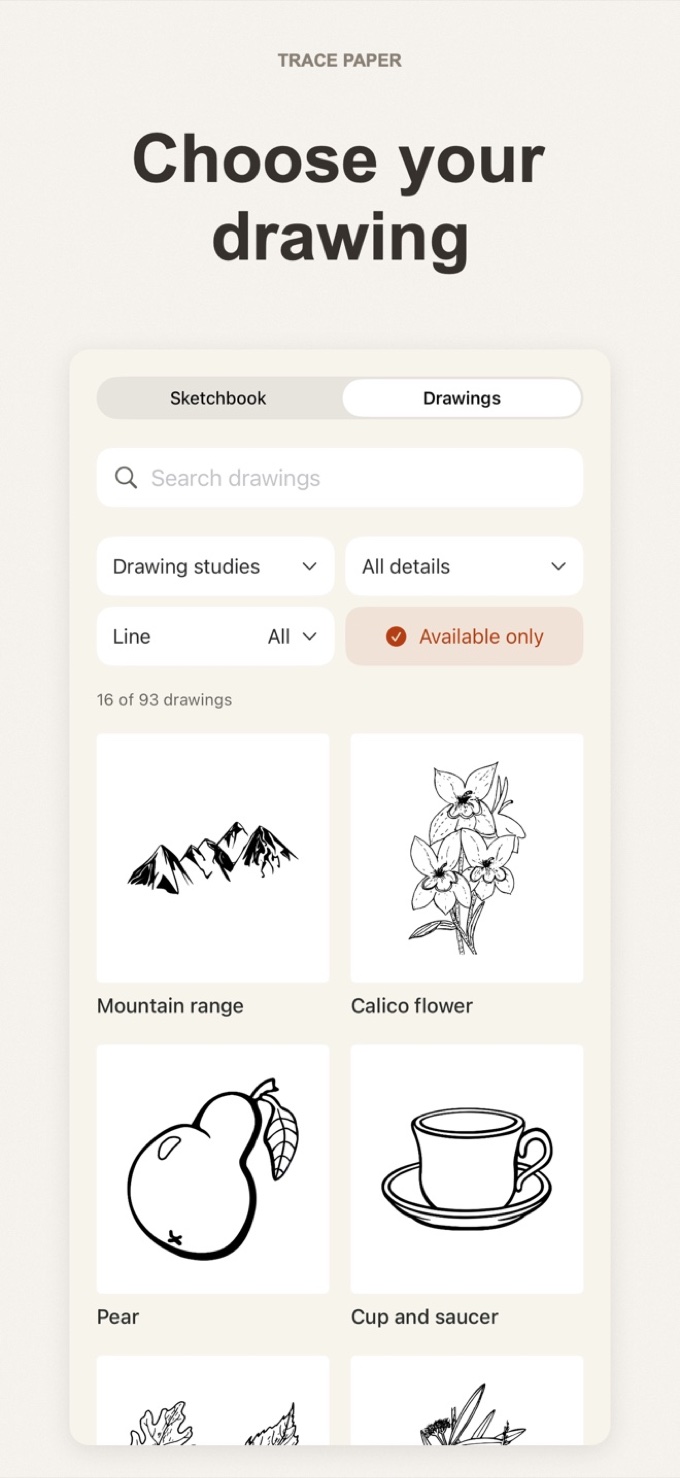
How to choose an easy picture to trace as a beginner
Look for a strong silhouette, a few large shapes and enough space between lines.
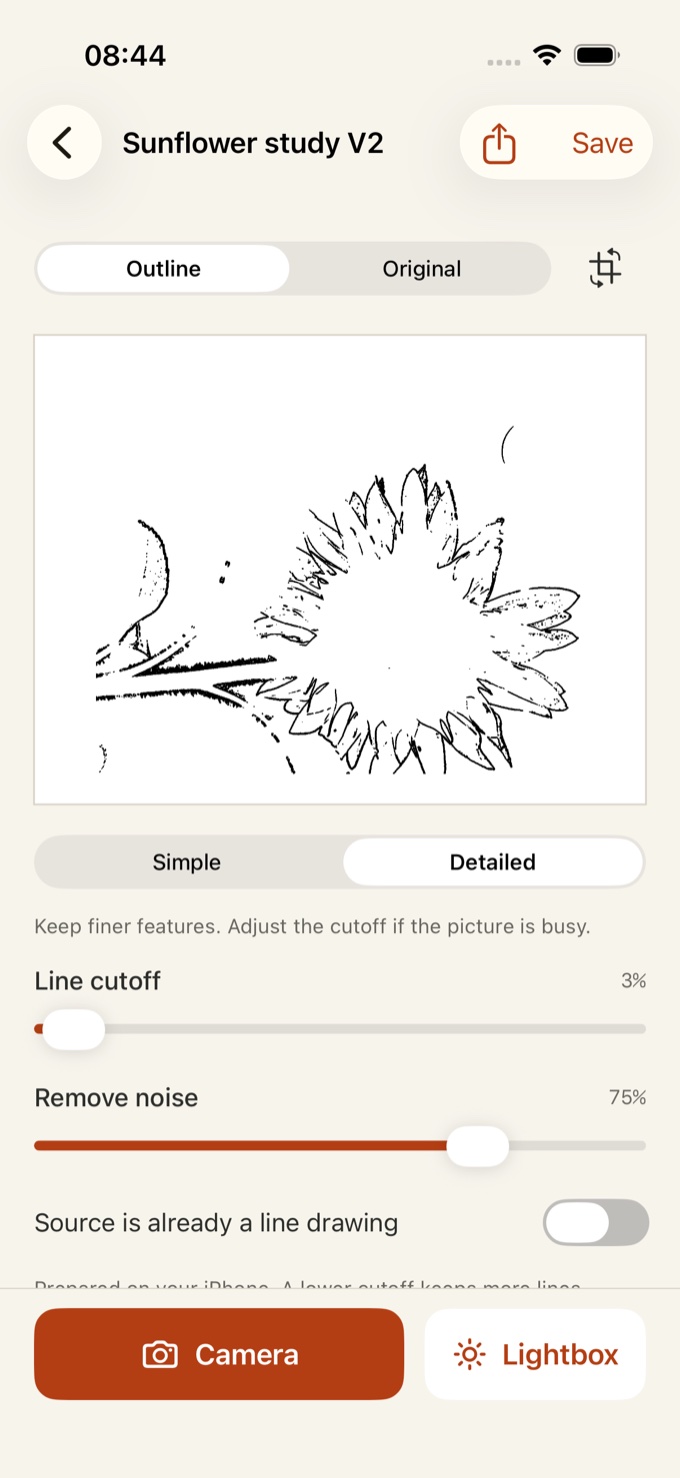
How to save a tracing project and finish it later
Keep the scale and mark two points on the paper so the drawing is easier to line up when you return.
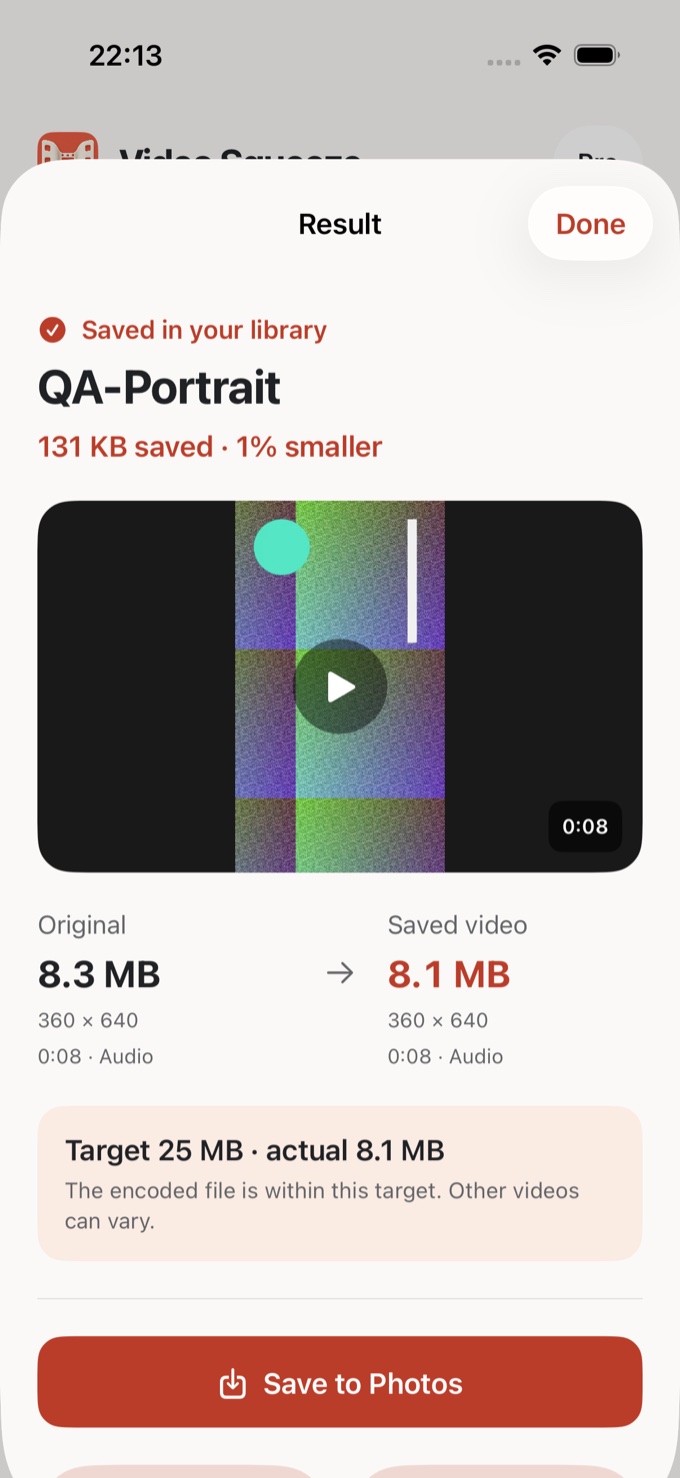
How to make an iPhone video smaller before sending it
Find out how much the recipient can receive. A short excerpt may be all they need.
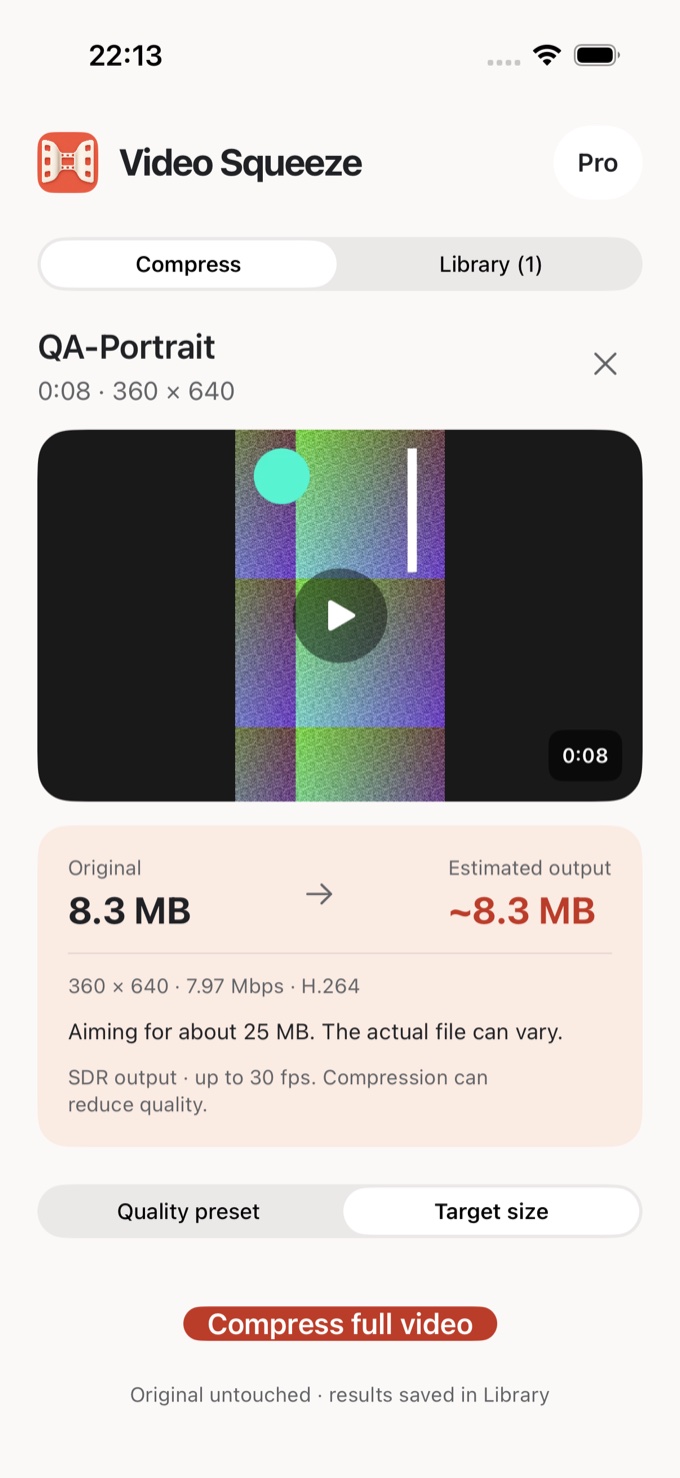
How to compress an iPhone video to under 25 MB
Aim a little below the cap and check what that budget does to the full clip.
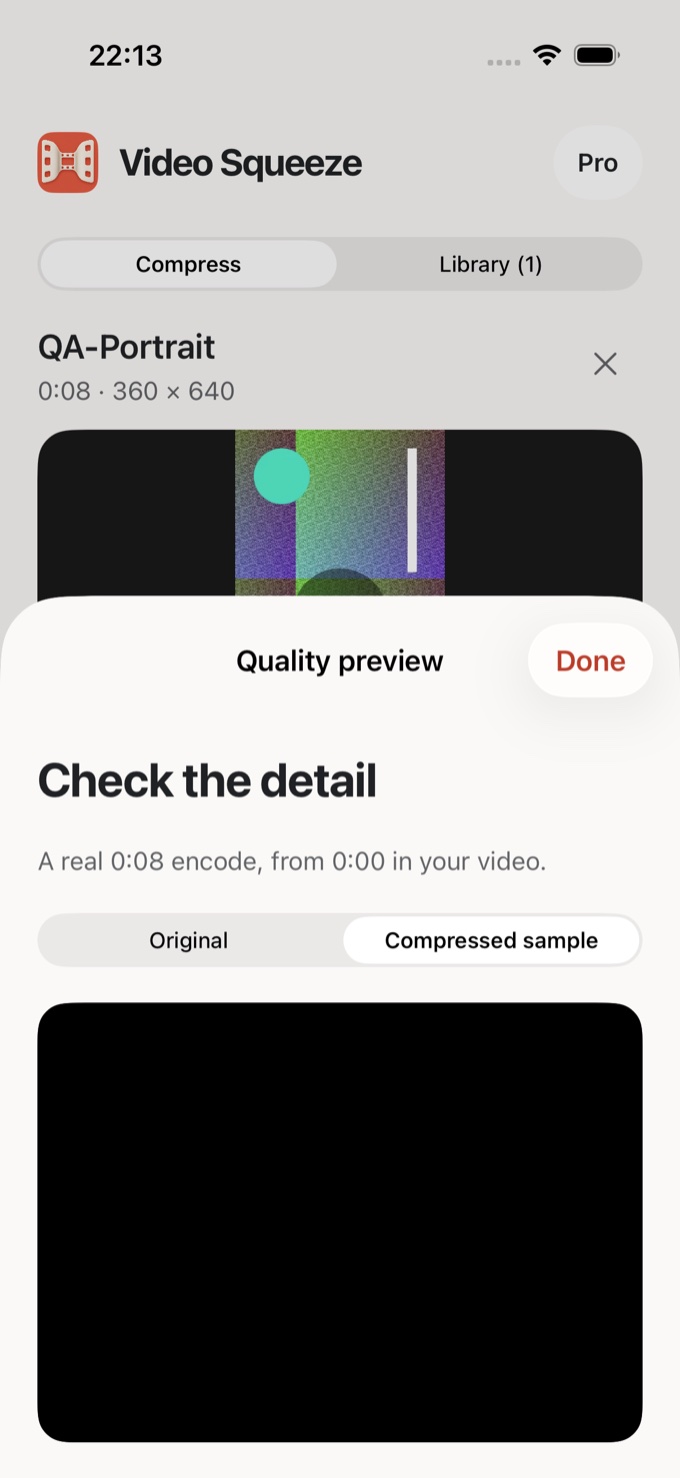
How to check video quality after compression
Use movement, fine detail or a dim scene as your test. The opening shot may be the easiest one to encode.
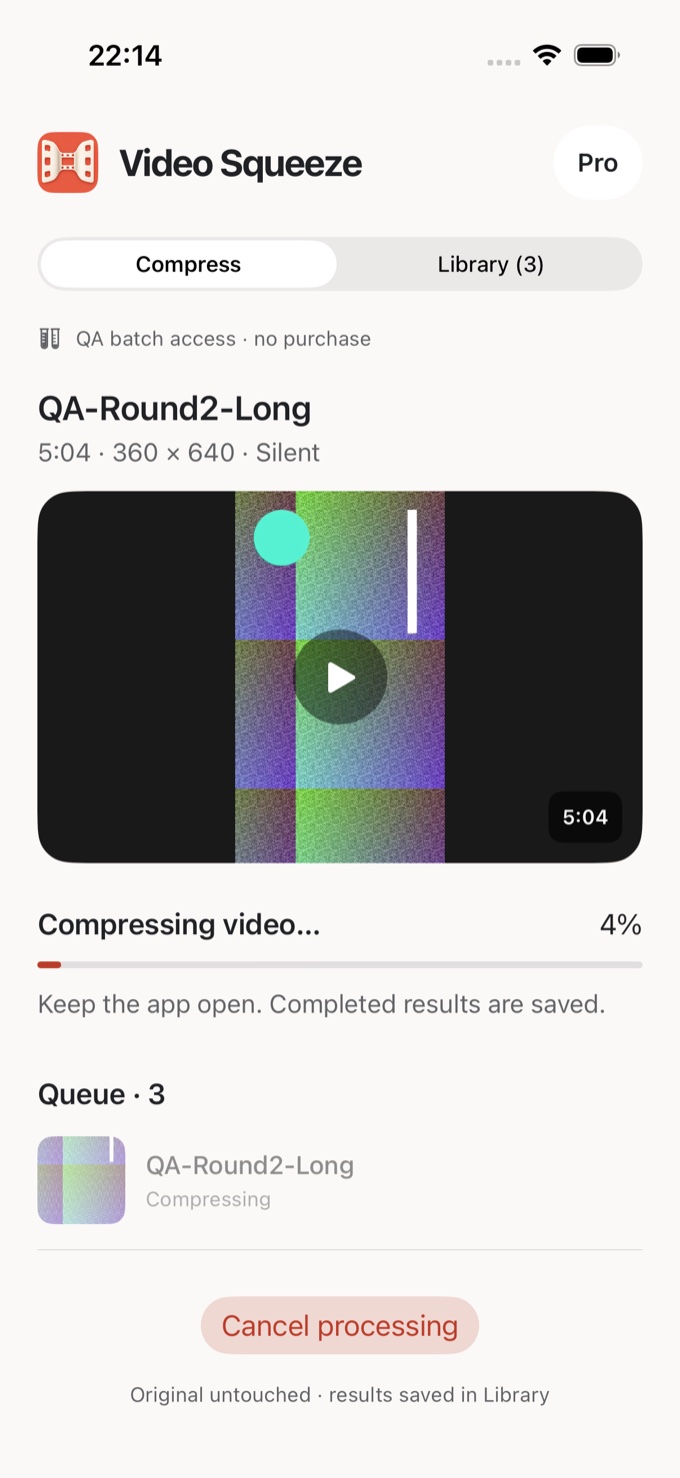
How to compress several videos at once on iPhone
Group clips with the same destination. Give screen recordings and detailed footage their own settings.
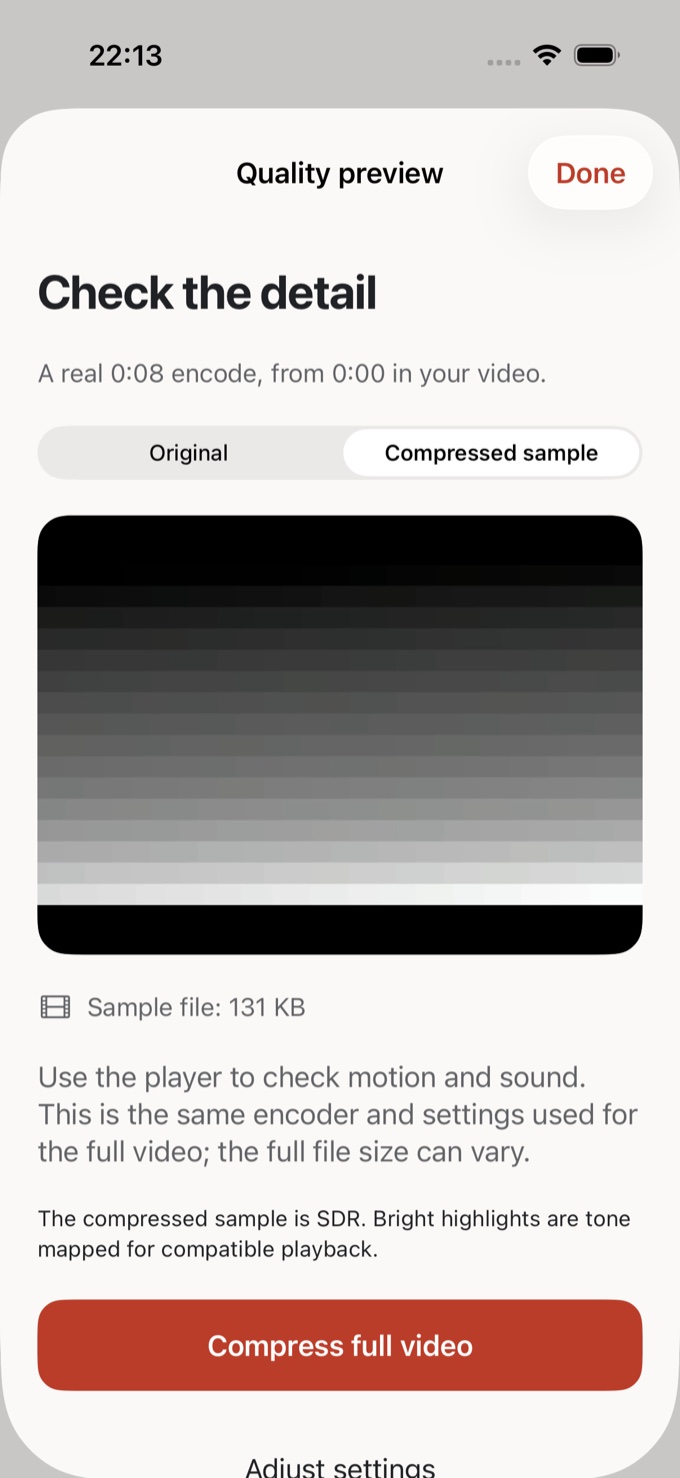
Why an iPhone video can look different after compression
Check whether the export kept HDR. Highlights can change noticeably when a clip becomes SDR.
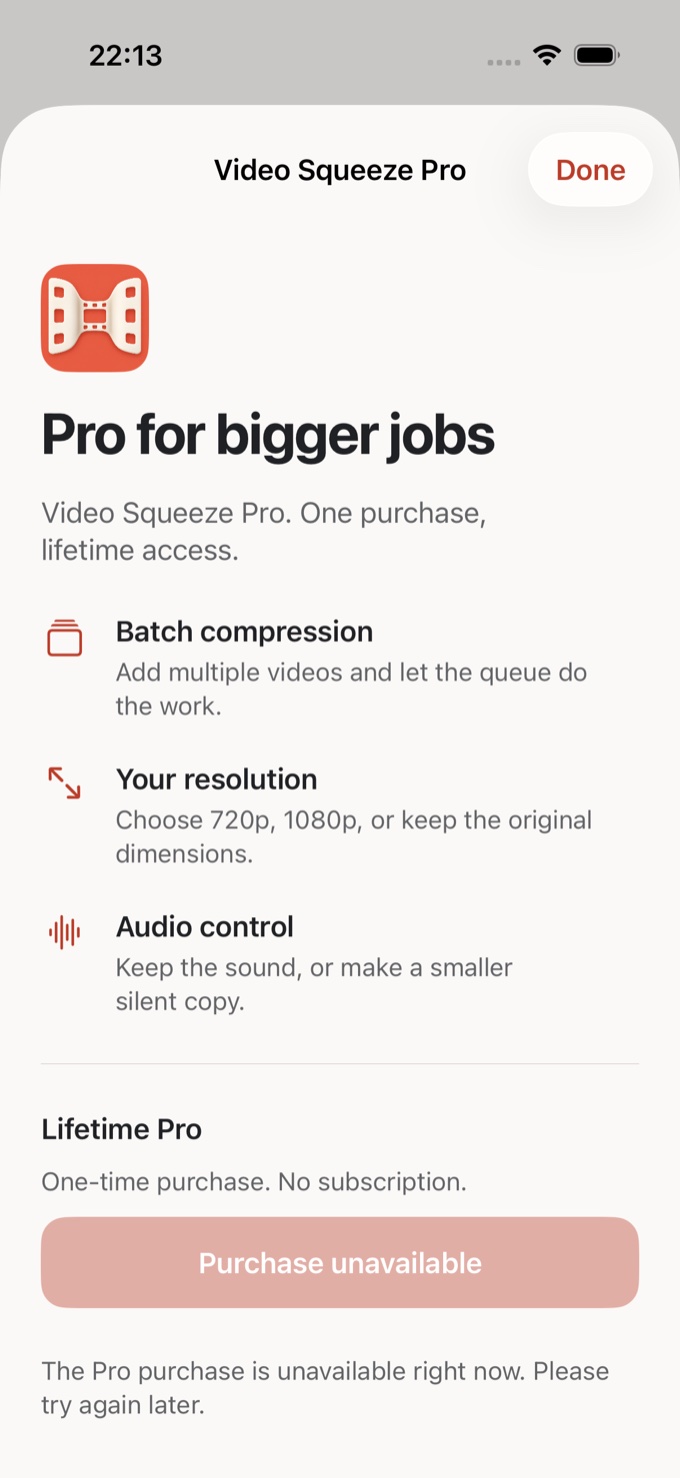
How to remove audio from an iPhone video before sharing
Make a separate copy and check it in a player. Turning down playback volume doesn’t change the file.
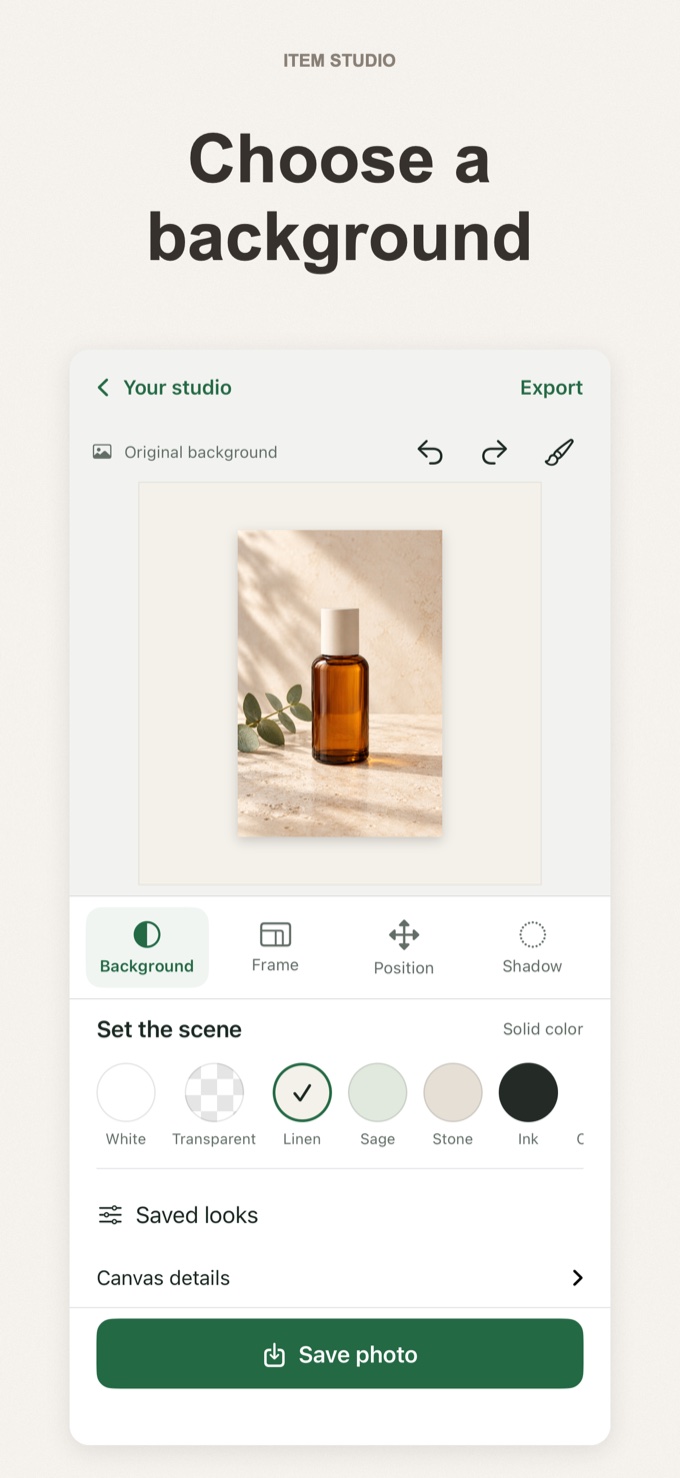
How to make a white background for a product photo on iPhone
Start with an image where you can see the whole edge. Handles and cutouts need that separation, too.
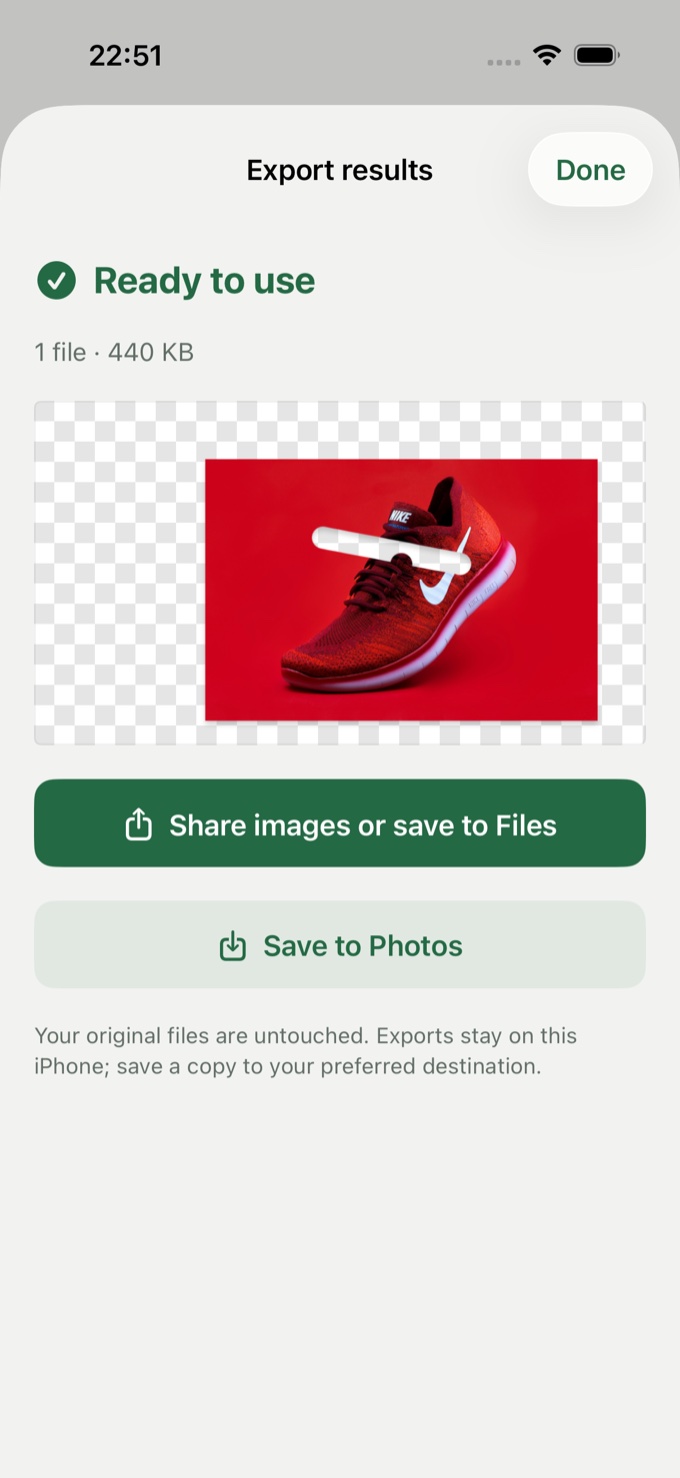
How to save a product photo as a transparent PNG
A checkerboard shows the transparent area in the editor. Test the exported PNG on two backgrounds.
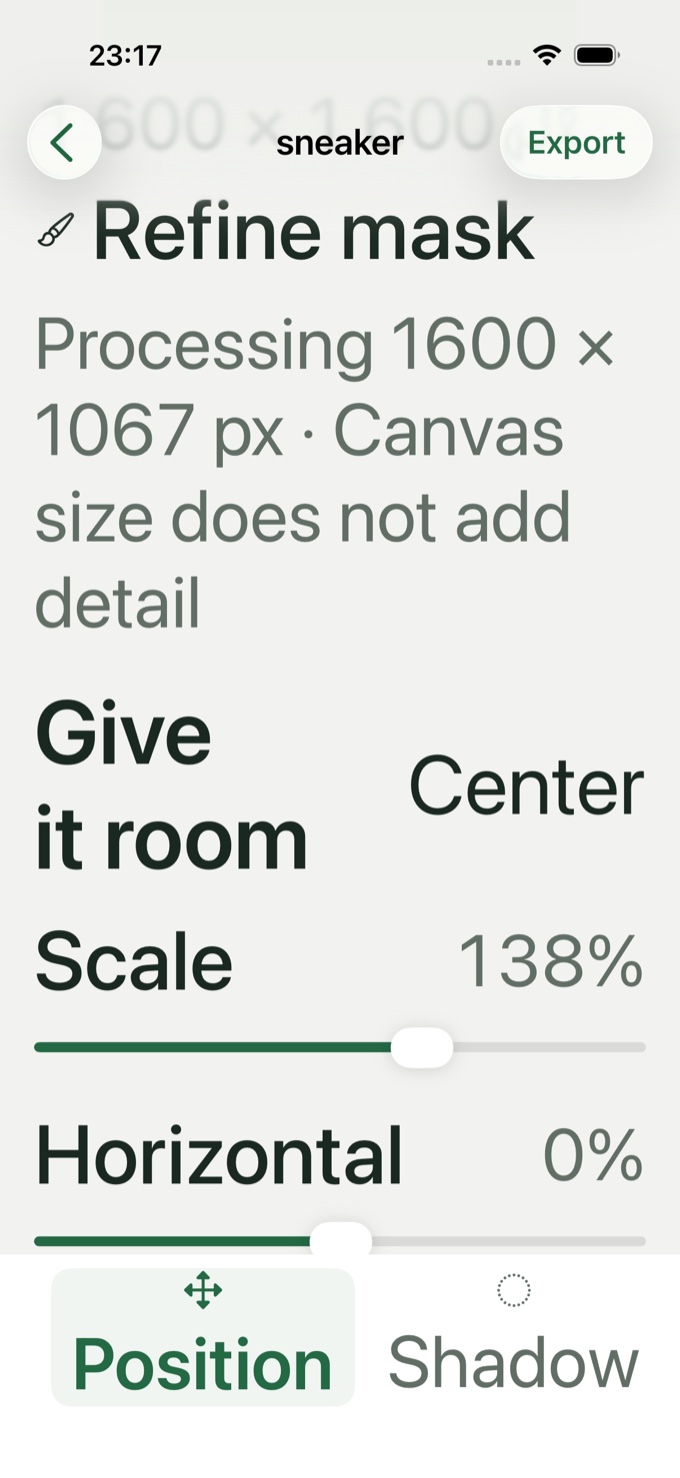
How to make iPhone product photos look consistent
Set a camera angle, background and breathing room before you work through the whole set.
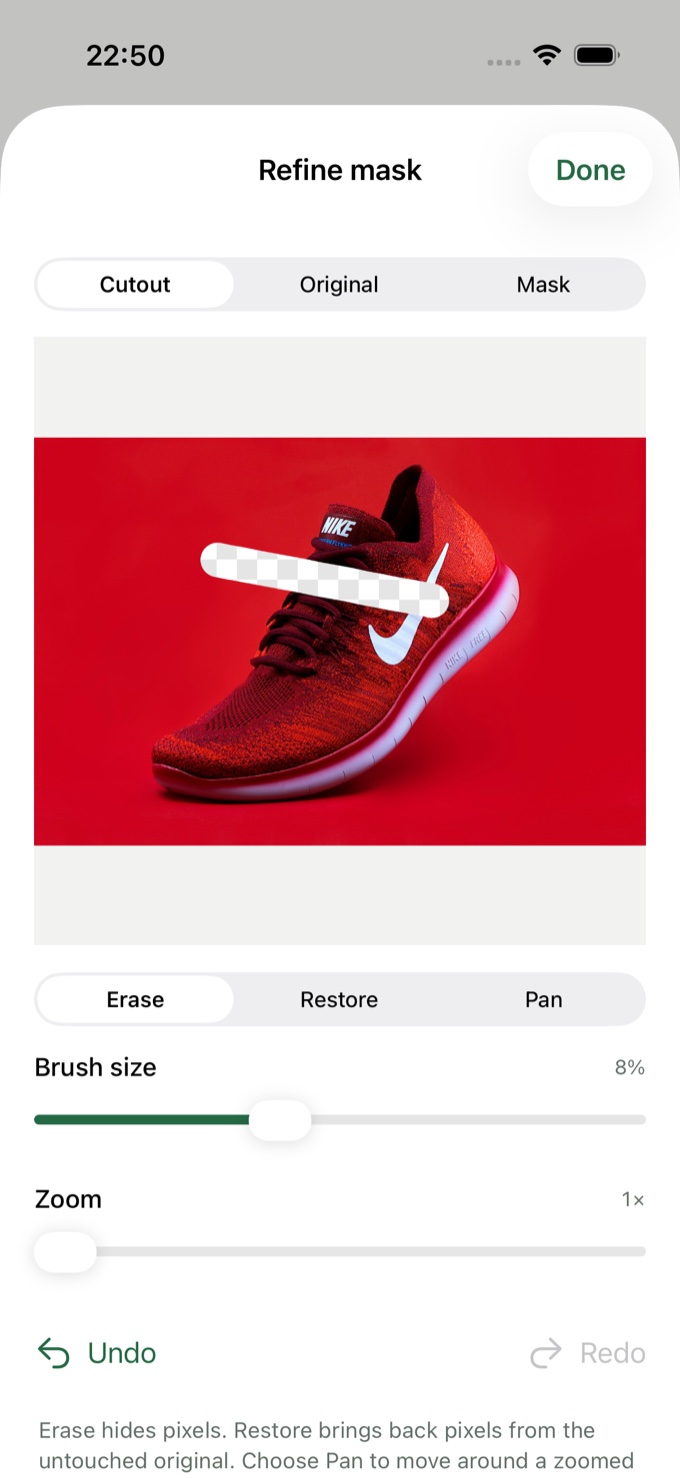
How to clean up the edges of a product cutout
Inspect little gaps, handles and thin parts as carefully as the outer silhouette.
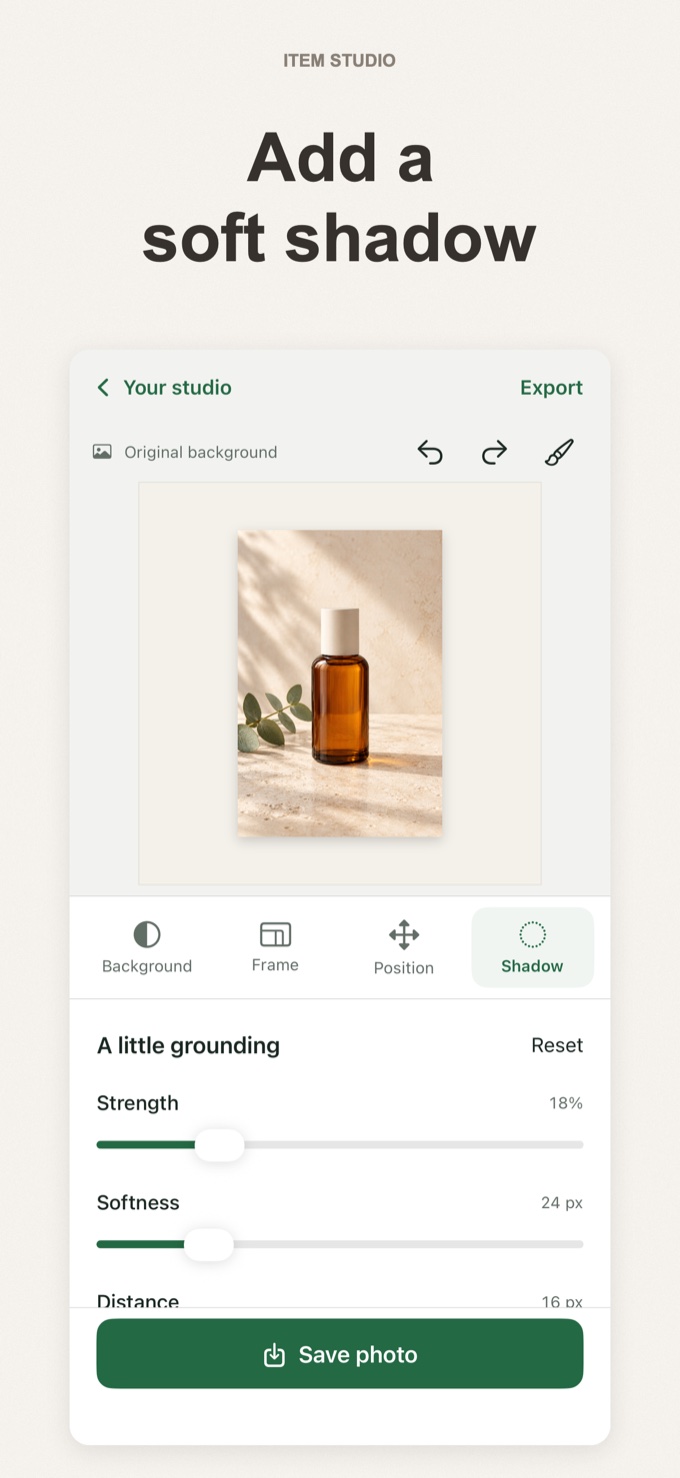
How to add a natural-looking shadow to a product photo
Start beside the base of the object. Follow the light you can see on the product.
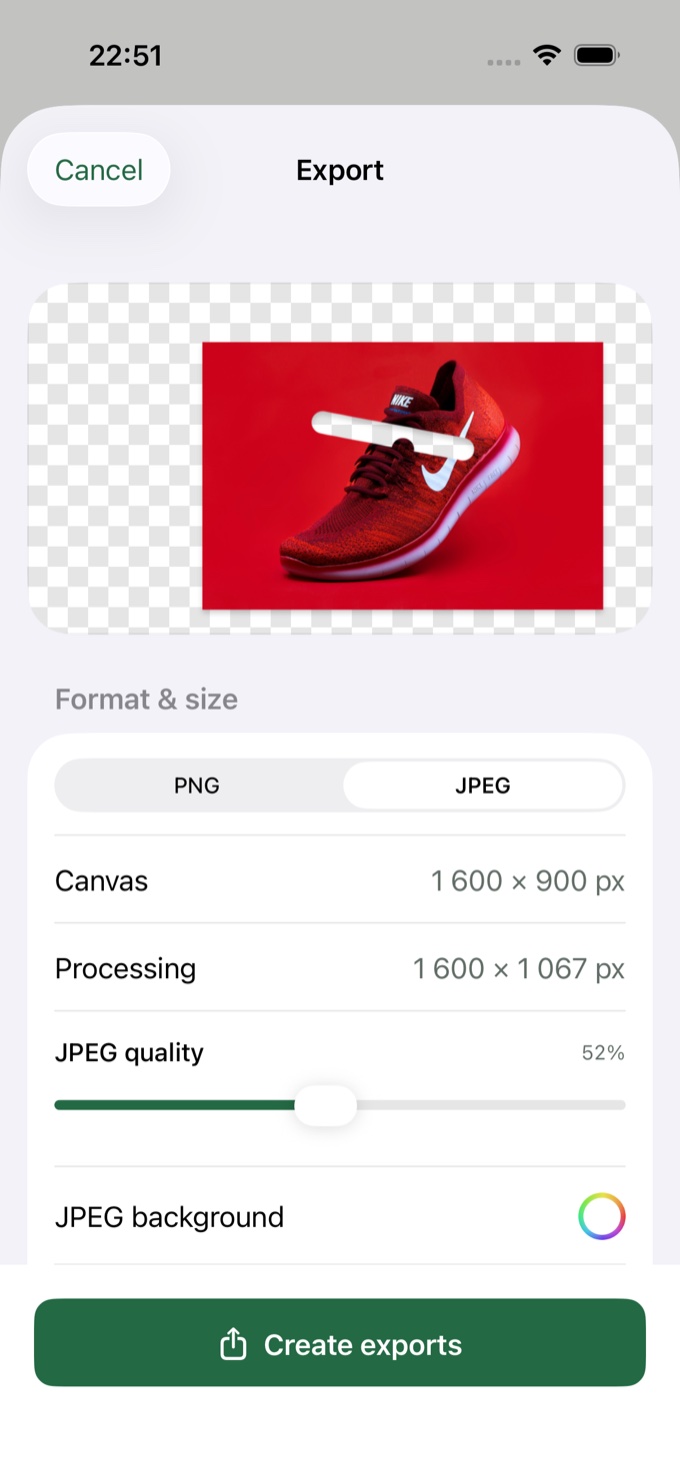
PNG or JPEG for product photos? How to choose
Save transparency for layouts. A finished listing image often benefits from a smaller file.
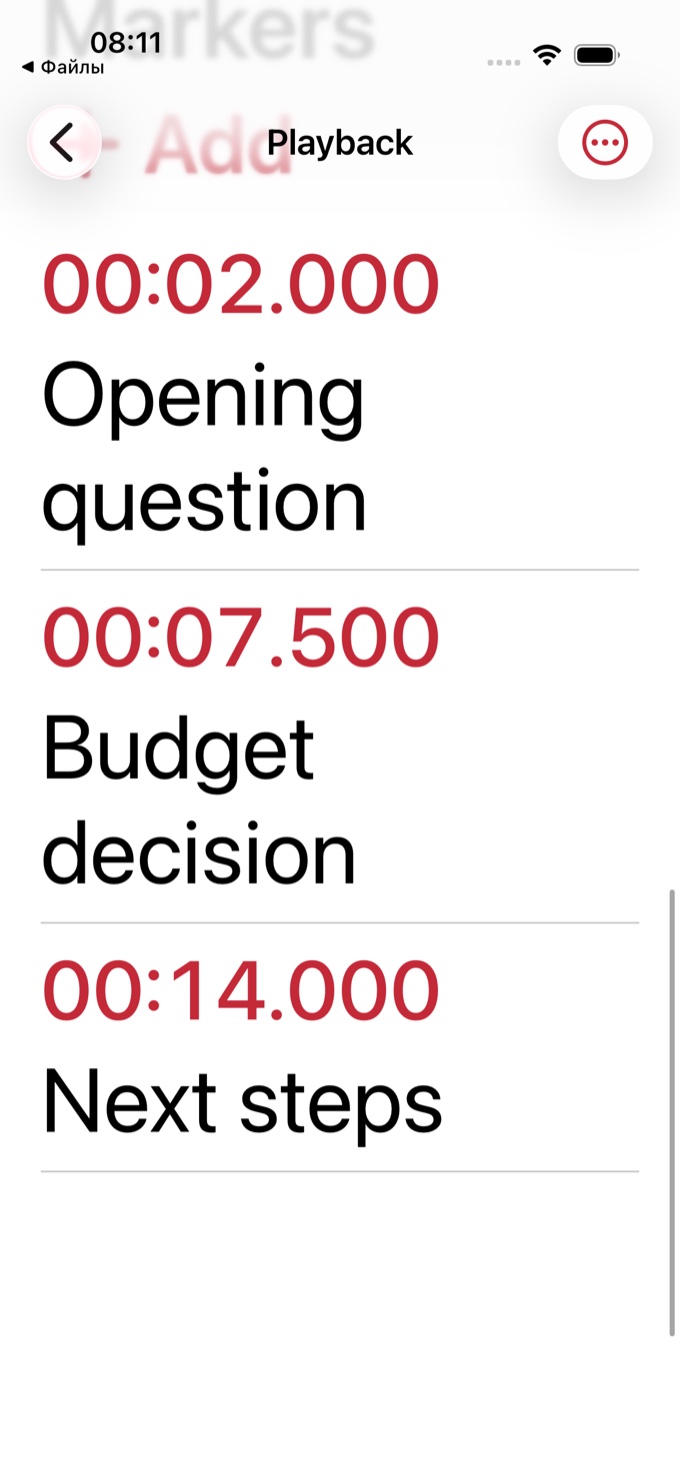
How to add timestamps to an audio recording on iPhone
Leave a marker when the topic changes or when someone mentions a number you’ll want to check.
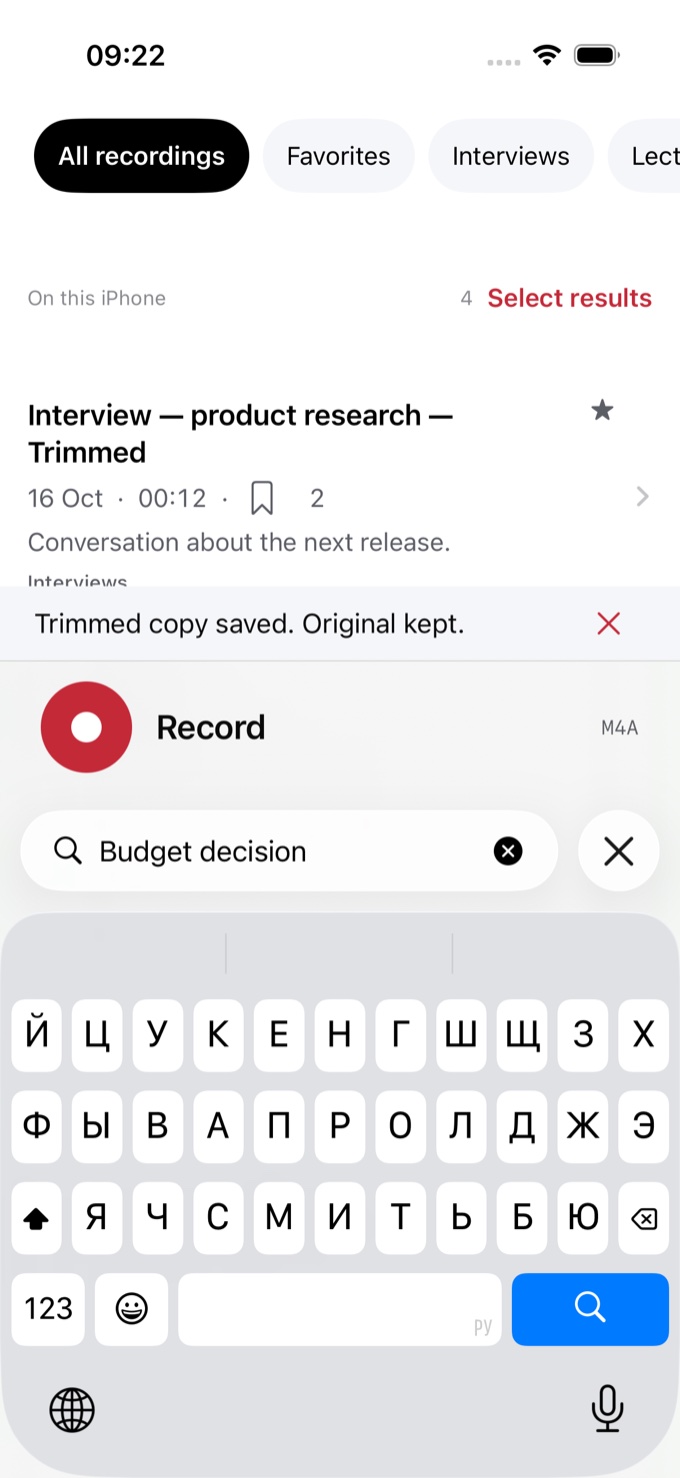
How to find a specific moment in a long recording
Use the words you expect to remember next week as the title of a marker or a note.
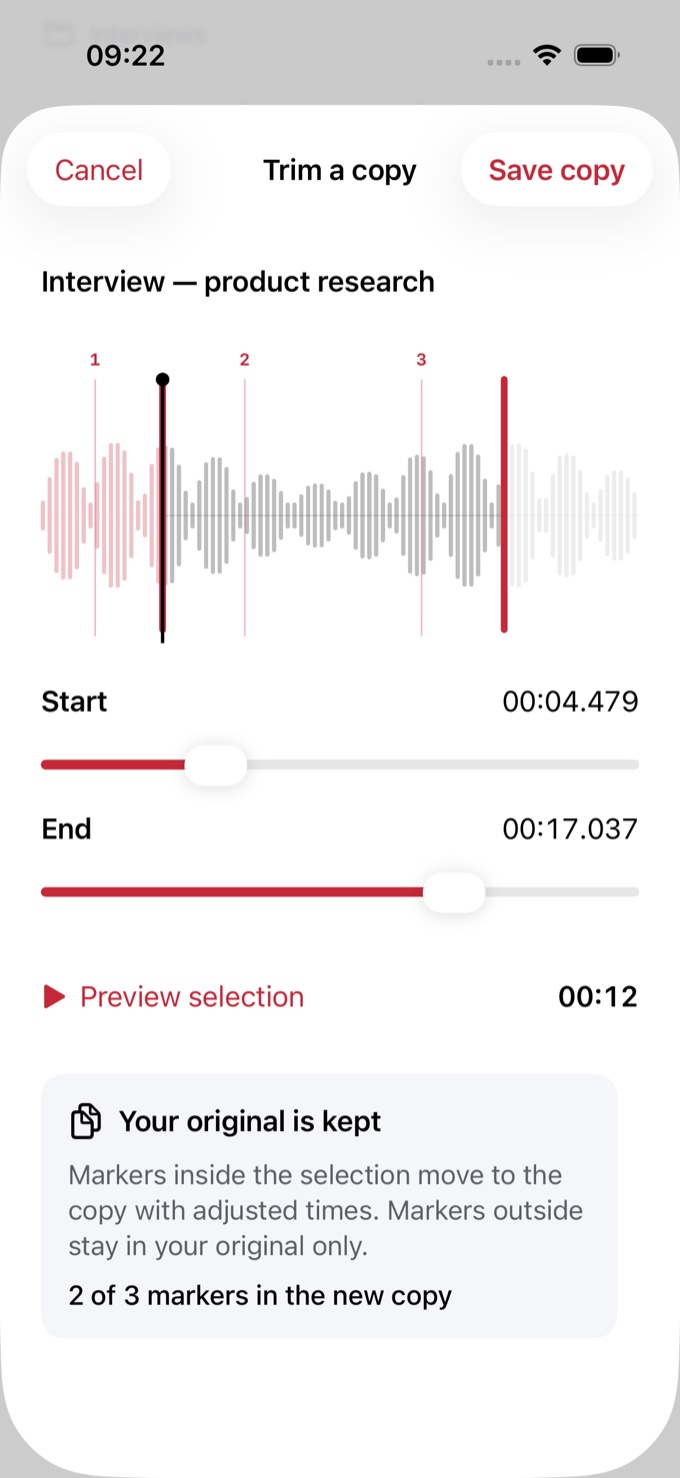
How to trim a voice recording on iPhone
Give the beginning and end a little room. A couple of seconds of context can make a quote clearer.
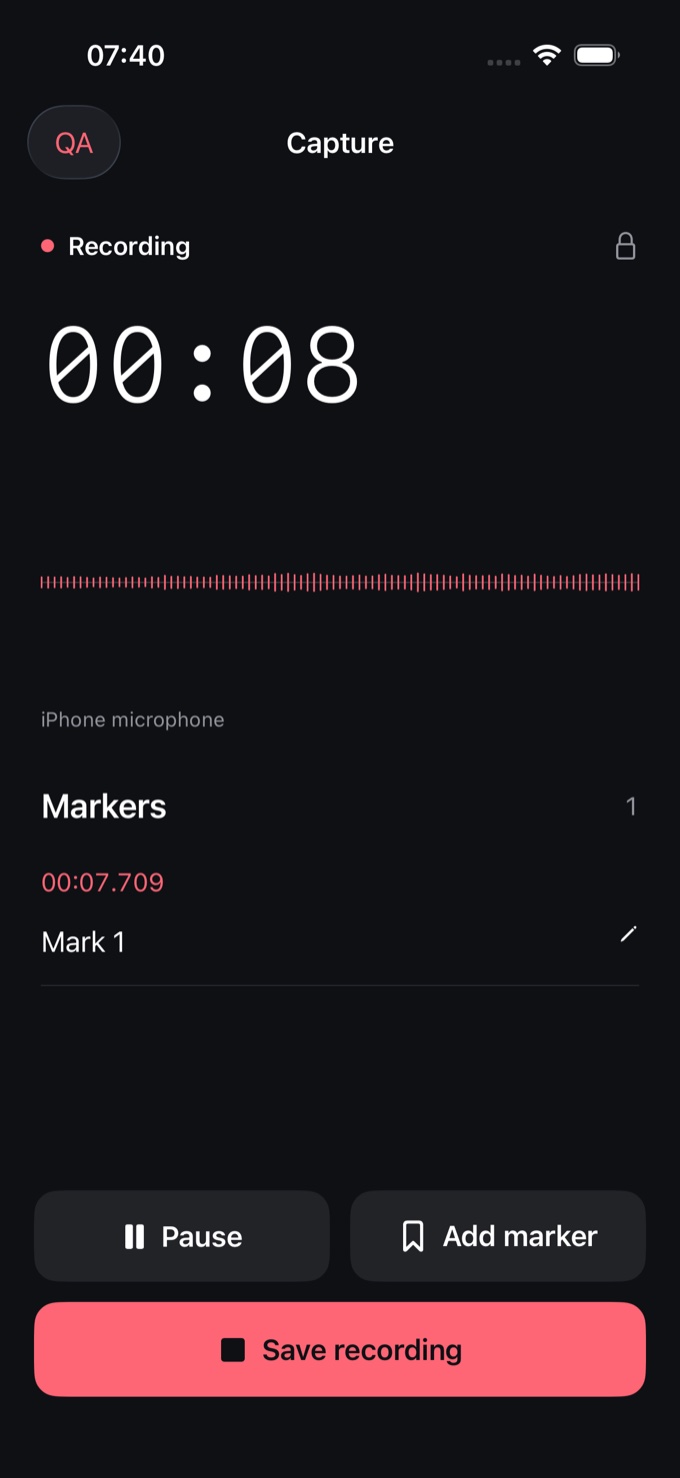
How to record a meeting on iPhone and find the decisions later
Agree on recording first, then mark decisions as people make them.
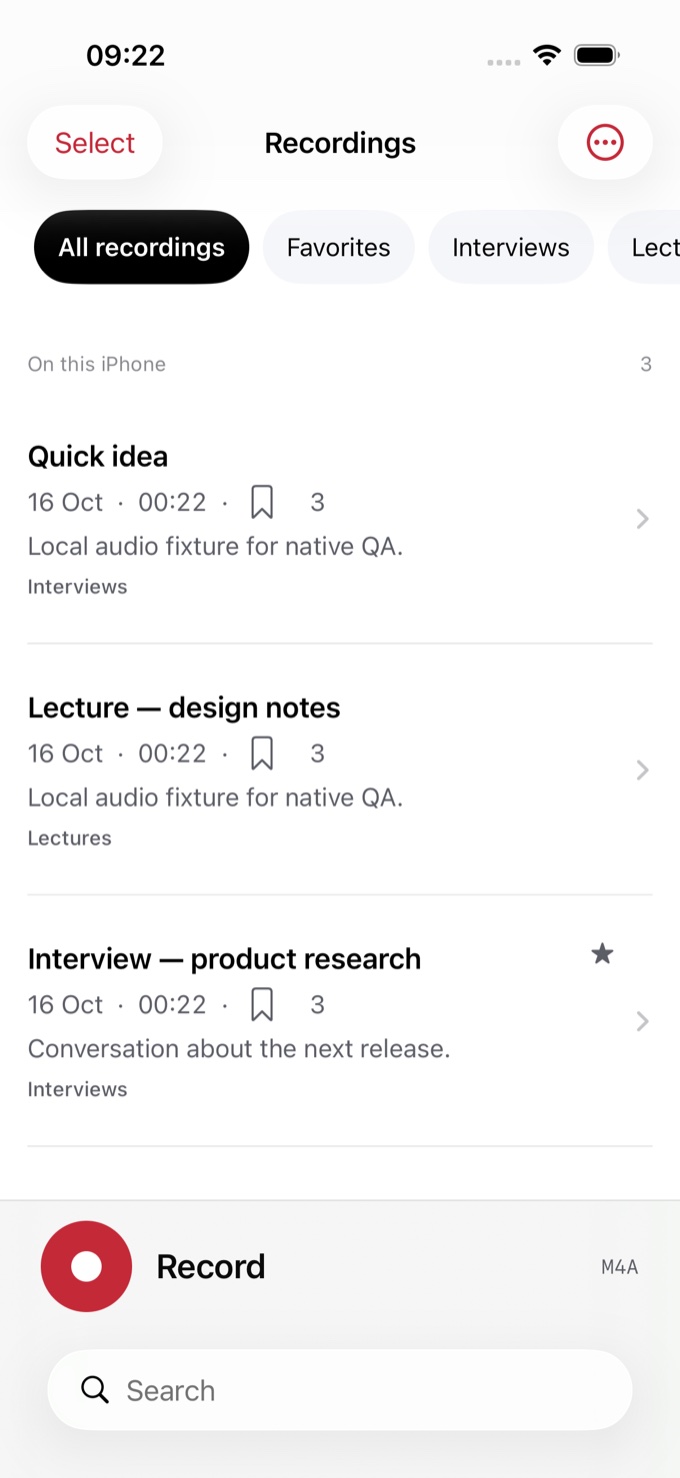
How to organize voice recordings by project on iPhone
Give each project a collection and each clip a name that tells you what happened.
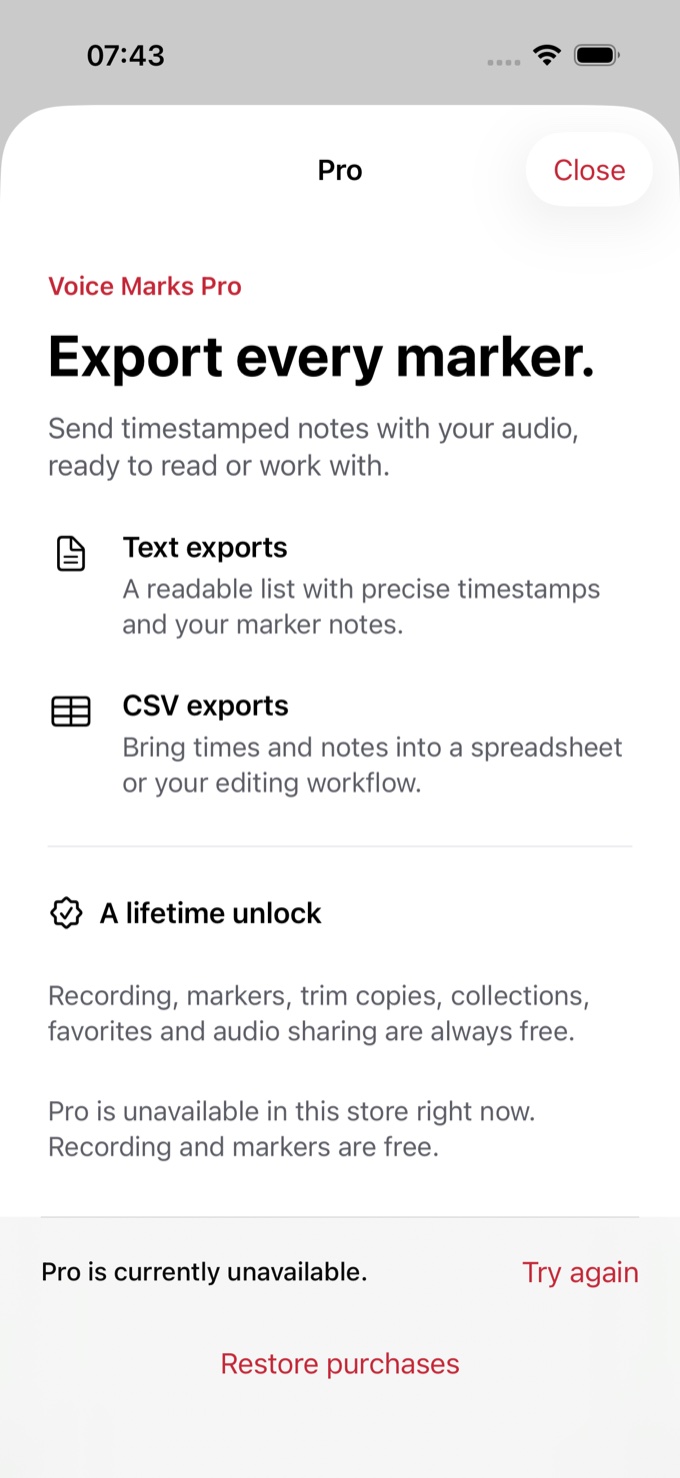
How to export audio notes with timestamps
Send a readable TXT file or use CSV when the notes will become a spreadsheet.