 SHENDZO
Documents
What to check before you email a scanned contract
A three-page lease can still produce a three-page PDF when you scan the middle sheet twice. The easiest time to catch that is while the signed copy is still on the table.
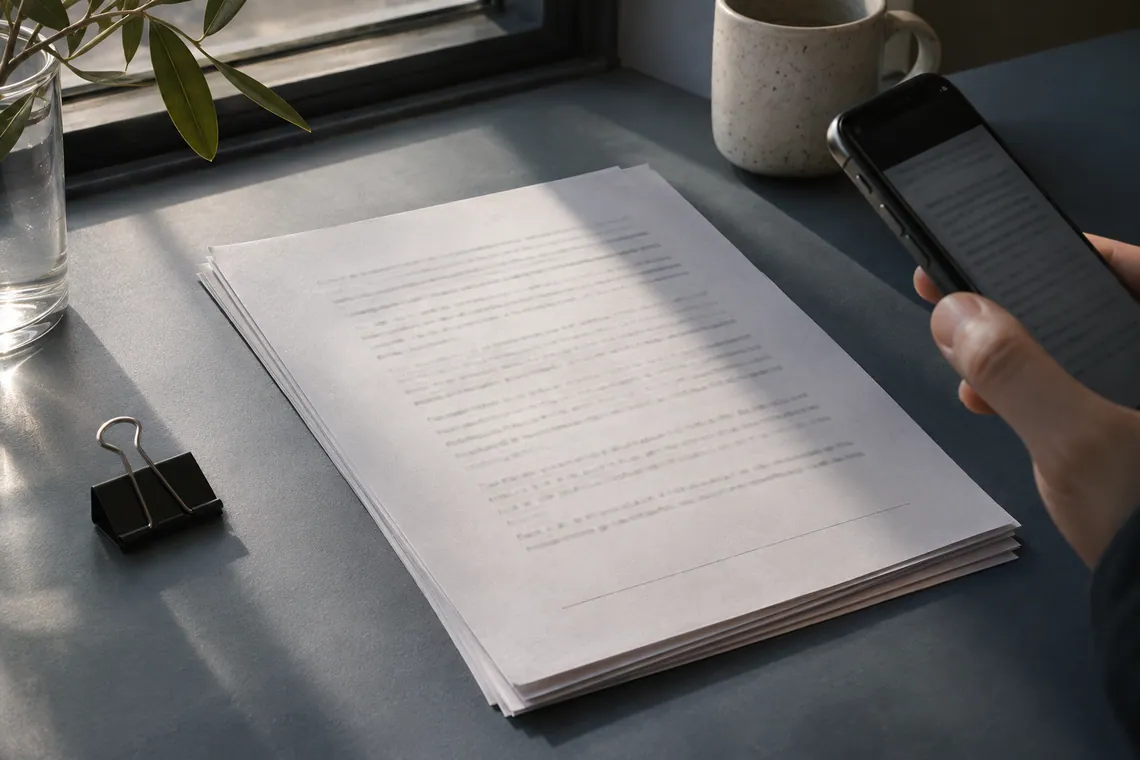
You’ve picked up the keys and signed the lease, and the landlord is taking the paper copy home. If you’re using our iPhone app Paper Desk, scan the sheets in one go and save them as a single PDF. Keep the originals beside you while you open the file you’re about to email.
Read the deposit amount off the screen
Zoom in on the deposit or the contract number and read it from the PDF before you look at the paper. Once you know the last digit is an eight, it’s remarkably easy to see an eight in a blur. If you have to guess, lay that sheet flat, move it out of the phone’s shadow and take the scan again.
Now look at the whole page. On the signed sheet, follow the last stroke of each signature to its end. If it runs clean off the screen, compare it with the paper. If the scanner trimmed the signature along with the margin, take that page again with all four corners in view.
Match the sheets to the PDF
Turn one sheet at a time as you scroll through the file. Page numbers make this easy. If the pages have the same heading and no numbers, match the last line on each one. If you reach the signed sheet on the table and find yourself reading the rent terms again on the phone, you know which page to scan again.
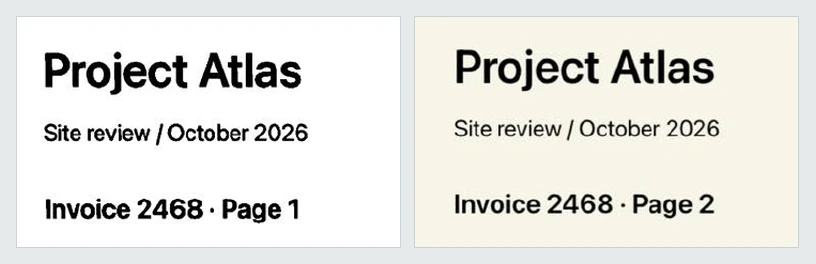
Give the checked file a name you’ll recognize, such as “June 12 signed lease.pdf.” Once you’ve attached it, open it from the draft email and go straight to the signed page. If you picked an earlier copy with a blank signature line, this is when you’ll see it.
Paper Desk
The free version lets you scan several sheets in one session and send them together as a PDF.

