 SHENDZO
Documents on iPhone with Paper Desk
How to prepare documents on your iPhone, check a scan and send a readable PDF.
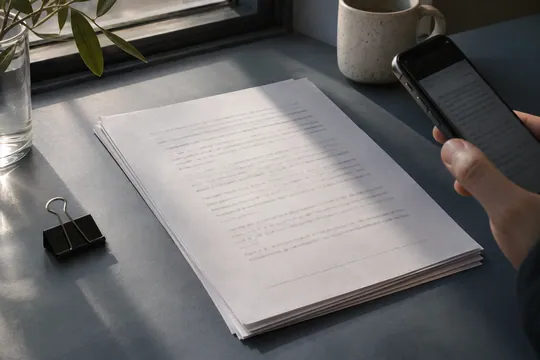
What to check before you email a scanned contract
A three-page lease can still produce a three-page PDF when you scan the middle sheet twice. The easiest time to catch that is while the signed copy is still on the table.
How to scan multiple pages into one PDF on an iPhone
A contract and its attachments can easily end up as separate files. One PDF keeps the pages together and gives the recipient a clear reading order.
How to get a clear document scan on your iPhone
When the small print is blurry or your phone casts a shadow across the page, the fix often starts with the light and your distance from the paper.
PDF too large to email? How to make it smaller on iPhone
A smaller file is easier to send, but heavy compression can make fine print unreadable. Compare the copies before sharing.
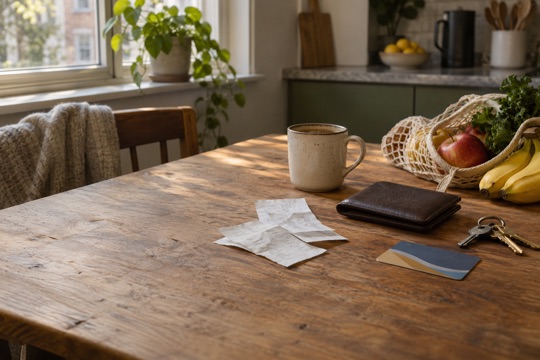
How to keep receipts for warranty claims on your iPhone
A year after a purchase, you may need the date, item and amount in a hurry. Capture the receipt while it is still readable.
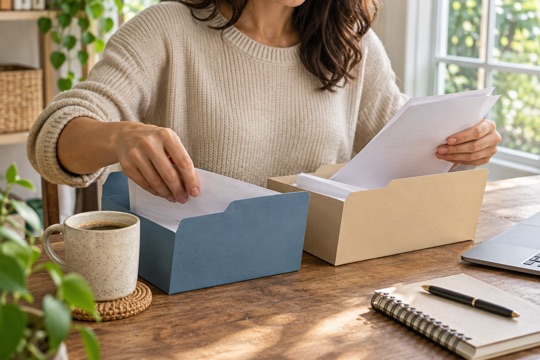
How to organize paper documents on your iPhone
Start with the papers you actually need to find again: contracts, receipts and payment confirmations. A clear file name will help later.