 SHENDZO
Documents
How to keep receipts for warranty claims on your iPhone
A year after a purchase, you may need the date, item and amount in a hurry. Capture the receipt while it is still readable.
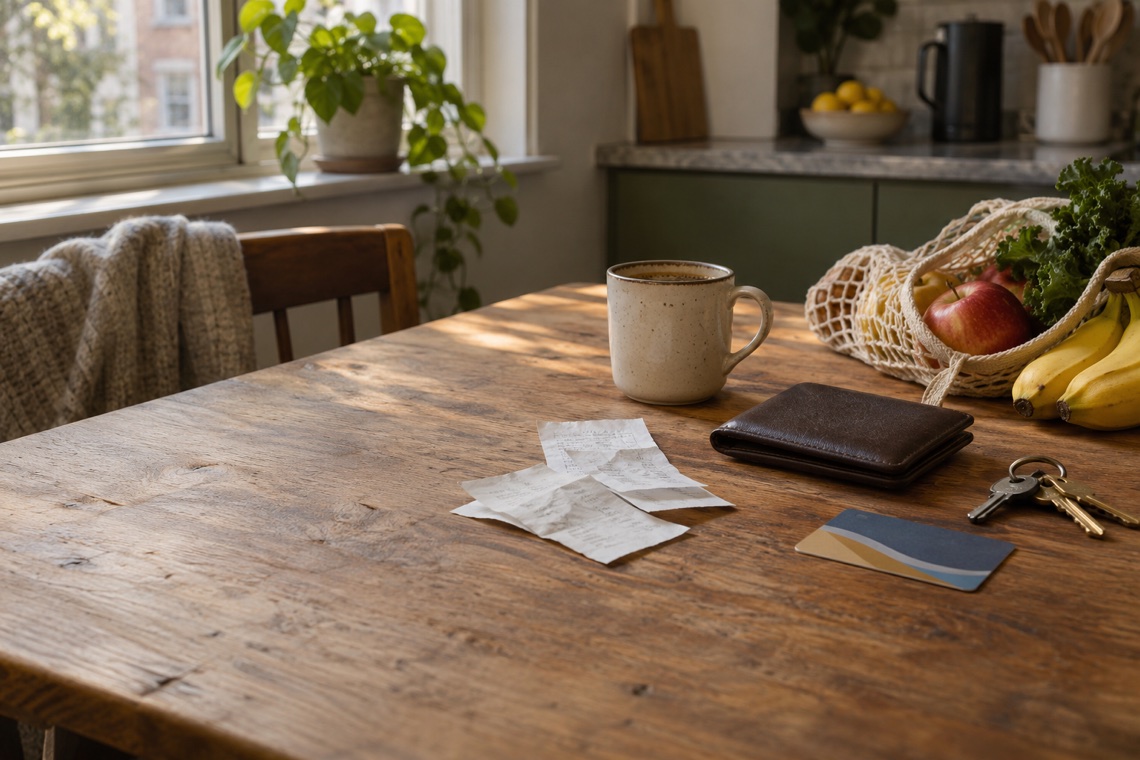
The receipt for a coffee maker starts out in the box with the manual. Months later, the box is gone and the store asks when you bought it. A digital copy can make the details easier to find if the seller or manufacturer accepts one. Proof-of-purchase requirements vary, so keep the warranty terms with the receipt.
Capture the details you may need
Lay the receipt on a contrasting surface and flatten any folds. Check that the store name, date, item and total are visible. If the receipt is long, make sure the bottom has not been cropped. Zoom in after capture: faded lines can look clear at thumbnail size.
For a very long receipt, you can capture the top and bottom separately with a little overlap. Keep both parts together so their relationship is clear, and compare the amounts with the paper original.
Give the file a name you can find
“Coffee maker receipt — 2026-11-26” is easier to recognize than a random photo number. In our iPhone app Paper Desk, you can collect the captures in a PDF, rename the document and organize files in folders. You can also export a copy to Files to keep it separately from the app.
If the warranty terms, serial number or online order confirmation are elsewhere, save them alongside the receipt. Before discarding the paper, check the seller’s requirements and make sure your copy is readable.
Paper Desk
Scan receipts in Paper Desk, collect pages in a PDF and keep documents in folders.

