 SHENDZO
Home cooking
How to back up your recipe collection on iPhone
Check what the archive contains. Recipe text and photos can live in different formats.
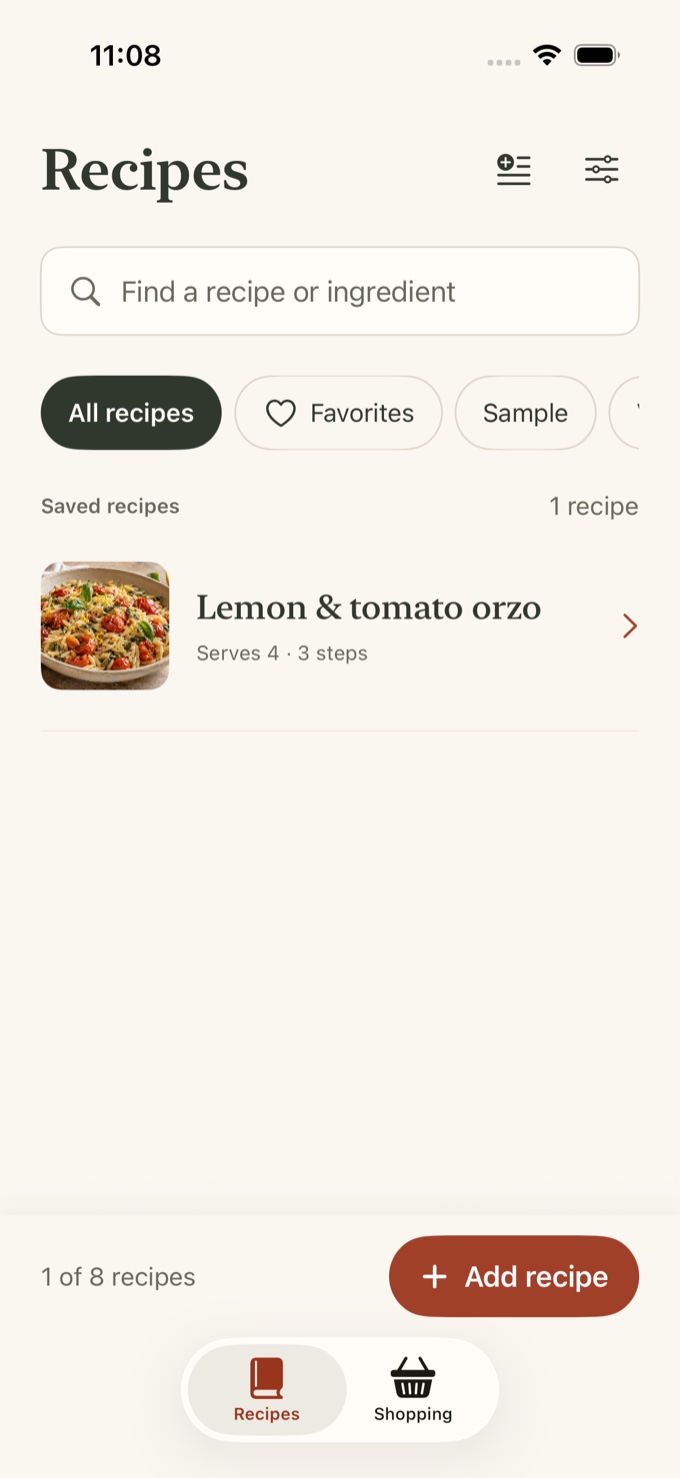
If you’ve collected recipes for years, save a separate copy before moving to a new iPhone. Decide which photos you want to carry along. A text-only backup can restore the steps and still leave the recipe card looking different.
Check the archive before switching phones
Save the file somewhere you’ll still be able to reach and include the date in its name. If your collection has photos, choose a format that includes them and confirm the export finished. Keep the current collection until you’ve checked the restored entries on the new device.
Our app Recipe Shelf supports JSON recipe backup and restore. A ZIP archive with recipe photos is included in Pro.
Recipe Shelf

