 SHENDZO
Product photography
How to make iPhone product photos look consistent
Set a camera angle, background and breathing room before you work through the whole set.
Put three product listings side by side. If one jar nearly touches the top and the others look tiny, they won’t read as a set. Pick a reference image and compare the new pictures beside it.
Keep a common scale
Similar products can share the same headroom and side margins. If two items really are different sizes, let the images show that difference. Check the thumbnails on the page as well as the full-size export.
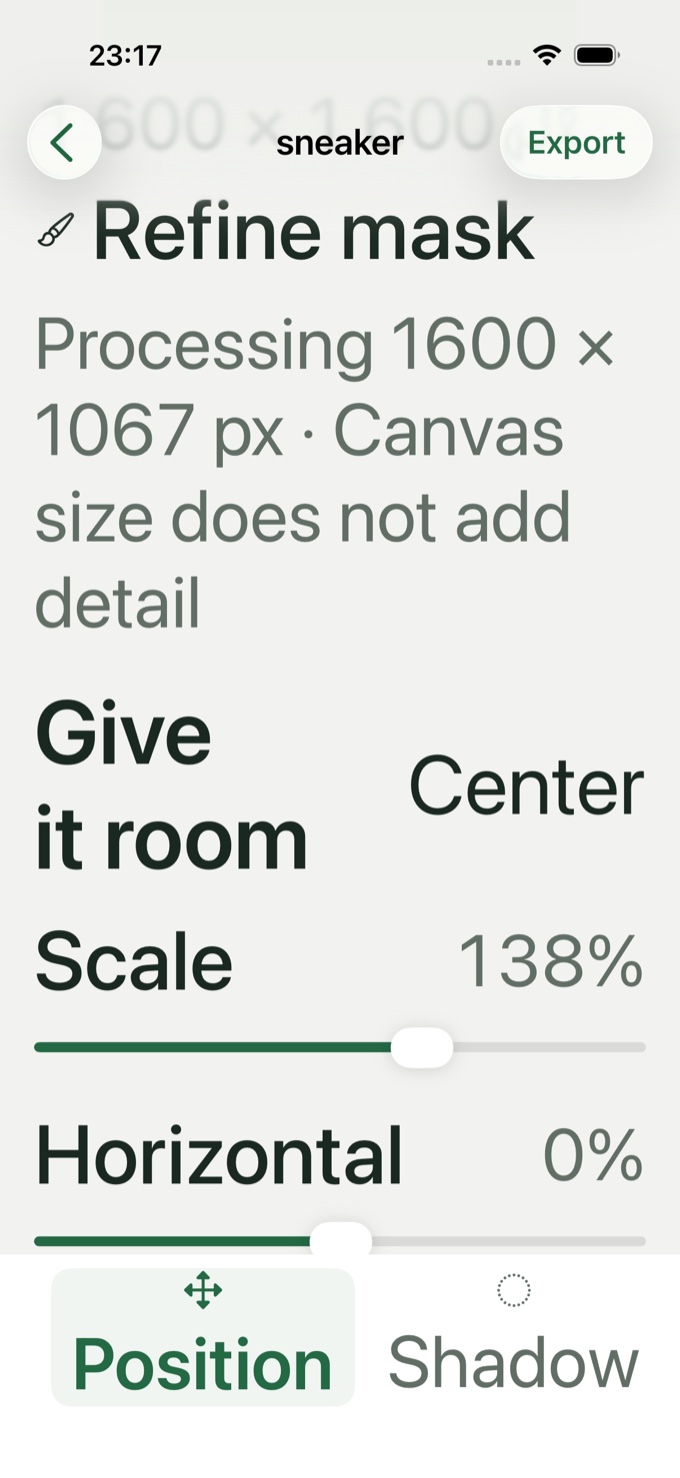
In our app Item Studio, adjust each product’s position, scale and margins. A one-time Pro purchase adds saved looks and batch export, which help repeat a layout across a series.
Item Studio

