 SHENDZO
Product photography
How to clean up the edges of a product cutout
Inspect little gaps, handles and thin parts as carefully as the outer silhouette.
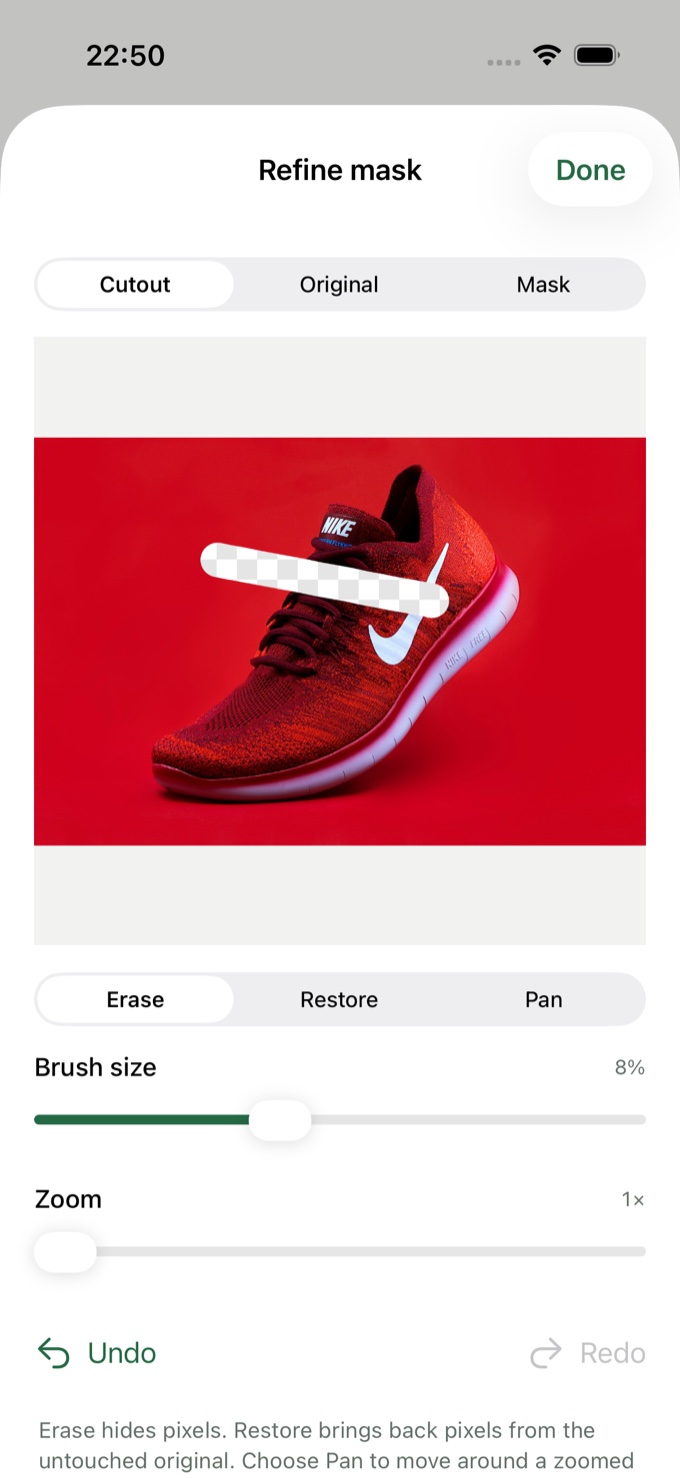
Automatic isolation kept most of a bag and erased part of the buckle. It’s easier to spot and repair that before adding shadows or arranging the product on the canvas.
Restore one small area at a time
Zoom in on the edge. Bring back a detail you can identify in the original, then remove leftover background inside handles and gaps. Shrink the view to the size of the listing and look for any edges that now feel too hard.
In our app Item Studio, the erase and restore brushes edit the mask. The original photo stays separate from the project and exported result.
Item Studio

