 SHENDZO
Video compression
How to check video quality after compression
Use movement, fine detail or a dim scene as your test. The opening shot may be the easiest one to encode.
A still face can look sharp while grass or leaves dissolve into blocks as soon as the camera moves. That’s easy to miss if you check only the first seconds. Find the busiest part of the clip and start there.
Compare the same moment
Play the original and the smaller version at the same viewing size. Read a caption, follow a moving face and look at the darker areas. If the titles appear elsewhere, check that section separately. A gentler preset can help when something important disappears.
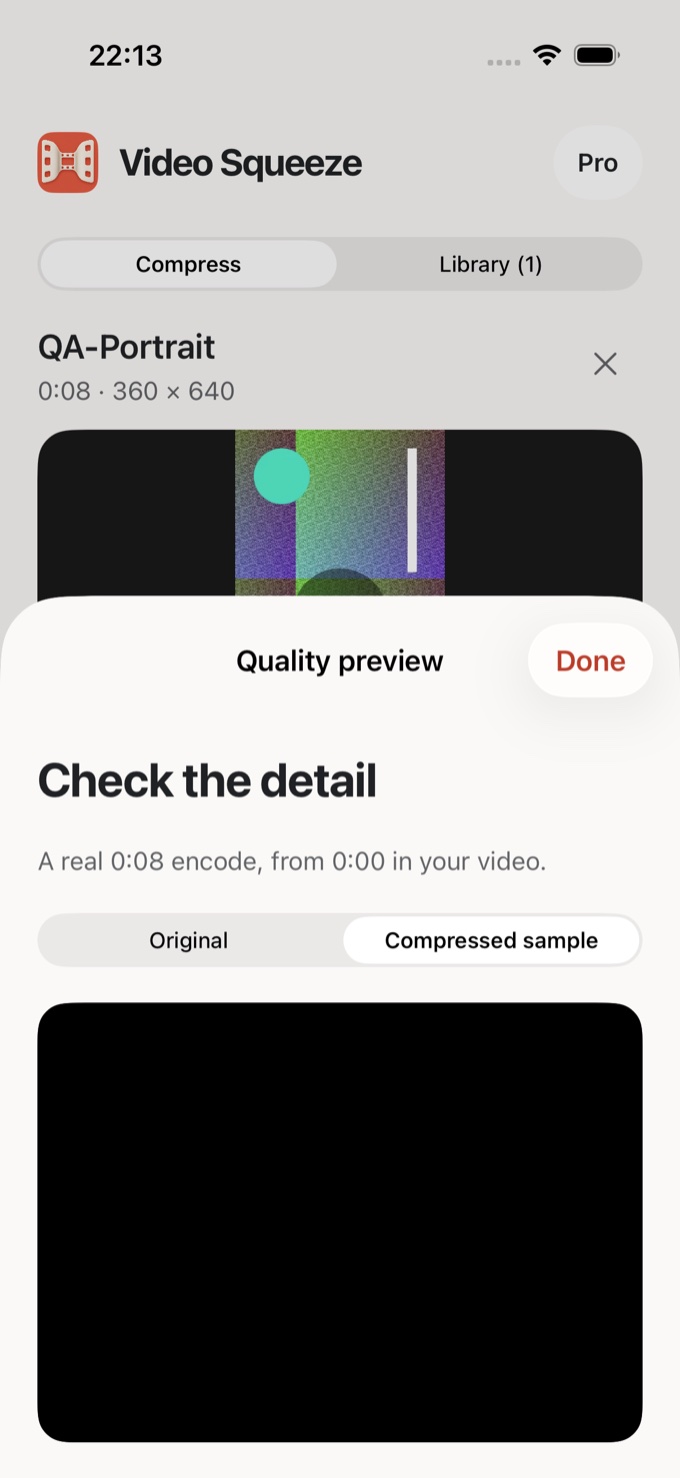
In our app Video Squeeze, a short quality sample lets you make that comparison before exporting the full clip. Play the finished file and check its size once it’s ready.
Video Squeeze

