 SHENDZO
Video compression
How to compress several videos at once on iPhone
Group clips with the same destination. Give screen recordings and detailed footage their own settings.
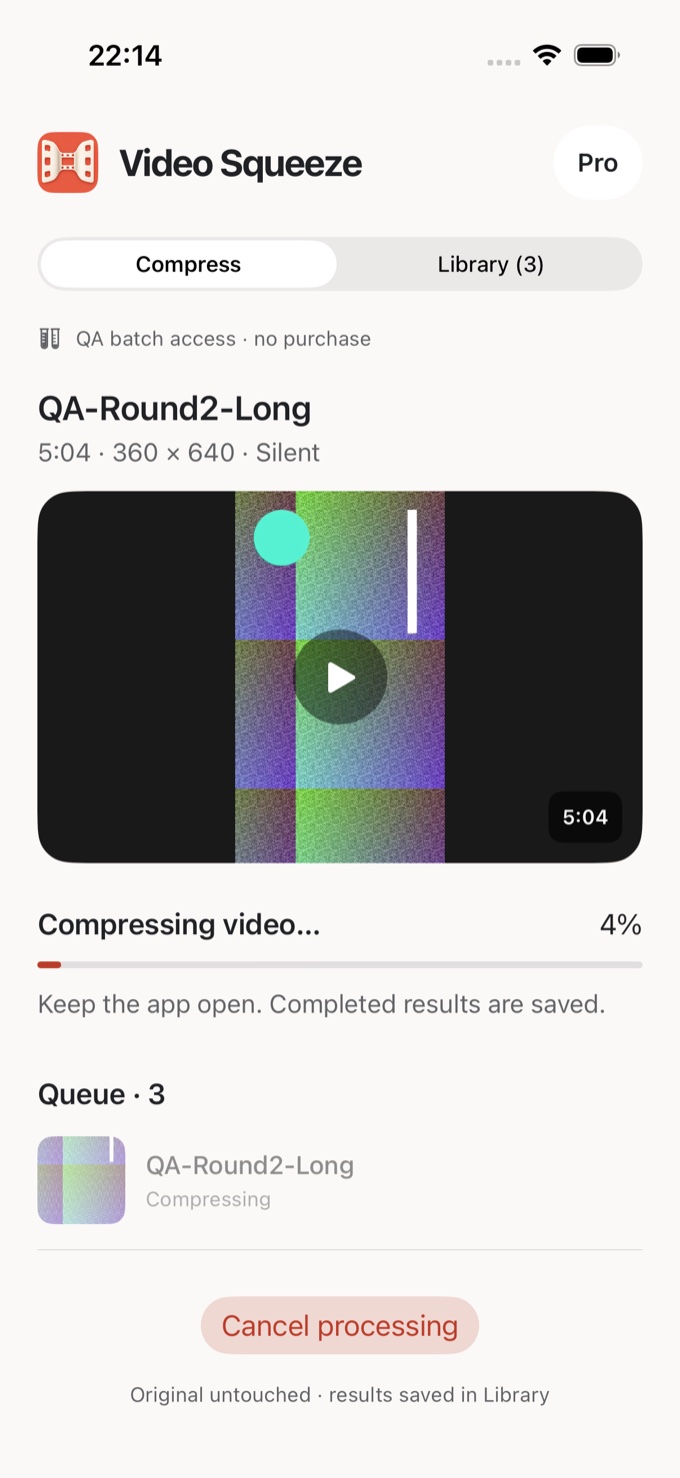
After an event you may have eight clips to send. Decide where they’re going and how the recipient will watch them. A camera clip and a screen recording can need different treatment even when they share the same upload limit.
Sort the clips before queuing them
Check a representative clip and the most demanding one. Reuse settings for footage with similar needs. Once the files are ready, check the names and sizes. Play at least the shortest and longest results before sending the batch.
Our app Video Squeeze handles individual clips for free. A one-time Pro purchase adds a queue for processing several clips in succession.
Video Squeeze

