 SHENDZO
Video compression
How to remove audio from an iPhone video before sharing
Make a separate copy and check it in a player. Turning down playback volume doesn’t change the file.
You want to share a screen recording, but there’s a conversation in the background. If the recipient only needs the picture, send a copy without the audio track. Check the picture for notifications, captions and reflections, too.
Test the file you’ll actually send
Open the export, turn up the volume and play the spot where the conversation used to be. Give it a clear name such as “Demo muted.” Keep the original in case you need the commentary later.
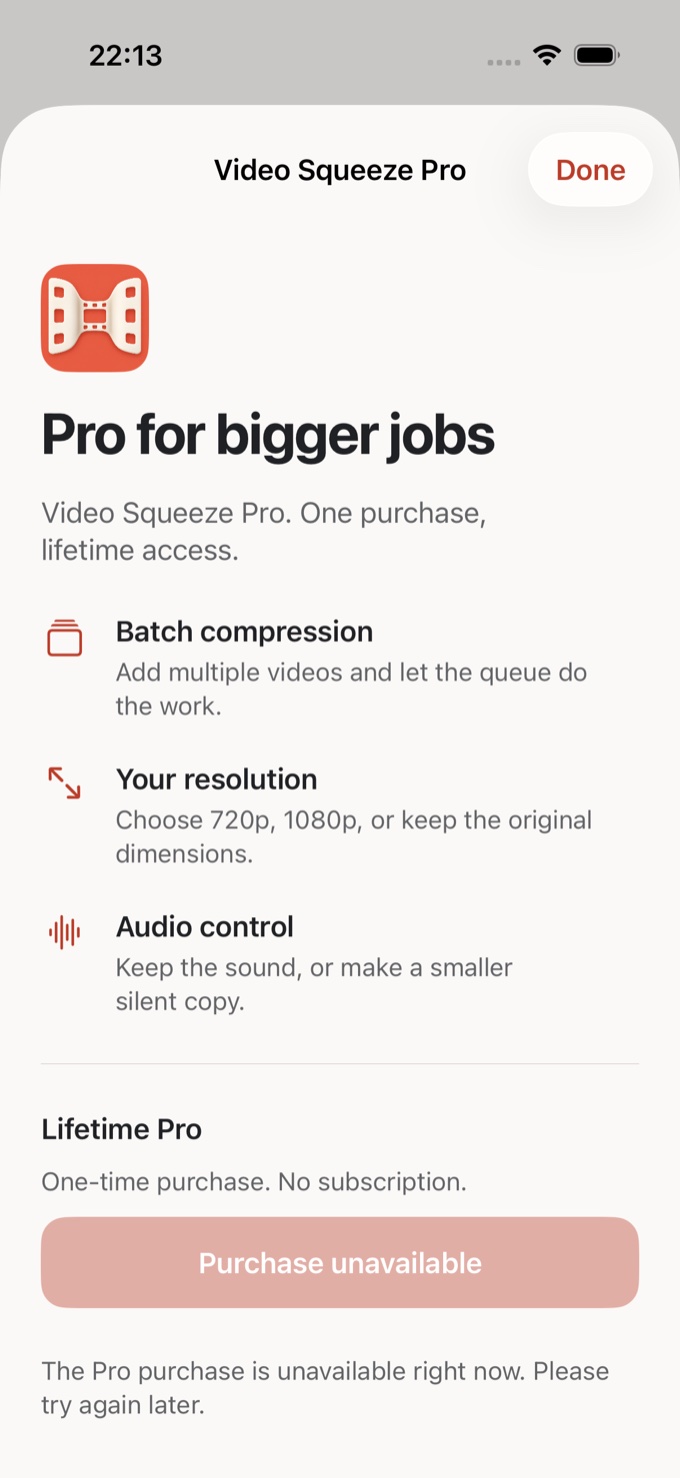
Our app Video Squeeze includes audio removal with its one-time Pro purchase. The compressed result is exported as a separate file.
Video Squeeze

