 SHENDZO
Video compression
How to compress an iPhone video to under 25 MB
Aim a little below the cap and check what that budget does to the full clip.
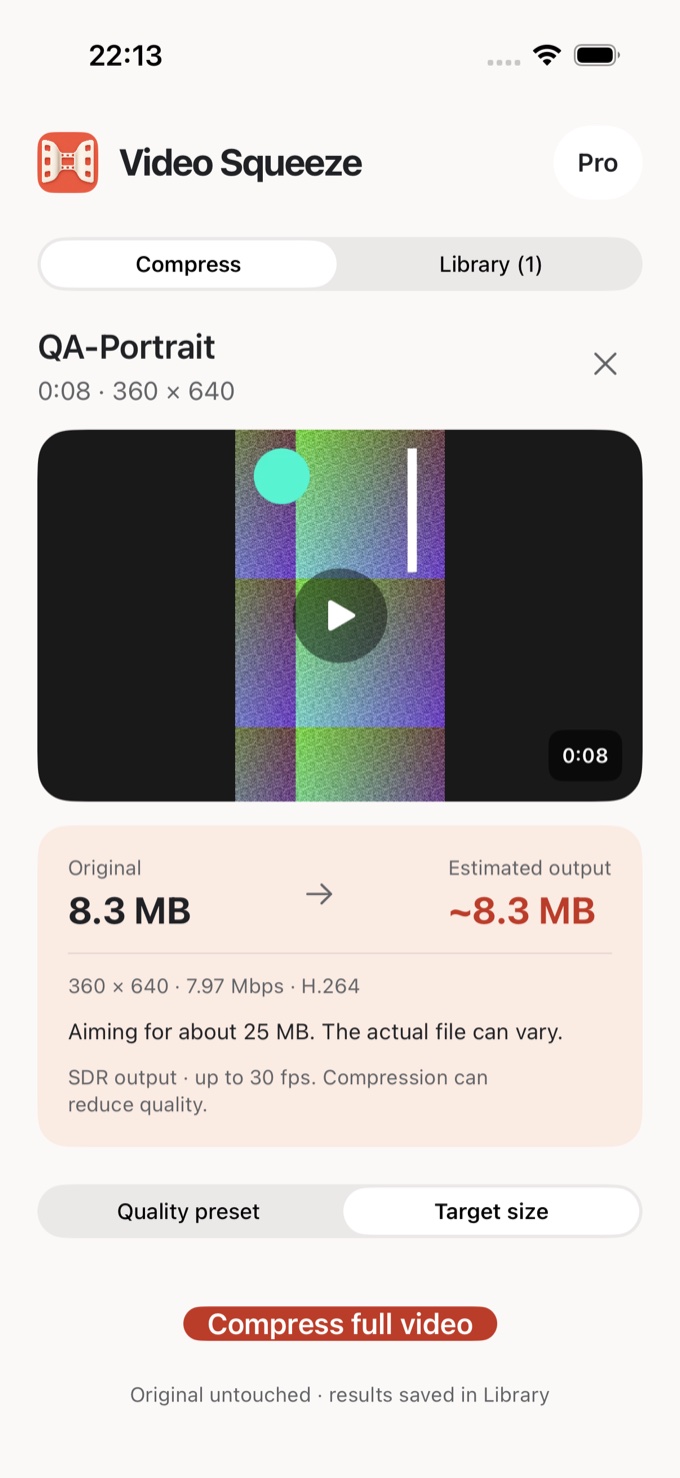
For a 25 MB limit, start with a target of 23 MB. Spread over a minute, that’s roughly 3 megabits per second for video and sound combined. A two-minute clip gets about half as much per second.
Check the hardest moment
Find the section with a fast pan or small on-screen text. If it turns muddy in the sample, shorten the clip or ask whether the recipient can use a file link. Pixel dimensions on their own won’t tell you the file size.
Our iPhone app Video Squeeze lets you choose a target size and see the actual file size after compression. Use that result to check the upload limit of the service you’re sending it through.
Video Squeeze

