 SHENDZO
Mobile video
How to film a travel vlog and get yourself in the shot
The street market is in your video, but your reaction is behind the camera. Two views can keep both parts of the moment.
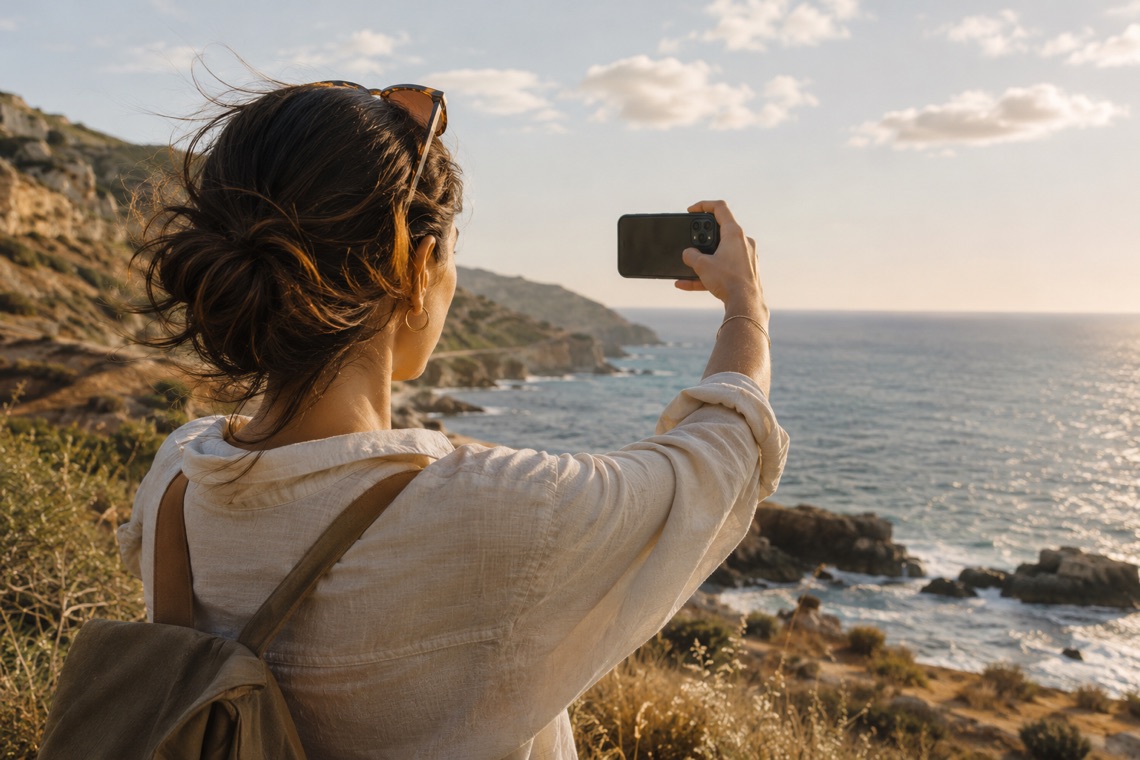
You are tasting a new fruit at a market and want to show the stall as well as your reaction. Turn the phone toward yourself and the seller disappears from view. Keep it pointed at the stall and all that remains of you is your voice.
Decide which view matters most
Our app Dual Camera can record the front and rear cameras at the same time on a compatible iPhone. Keep the market as the main view and put your face in a small window. Before recording, check that the window does not cover a sign or the seller’s hands.
For a conversation, try stacking the views instead. The person across from you and your own reaction each get half the picture. The circle window and top-and-bottom layout are included in the free version.
Check light and sound where you are
With a bright window or sky behind you, your face may look dark even while the street looks fine. Move a step and check both views. Record a few words and listen back with headphones: wind and market music can drown out a voice.
Leave a few seconds before and after the moment you want to keep. That gives you room to trim the clip later. If other people are in the shot, consider their consent and the rules where you are filming.
Dual Camera
The circle and split layouts are free. New recordings in the free version carry a watermark.

