 SHENDZO
Audio recording
How to organize voice recordings by project on iPhone
Give each project a collection and each clip a name that tells you what happened.
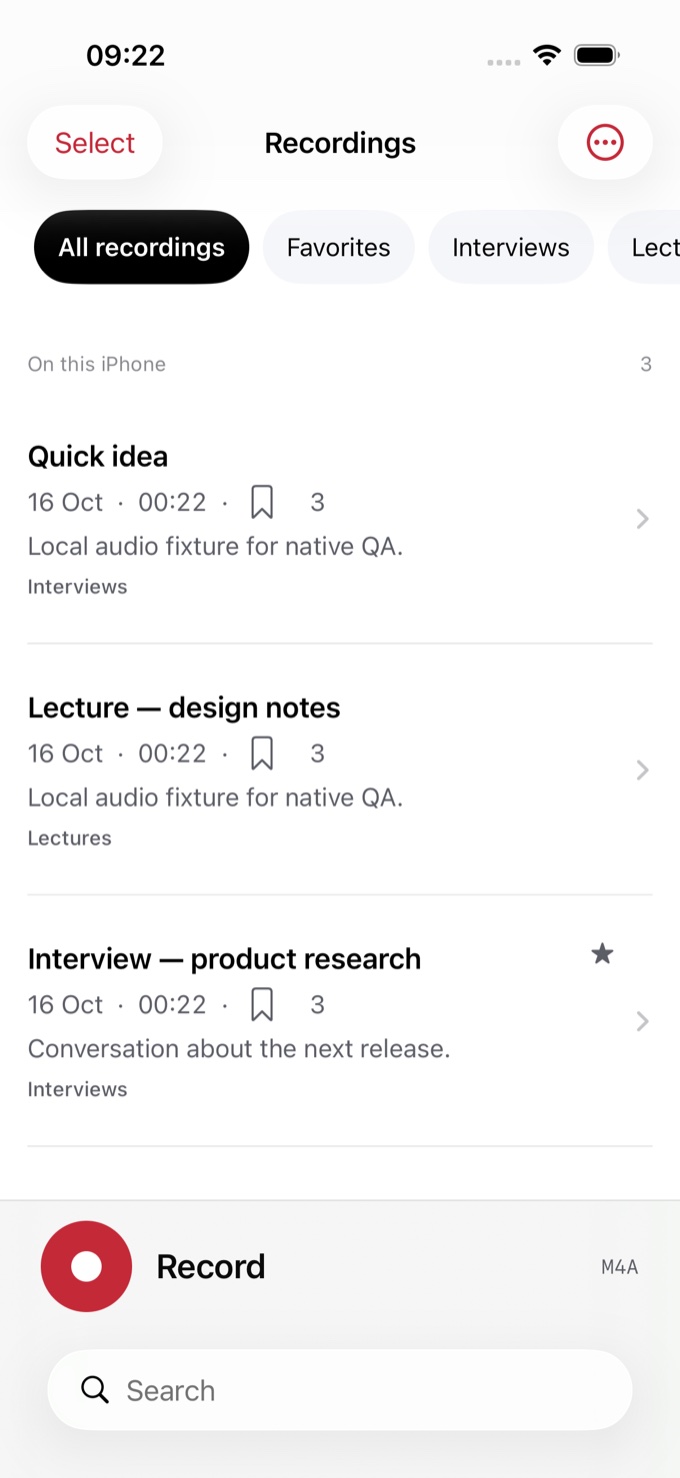
A month later, “Monday at 4:04” says very little. “Garden — contractor measurements” gives you a project and a reason to play the file. Either term is a way back to the recording.
Separate working clips from decisions
Keep one project together. For a larger job, add the phase to the title, such as “survey,” “meeting” or “handover.” Favorite the recordings you use often. When you see a row of mysterious filenames, rename them while you still remember what they contain.
Our app Voice Marks supports collections, titles, notes and favorites. Markers take you to a specific moment after you’ve found the file.
Voice Marks

