 SHENDZO
Audio recording
How to export audio notes with timestamps
Send a readable TXT file or use CSV when the notes will become a spreadsheet.
After an interview, send the editor a short list of useful excerpts. Each line can hold a timestamp, a topic and a note. “03:14 — schedule answer — start at the second sentence” is enough to locate it in the audio.
Match the format to the job
TXT works in an email or shared notes file. Use CSV when you want a spreadsheet with a status column. Send the audio separately if your collaborator needs to listen. Check the first timestamp against the player before handing both over.
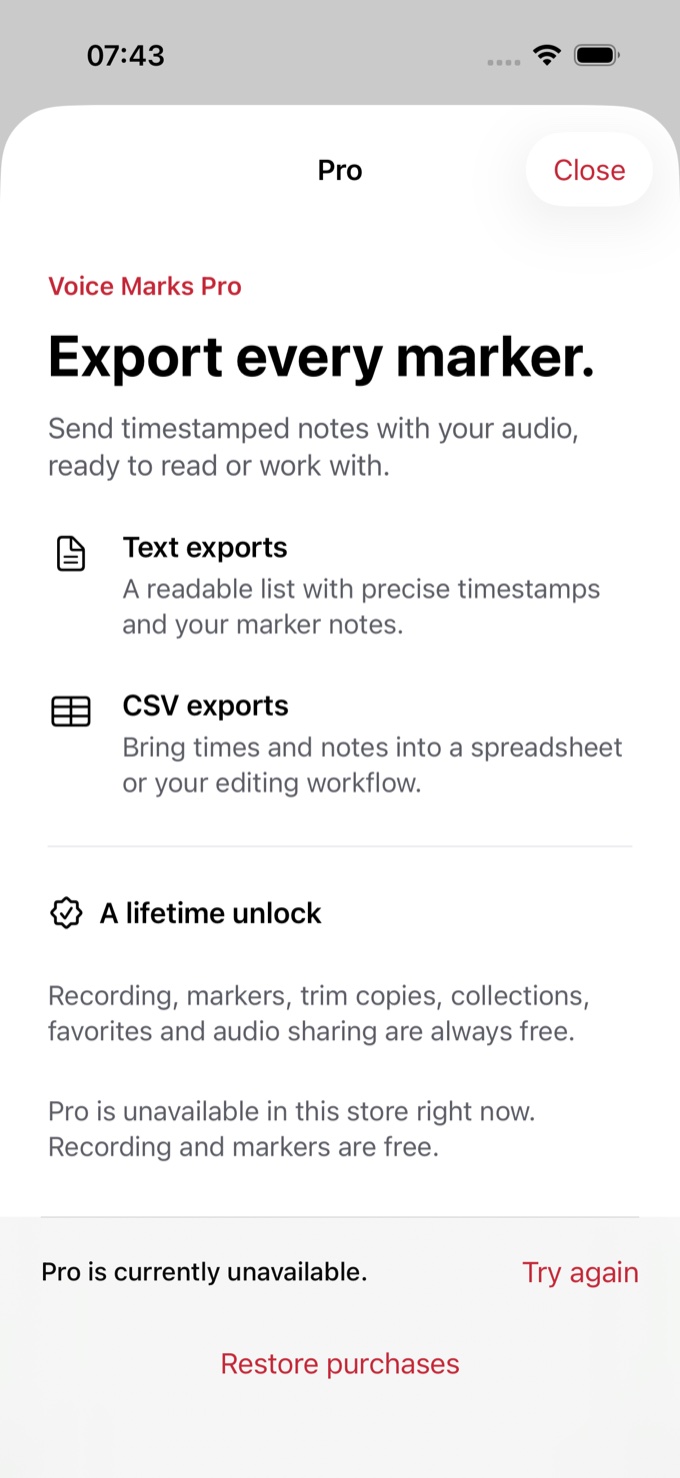
Our app Voice Marks includes recording and markers for free. Timestamped TXT and CSV exports for marker notes come with the one-time Pro purchase.
Voice Marks

