 SHENDZO
Product photography
How to make a white background for a product photo on iPhone
Start with an image where you can see the whole edge. Handles and cutouts need that separation, too.
Move the object a little away from the wall and toward a window. A pale mug can lose its rim against white if the edge has no contrast. Zoom in on a test shot and check the handle and rim before photographing the rest.
Inspect the edge on white
After isolating the object, look at the result at a larger size. A bright fringe on a dark product can come from the old background. A hard notch may mean part of the product was erased.
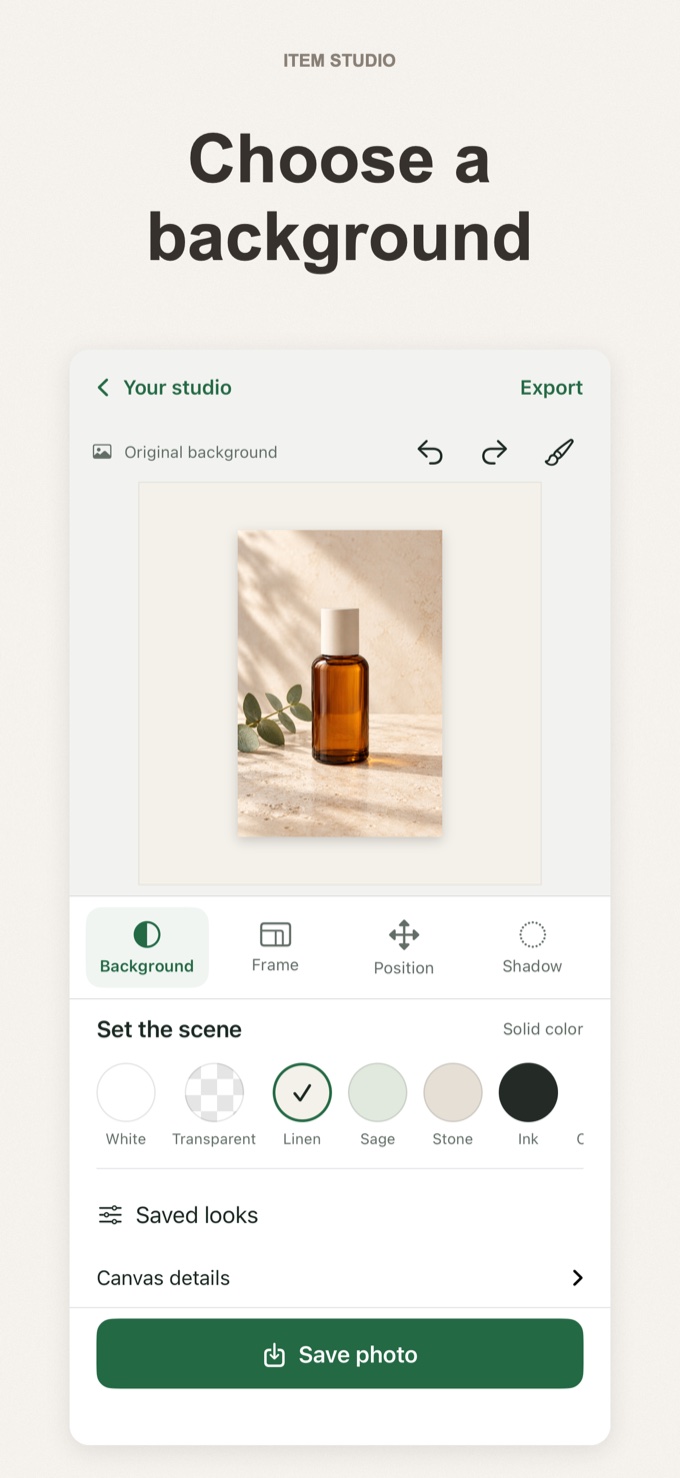
Our app Item Studio lets you isolate a product, put it on a white background and touch up the edge with a brush. Check your marketplace’s own image requirements before exporting the listing.
Item Studio

