 SHENDZO
Product photography
How to save a product photo as a transparent PNG
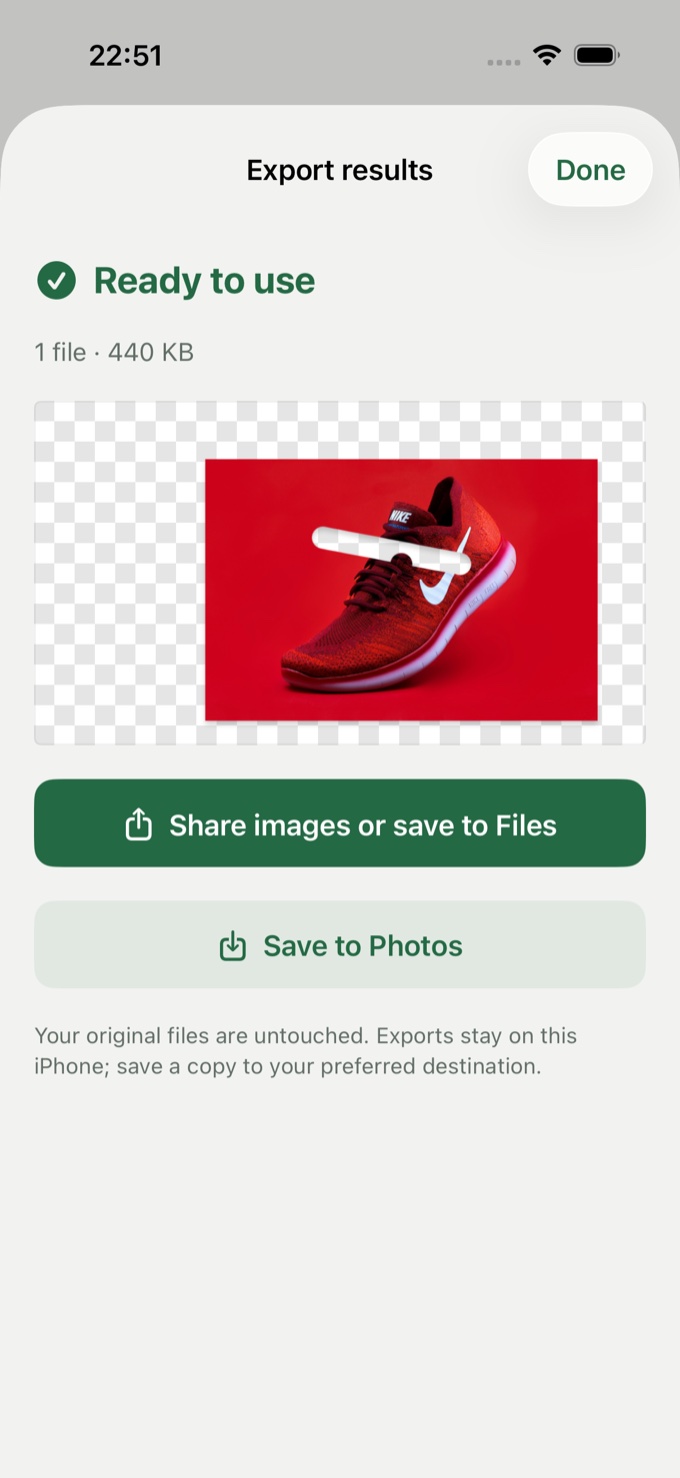
A checkerboard shows the transparent area in the editor. Test the exported PNG on two backgrounds.
A cutout bottle can look clean on a white page and reveal a pale halo around its cap on a blue banner. The background you’ll actually use is the one that exposes the problem.
Check the finished PNG
Place the exported file over both a light and a dark color. Inspect the spaces between small parts as well as the outer edge. JPEG works for a photo with a solid background. Choose a format with transparency when you need to place the product over other artwork.
Our app Item Studio exports a transparent PNG. Zoom in on tricky edges and use the restore brush to bring part of the mask back.
Item Studio

