 SHENDZO
Photo library
How to clean up screenshots on iPhone
Temporary screenshots are easy to forget. Start with one group and see which details you still need.
A pickup code usually stops being useful once you collect the order. A payment confirmation may matter a month later. When both are mixed in with every other screenshot, it helps to sort by what you used them for, such as shopping or travel.
Check where the original lives
Before removing an order screenshot, find the email or receipt in the shop’s app. Keep a screenshot if it holds your only copy of information you still need. Do the same for old addresses, booking dates and warranty details.
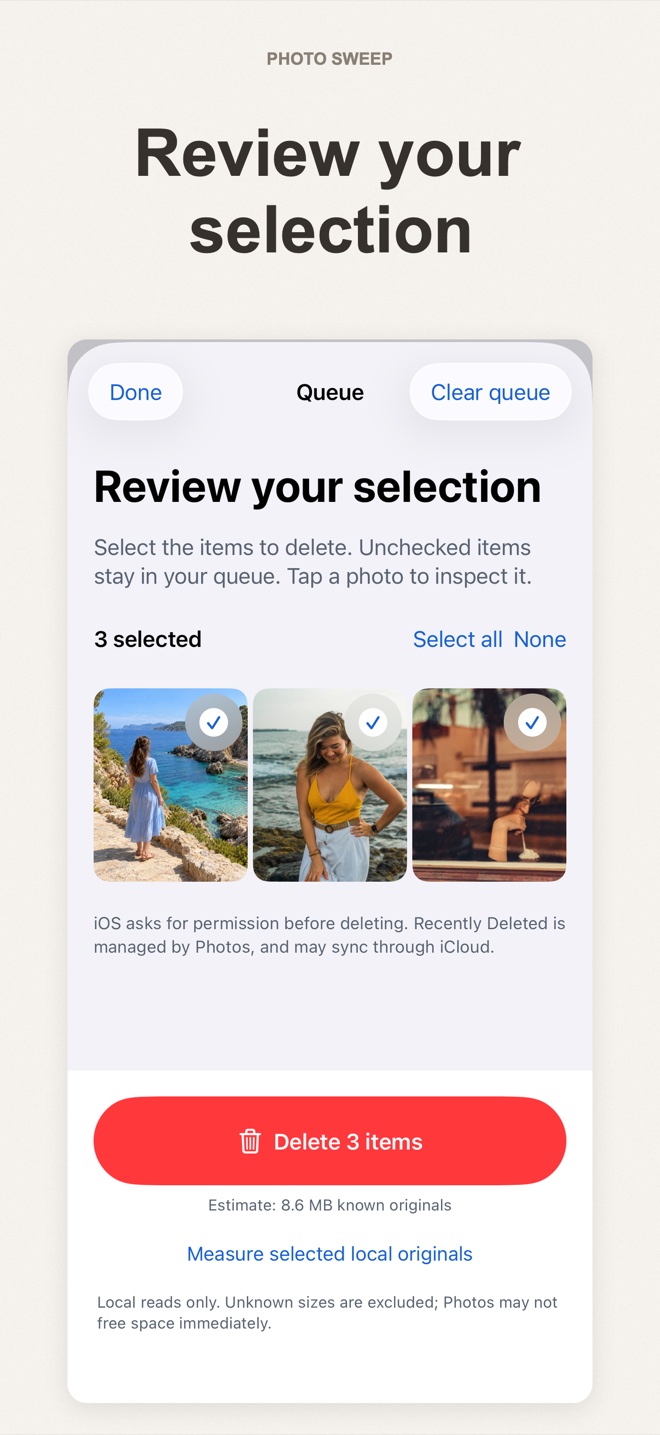
Our app Photo Sweep lets you browse screenshots on their own and add unwanted ones to a review queue. You can change your mind during the review. Photos handles the final deletion confirmation.
Make it a short session
Pick one month or event. After a trip, you might remove expired tickets while keeping the booking receipt and a route you’d like to use again. A specific batch is easier to finish.
Photo Sweep

