 SHENDZO
Photo library
Similar photos and duplicates on iPhone. How to tell them apart
Two copies and two neighboring frames can look alike in the grid, but call for different decisions.
A repeated import may leave you with a copy of the same picture. Two shots from one scene can differ in a blink or a hand movement. Those details disappear in thumbnails. Open both frames and zoom in where the subject moved.
Start with the obvious copies
Apple Photos has a Duplicates collection when it detects duplicates. For a series of distinct shots, find the frame that combines the expression and sharpness you want. Keep both if they have different uses.
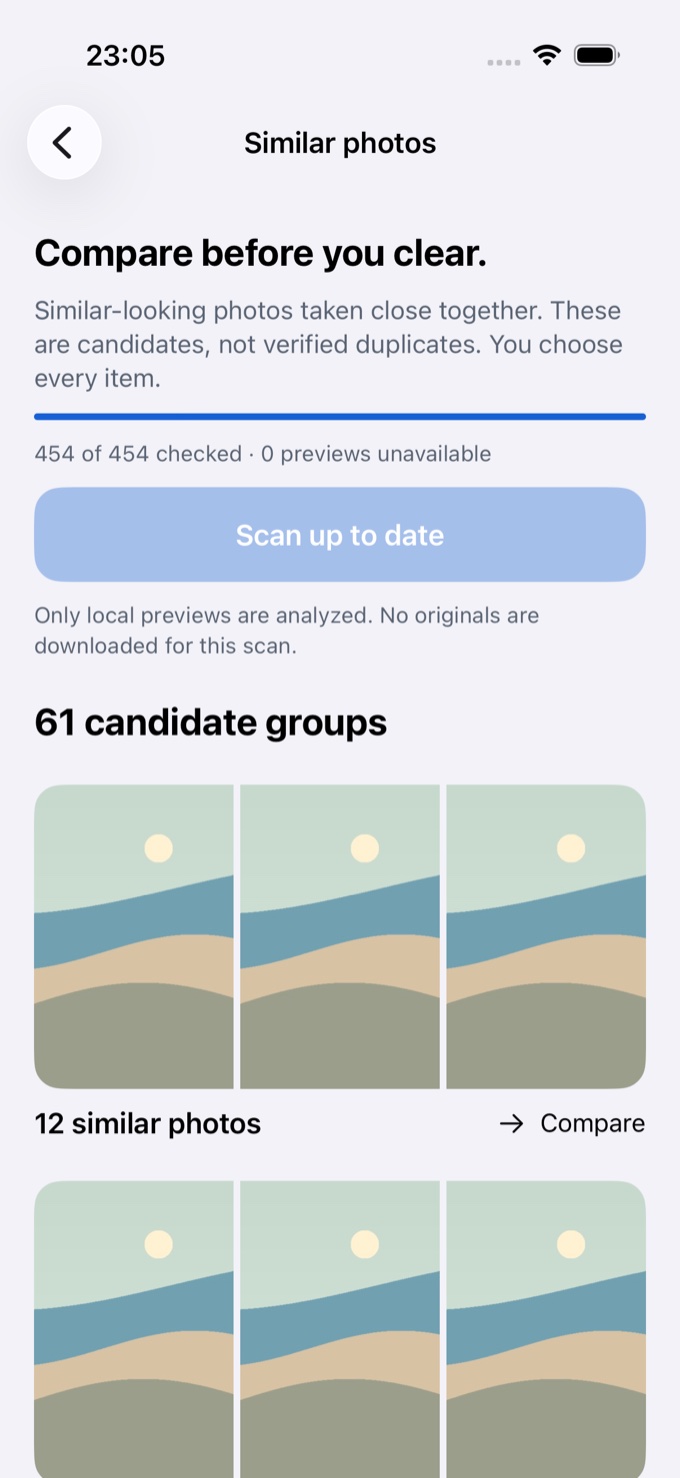
Our app Photo Sweep suggests groups of similar photos for manual comparison. You can review your choices in a queue before deleting anything.
Photo Sweep

