 SHENDZO
Photo library
How to review iPhone photos before bulk deleting them
Keep a photo when it has a job or would be hard to take again. Apply that rule once more before confirming.
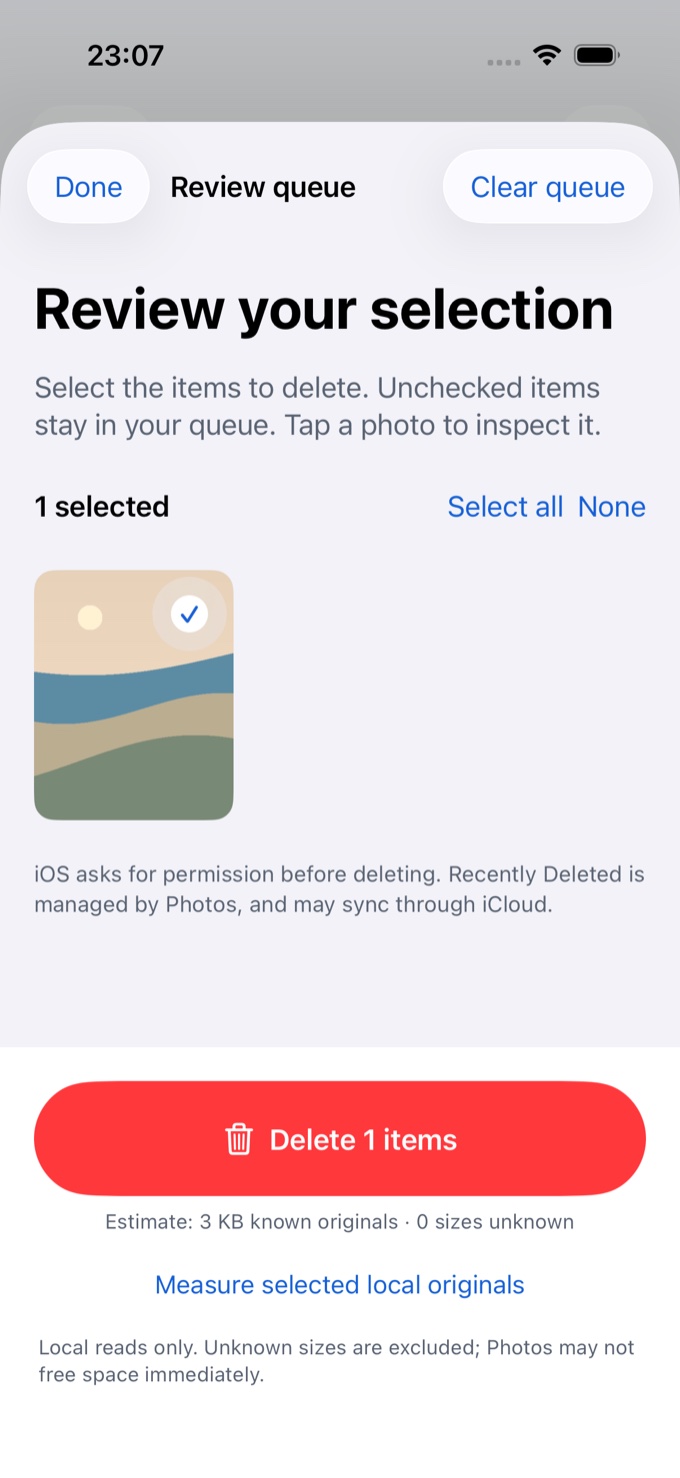
When you select forty images in a row, an important receipt can sit between disposable screenshots. Pause for a review pass. Open the documents, pictures of people and any image you couldn’t easily replace.
Check the selection before the system prompt
Verify the count and deselect anything uncertain. Deleted items normally remain in Recently Deleted for up to 30 days. With iCloud Photos, deleting a photo also removes it from connected devices.
In our app Photo Sweep, a review queue lets you open items and change the selection before iPhone shows the deletion confirmation.
Photo Sweep

