 SHENDZO
Drawing
How to print a tracing template at the right size
Measure the space you have, check the scale settings and print a test before you start tracing.
Your card has a space 10 centimeters wide, but the first PDF print came out at 12. Before tracing, print a test and measure the distance between the two outer points. It’s quicker than redoing the finished lines.
Prepare a clean template
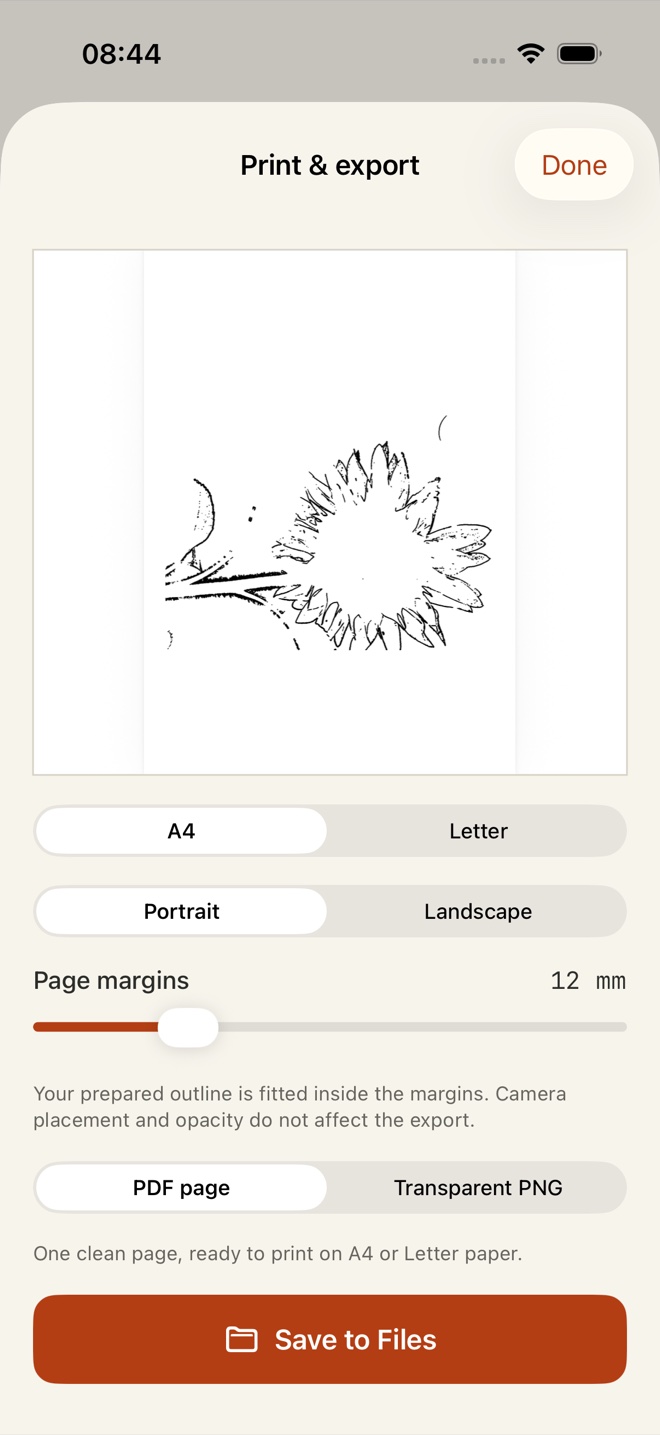
Leave a margin and make sure thin lines are visible. In our app Trace Paper, you can prepare an outline and export a printable PDF. Open the file before printing and check that none of the important edges run off the page.
Measure the next print
If your print dialog lets you set a scale, divide 10 by 12 to shrink the drawing from 12 to 10 centimeters. That’s about 83 percent. A fit-to-page option can change the size again, so measure the next print. If your printer offers no percentage control, size the drawing in an editor and try another test page.
Trace Paper

