 SHENDZO
Drawing
How to turn a photo into an outline for tracing
Choose a clear silhouette, trim the background and check whether the outline makes sense without the photo.
A picture of a dog on a patterned rug might look lovely, but the pattern can turn into dozens of stray lines. For a first tracing, choose a photo where you can see the ears, back and paws against a simple background.
Crop before you make the outline
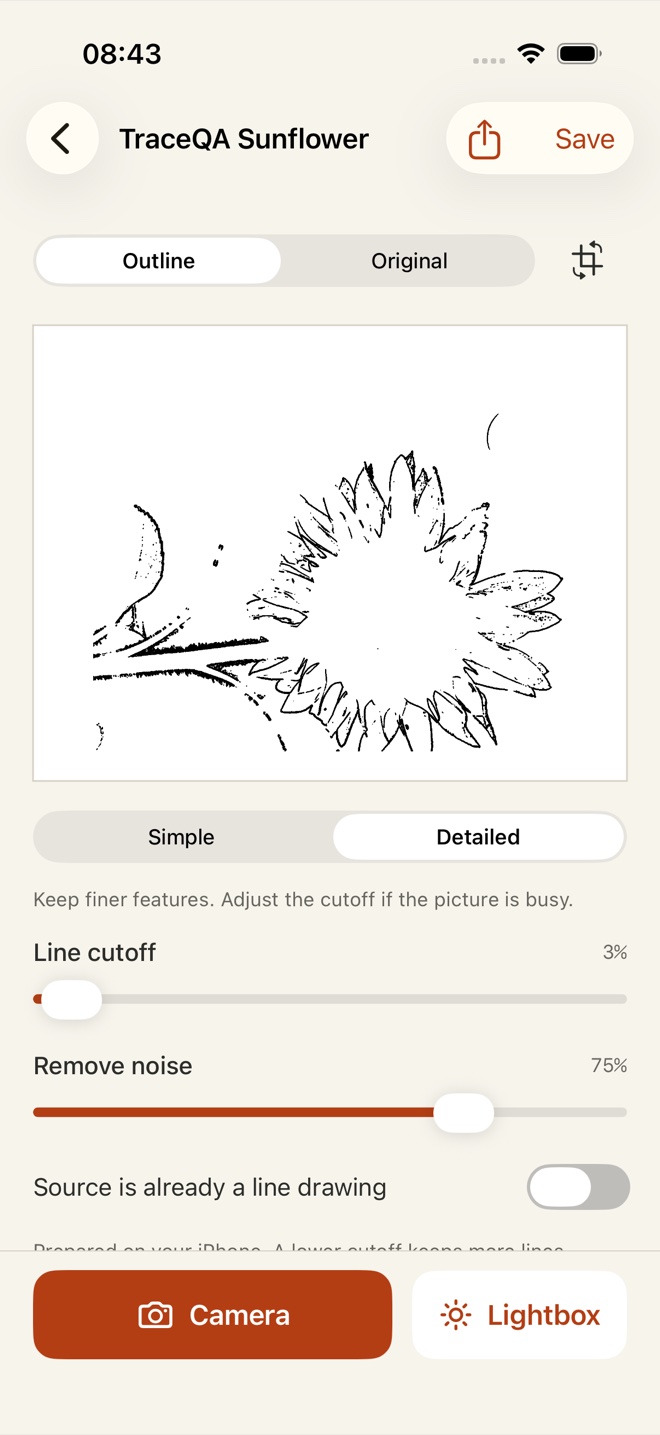
Leave a little breathing room around the silhouette. If the scene is busy, narrow the area you work with. Our app Trace Paper lets you crop a working copy, create a simple or detailed outline and adjust the cleanup.
Check it at a smaller size
Shrink the image or move the phone farther away. If the dog is still recognizable by its silhouette, you have enough to start. If a paw disappears, ease off the cleanup until the line comes back. You can add the fur by hand after transferring the main shapes.
Export the outline as a transparent PNG to continue in an image editor or as a PDF for printing.
Trace Paper

