 SHENDZO
Mobile video
How to save both iPhone camera views for editing later
A combined clip is ready to share. Separate camera views give you room to change the edit later.
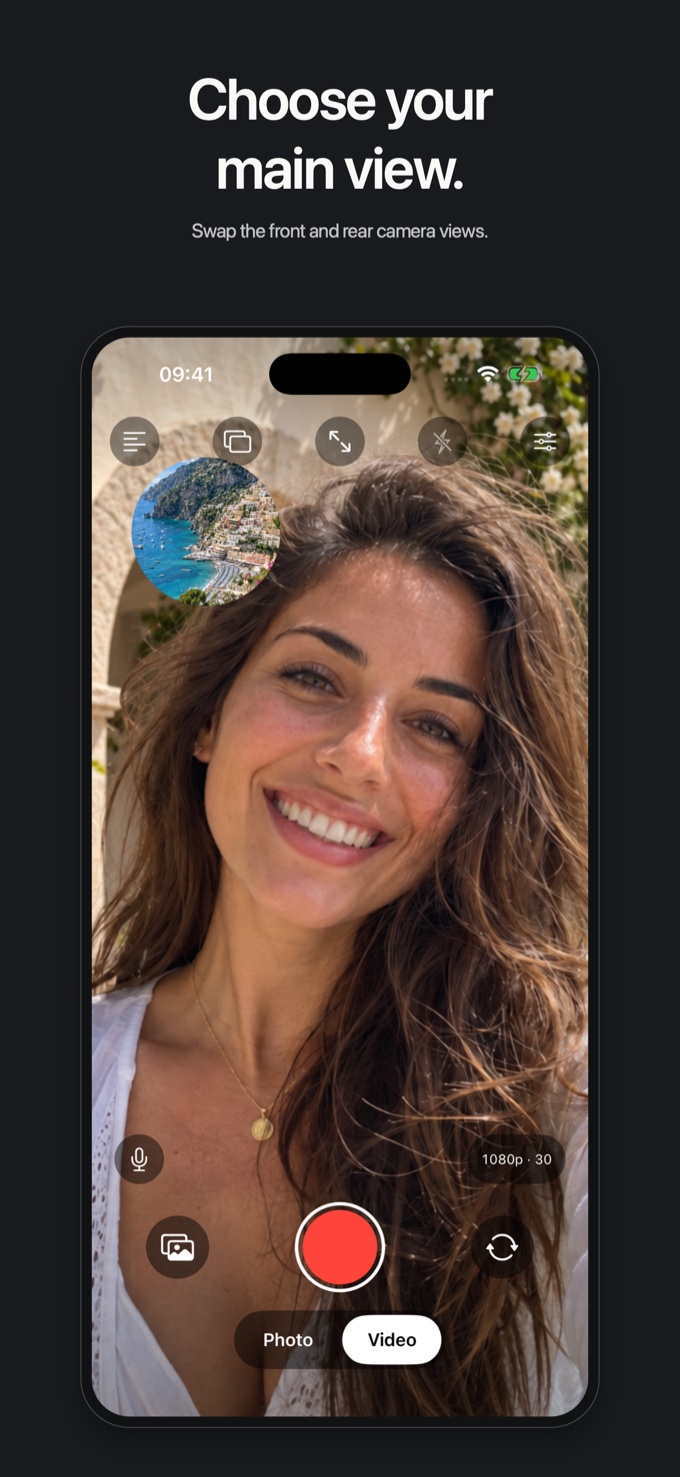
You film a birthday message: candles are being blown out, with the camera holder’s face in the corner. The combined clip is ready for the family chat. For a shorter edit, you may want a closer view of the cake or the reaction.
Choose what to save
On a compatible iPhone, our app Dual Camera lets you save the combined composition, the rear view, the front view or several of them together. The composition already contains both images. Separate files give you more room to edit.
New files in the free version carry a watermark. Both Sides Pro removes it from new captures. Files saved earlier do not change automatically.
Check storage and the result
Several files take more space than one. Before a long recording, check the phone’s available storage and make a short test take. Open the files you need and make sure both views and the sound were recorded as expected.
If storage is tight and you do not plan to edit, a single composition may be enough to share. Choose what to save before recording.
Dual Camera
Choose a combined clip and separate camera views. Pro removes the watermark from new recordings.

